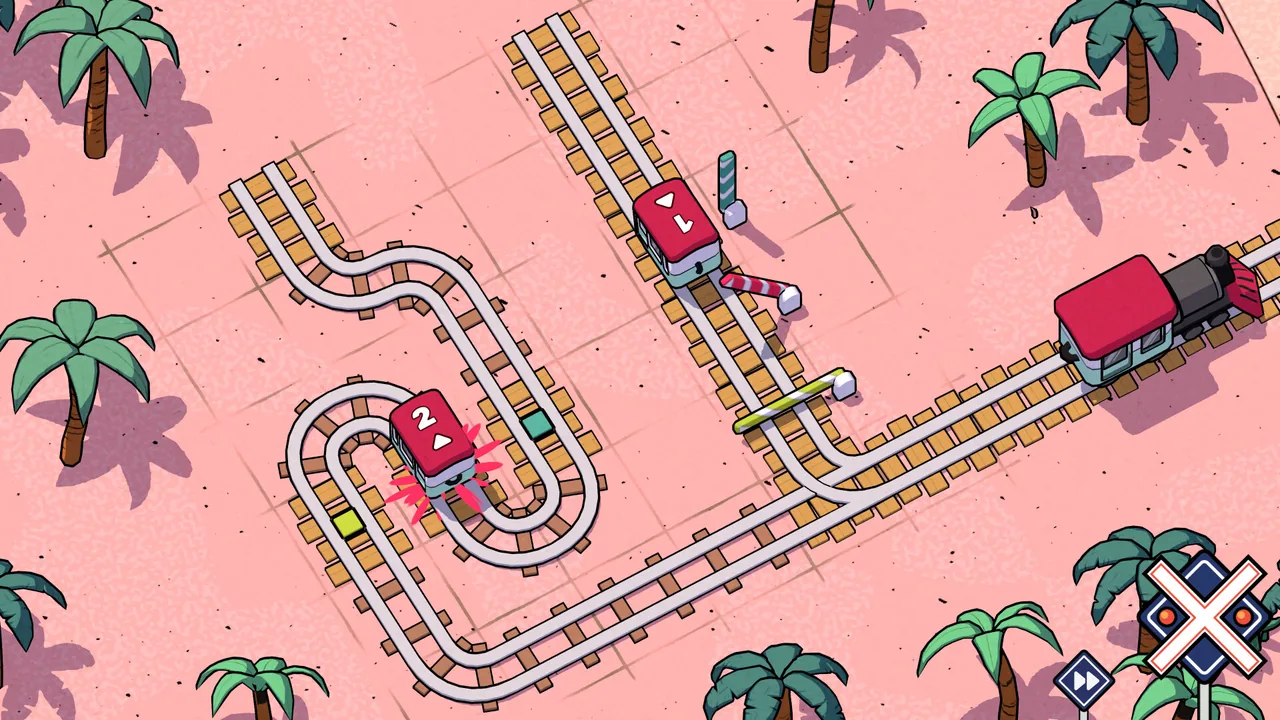
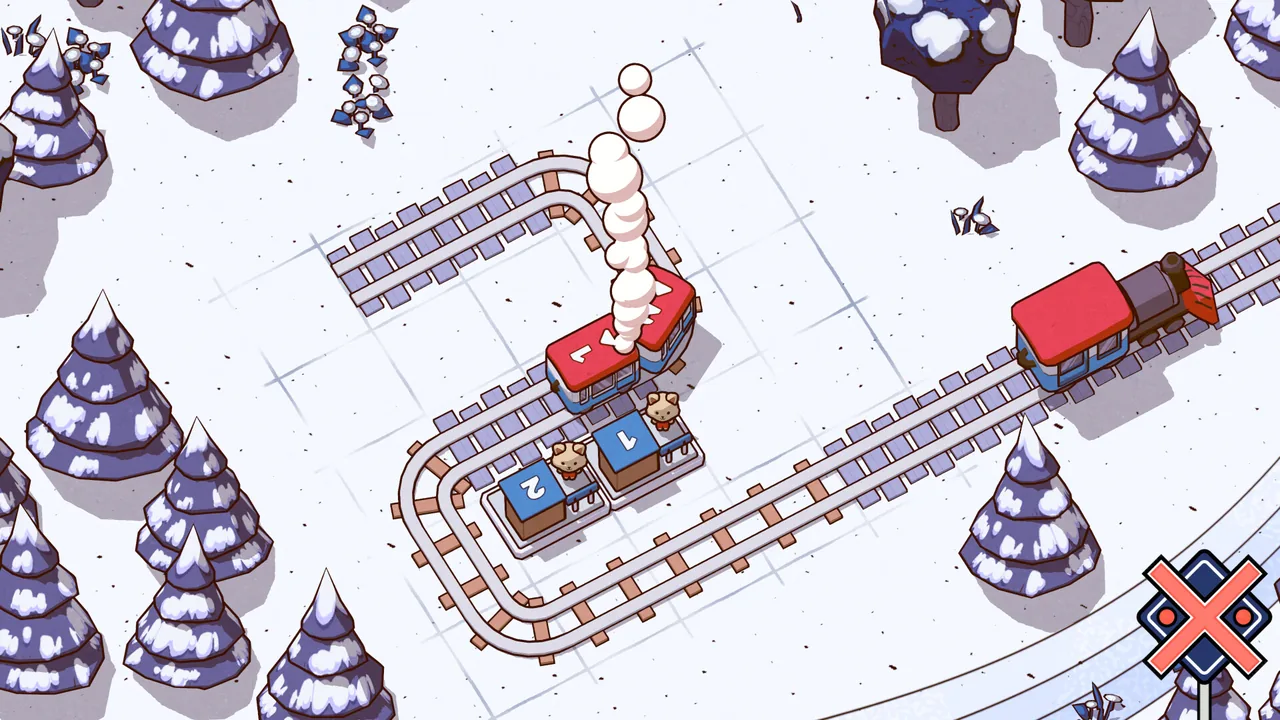
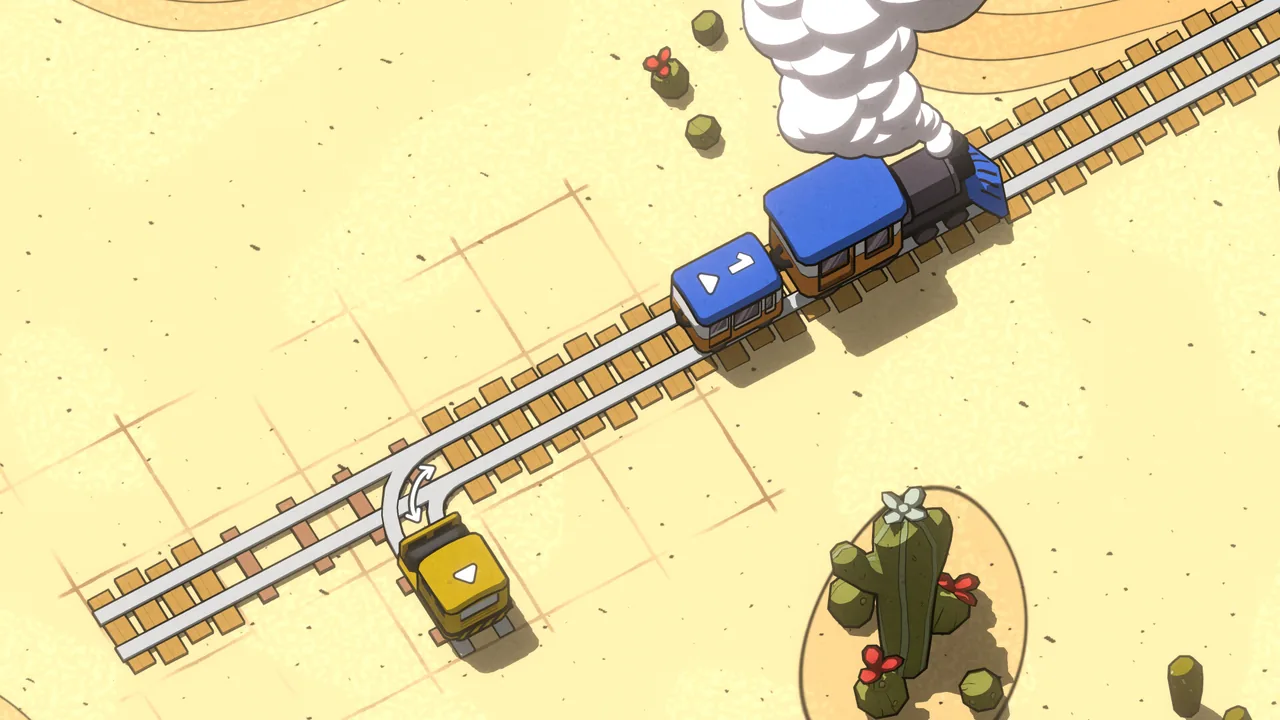
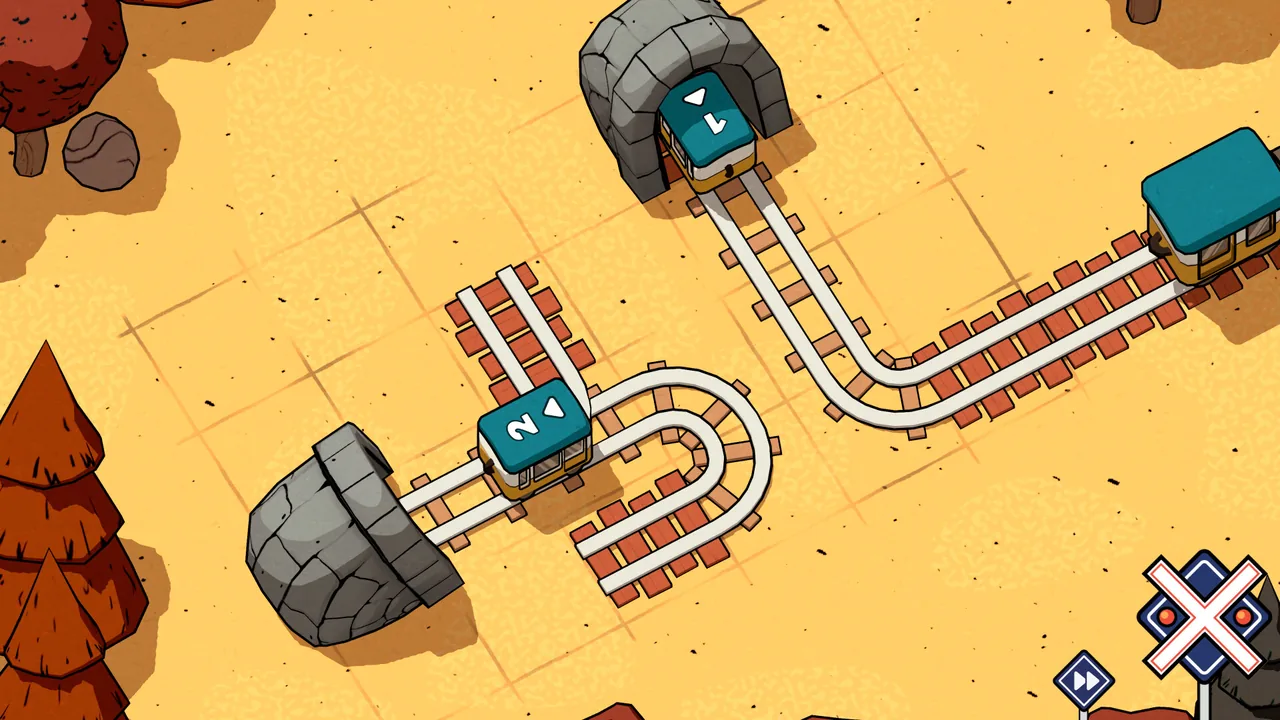
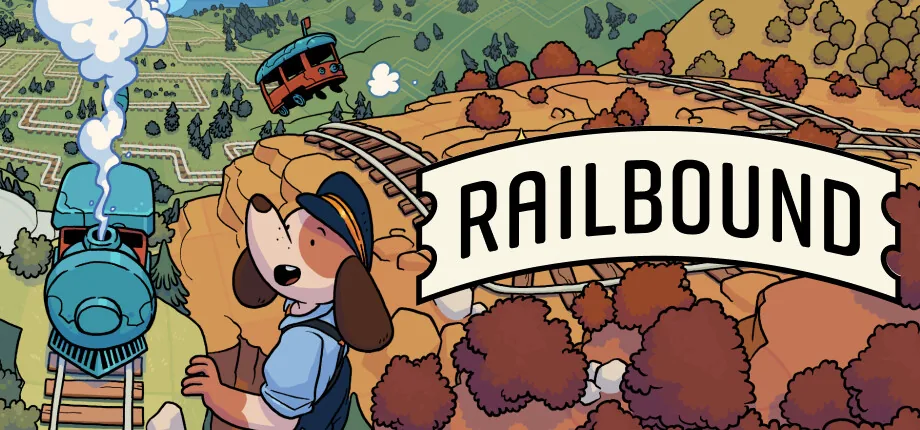
A puzzle game about placing, removing, and rerouting tracks to guide carriages to a locomotive. Consider numbered carriages and their positions, looking beyond connected track shapes to collisions and the order in which moving carriages couple.
Slow Motion Mode helps you review a route by slowing the action. It suits players who want to test ideas while choosing between observing movement themselves and using a small clue about track placement.
What makes it fun
Test ideas through revision
Watching carriage movements, revising tracks, and testing ideas can be enjoyable.
Satisfaction when it connects
Getting the tracks to work and solving a puzzle can feel satisfying.
A clue when stuck
Hints can feel helpful when your ideas run out.
Game details
As of Nov 17, 2026- Languages
- Japanese, English, Simplified Chinese, Korean / 11 languages total
- Official website
- afterburn.games
A typical session
Look at numbered carriages and the locomotive’s position when planning connections. Distinguish a route reaching its destination from the order of coupling.
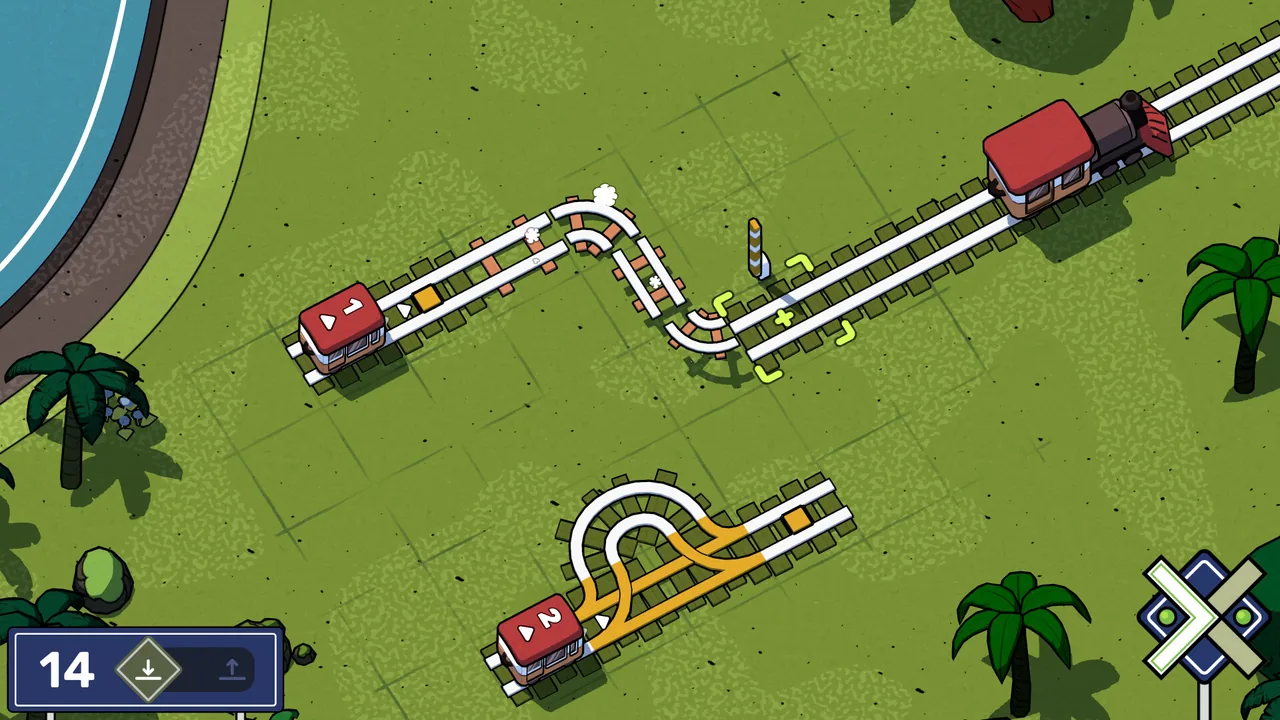
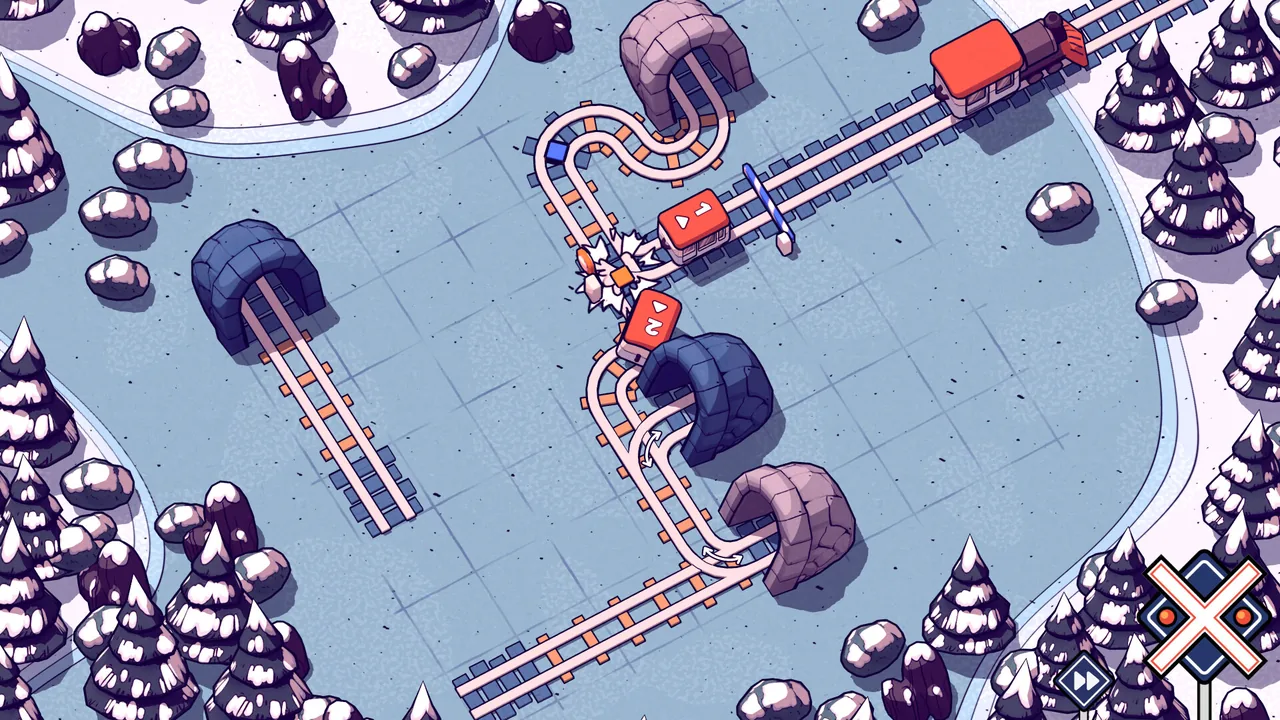
Place tracks, remove unwanted connections, and reroute them. Where tunnels, barriers, or track switches appear, consider their effects on movement too.
Set the carriages moving and watch where they go and in what order they connect. If the movement is hard to follow, Slow Motion Mode lets you slow it down for another look.
Reconsider the route after observing collisions and coupling order. If track placement has you stuck, a small clue from Hint System is another option.
Core systems
Tracks and coupling order
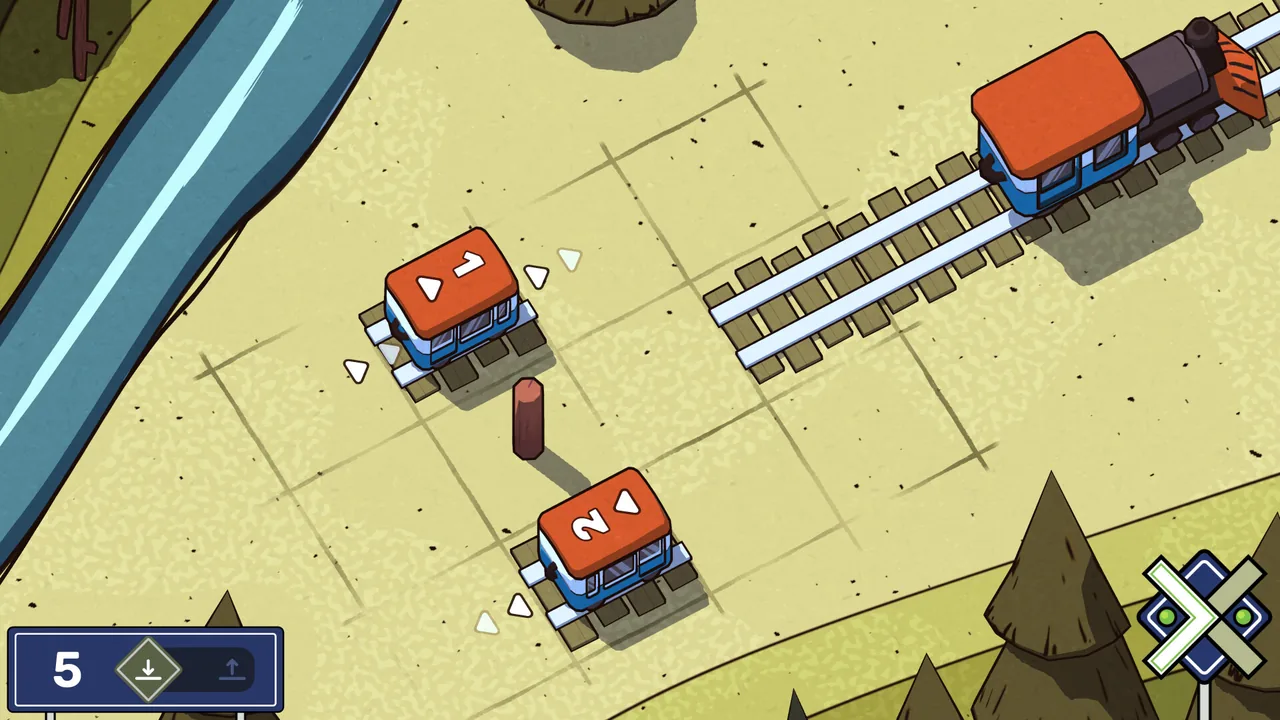
Place, remove and reroute tracks to guide carriages to the locomotive. Their coupling order can also be wrong.
Compare carriage numbers and routes to the locomotive when considering arrival order. Distinguish creating connected tracks from checking collision-free movement and coupling order.
Mechanics along the route Route mechanics
Tunnels connect distant places, barriers delay carriages, and switching tracks changes their direction.
Consider tunnel destinations, delays from barriers, and direction changes from switches separately. Consider separately where the route changes and where carriages are delayed.
Slowing down to observe Slow Motion Mode
Slow down gameplay to get a clearer look at where carriages are going.
Review overlapping movements or places where the result differed from your expectation. Treat this as an observation aid, distinct from changing the tracks themselves.
Clues to track placement Hint System
Enable it under Settings > Accessibility to access a top-right button offering a small clue about rail placement.
Choose whether to keep thinking independently or use a small placement clue. Treat it as partial help rather than assuming the whole route will be revealed at once.
What sets it apart
Consider the arrival order of carriages as well as connecting tracks to the locomotive. Decisions involve both the shape of the route on the ground and the movement of carriages along it.
Tunnels connect distant places, barriers delay carriages, and switches change their direction. Rather than treating every mechanism alike, distinguish its effect on destination and timing.
Slowing the action and obtaining a placement hint are different kinds of help. Consider whether you want to review what happened or need a clue when planning the tracks.
What players like
Observing movements and revising tracks to test ideas can be enjoyable.
Getting the tracks to work and solving a puzzle can feel satisfying.
Hints can feel helpful when ideas run out.
Common complaints
Planning the movements and arrival order of multiple carriages can feel difficult.
Repeated testing can feel more prominent than insight, making a solution feel less satisfying.
Who it’s for
A fit for watching a test run and reconsidering how the tracks connect.
A fit for planning carriage order alongside routes involving tunnels and barriers.
Who might not enjoy it
If you mainly want to connect track shapes, consider whether also accounting for collisions and coupling order suits you.
FAQ
- Can you watch carriage movements more slowly?
- Slow Motion Mode slows gameplay so you can review where the carriages go.
- Where do you access hints?
- Enable Hint System under Settings > Accessibility. A top-right button offers a small hint about where to place rails.
- Does the interface support Japanese?
- The current official Steam language table lists Japanese interface support.
94% Very Positive · US$12.99
View on Steam ↗Image: Railbound on Steam