A puzzle game about designing automated production lines, combining block flipping with operations such as welding and cutting to manufacture products.
You can rewind and edit a process in real time, revisiting its design while inspecting how it builds the product.
Refining a working design adds another pursuit alongside getting the product built.
What makes it fun
Turn a product into a process
Enjoy the tangible appeal of making recognizable objects and the room to devise your own process.
Revisit and revise
Rewinding to inspect intermediate states makes trying process revisions feel approachable.
Refine a working design
There is satisfaction in refining a process as well as producing the object.
Game details
As of Nov 17, 2026- Languages
- Japanese, English (Full audio), Simplified Chinese, Korean / 11 languages total
- Official website
- coincidence.games
A typical session
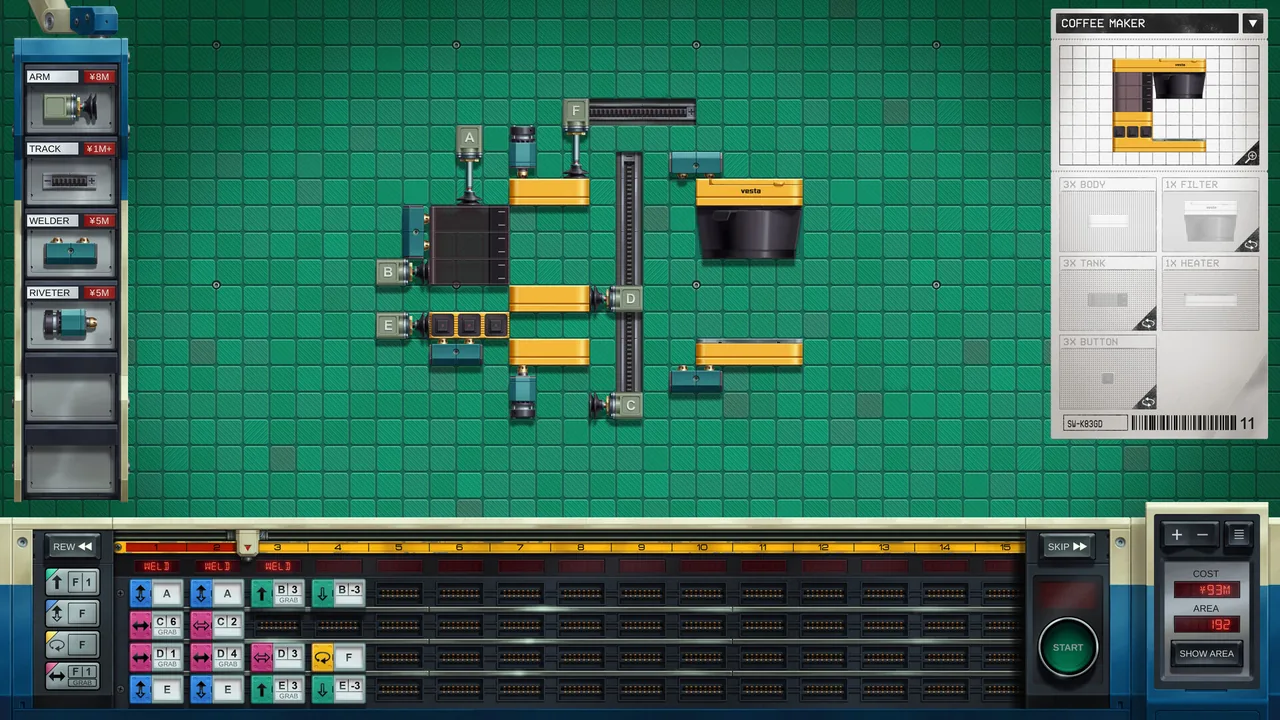
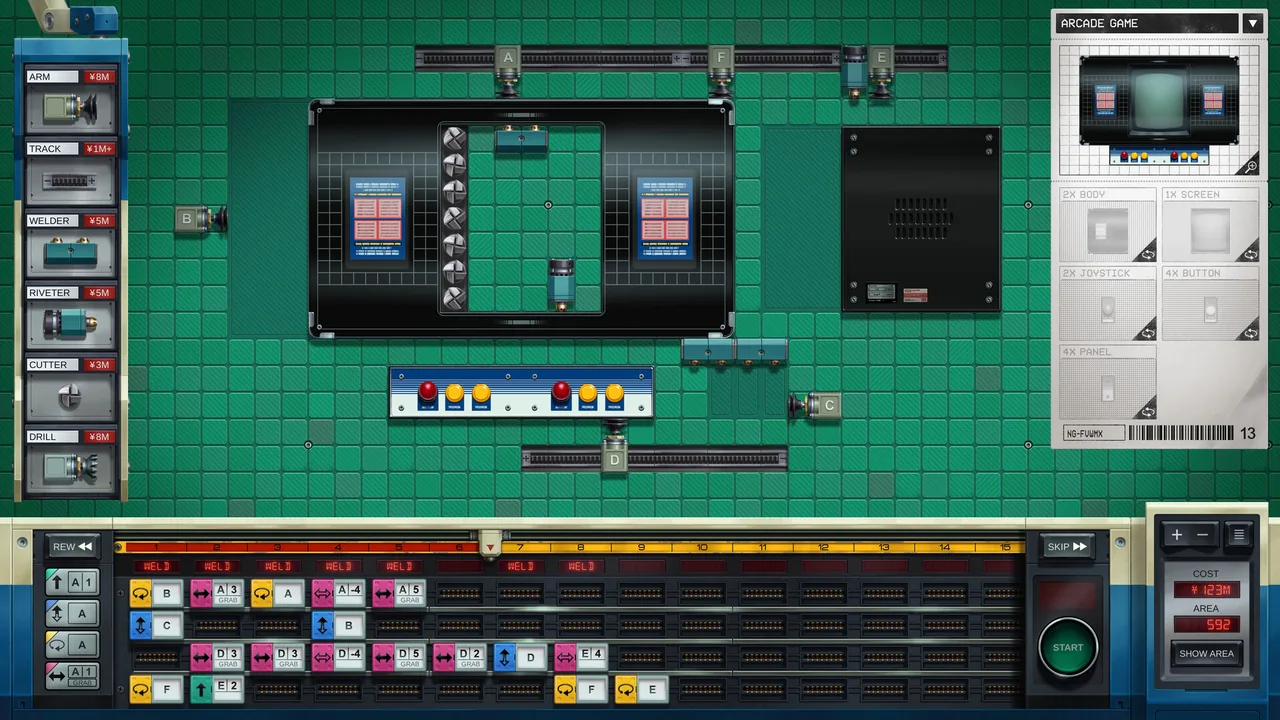
Inspect the required product and design a line by considering how to combine block orientation and processing.
Arrange instructions, run the process and inspect the sequence in which the object takes shape.
Rewind to a point you want to inspect and edit the instructions there to revise your design.
After building the product, work on refining the design with help from histograms, and export animations you want to show as GIFs.
Core systems
Production-line design
Design a production line that creates the required product by changing block orientation and combining operations such as welding and cutting.
Look at the intended product’s shape and think through which operations to use and in what sequence.
Instruction editing
The workspace has instruction rows along the bottom, and instructions can be revised using cut, copy and paste.
When revising a process, distinguish instructions to reuse from those to rework rather than rewriting parts you want to retain.
Rewinding and real-time editing
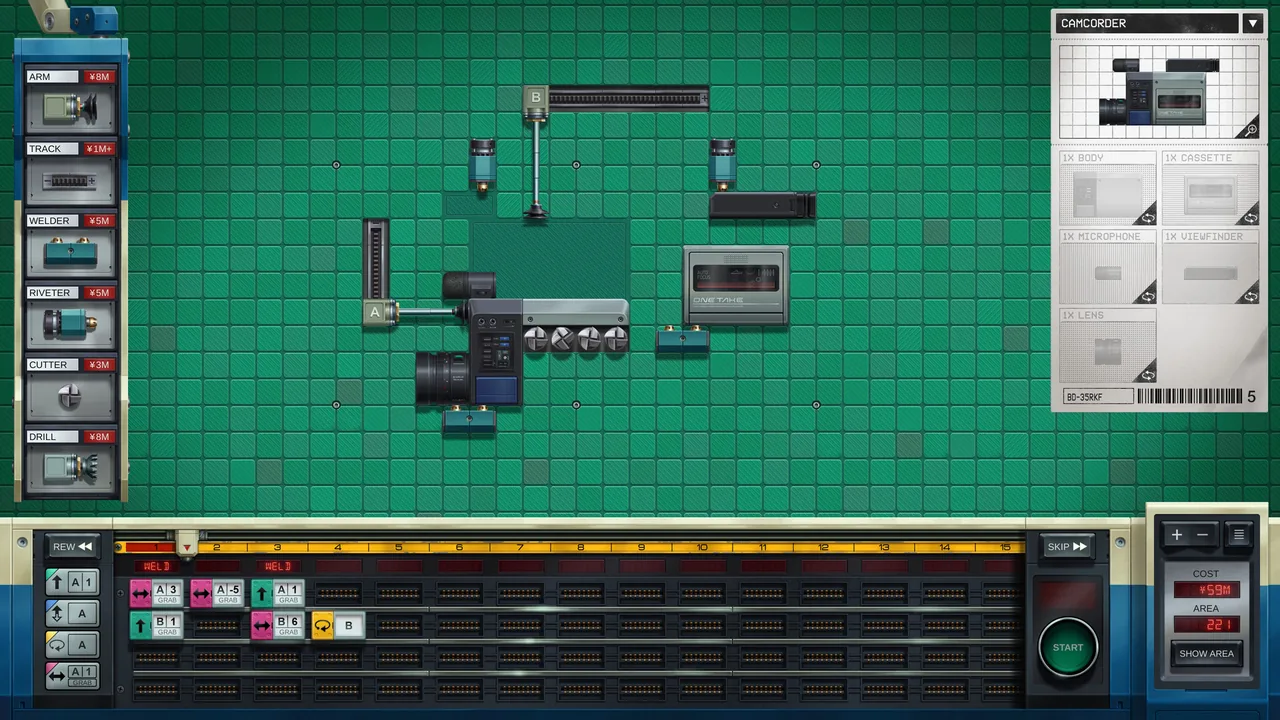
Rewinding and real-time editing let you revise a design while inspecting intermediate states of the process.
Look beyond the final shape: return to a point you want to inspect and watch how changing instructions affects the motion.
Histograms and refinement
Result histograms provide information to consult when refining a design that makes a product.
Separate getting a product-making design working from further refinement when deciding what to work on.
What sets it apart
Rewinding and editing let you focus on intermediate steps in the process, rather than only on the finished product.
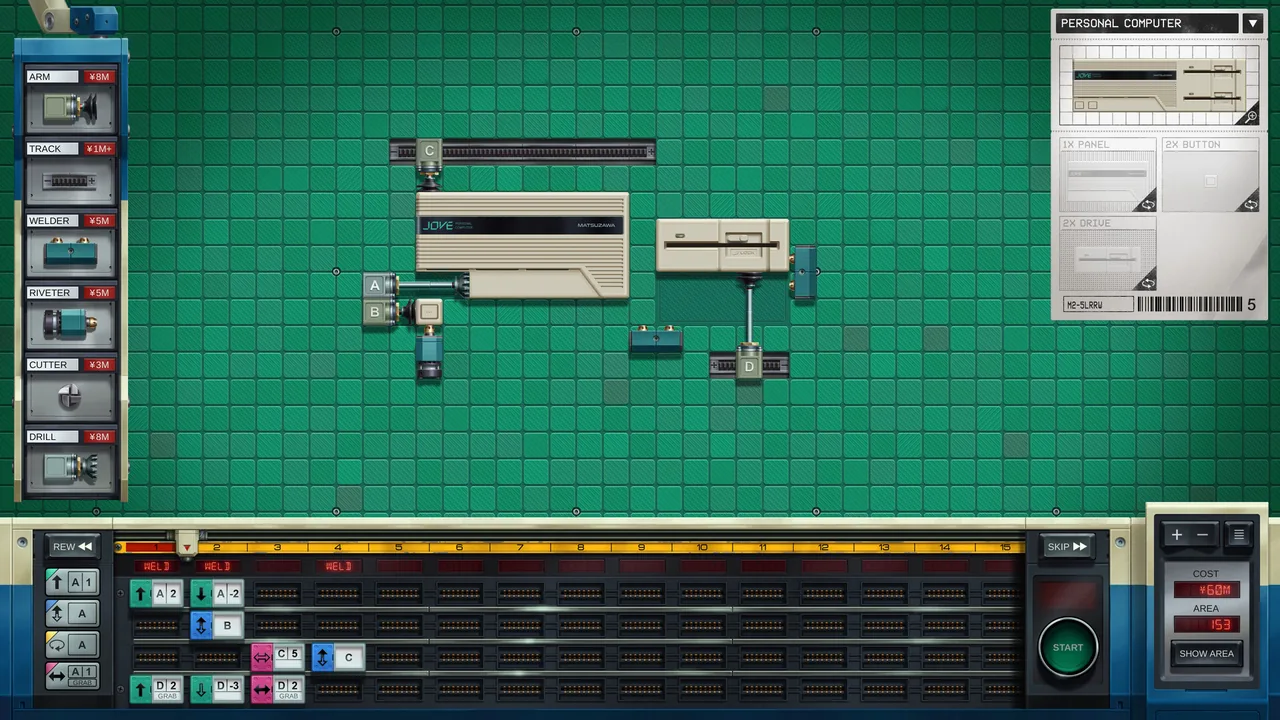
Building recognizable objects, rather than just arranging abstract shapes, gives the work a tangible appeal.
Exporting animated GIFs lets you show the process in motion as well as the product it creates.
Learning curve and difficulty
Practise choosing a point to inspect with rewind, then editing there to observe the change rather than altering the whole process at once.
Use instruction cut, copy and paste to separate what you want to keep from what you want to rework.
Revisit a working design as something to refine, using the result histograms as a guide.
What longtime players say
Getting a process working and then revisiting it, or refining the design itself, brings satisfaction and leaves room to think beyond producing the object.
The puzzles feel open to personal approaches rather than like exercises in following a single prescribed sequence.
For continued refinement, alternate between inspecting results and rewinding the process to look for possible improvements.
What players like
Inspecting intermediate states and checking changes partway through a process makes revisions feel approachable.
Recognizing what you are making gives the assembly of component shapes a tangible sense of manufacturing a product.
The breadth of possible approaches leaves room to construct a process of your own.
Revisiting a process and refining its design is satisfying in itself.
Common complaints
As assembly continues, the mechanics can feel repetitive, leaving a sense of sameness even when making new products.
The puzzles are enjoyable, but the story feels less engaging.
Who it’s for
Suited to players who want to break a product’s shape into orientation and processing steps and build a process of their own.
Suited to players who want to rewind a process and repeatedly refine its design while inspecting changes.
Who might not enjoy it
If the factory setting is your main attraction, consider that the central activity is designing production processes, arranging instructions and revisiting their motion.
FAQ
- Does the Steam version support Japanese?
- The current Steam version supports a Japanese interface.
- Can you rewind your process?
- Rewinding and real-time editing are available.
- Can you share an animated version of your design?
- You can export animated GIFs.
91% Very Positive · US$19.99
View on Steam ↗Image: Kaizen: A Factory Story on Steam