


Reviewers enjoy letting progress unfold beside other activities and occasionally intervening. The appeal is returning to growing progress rather than continuously concentrating on controls.
What makes it fun
A defender to check in on
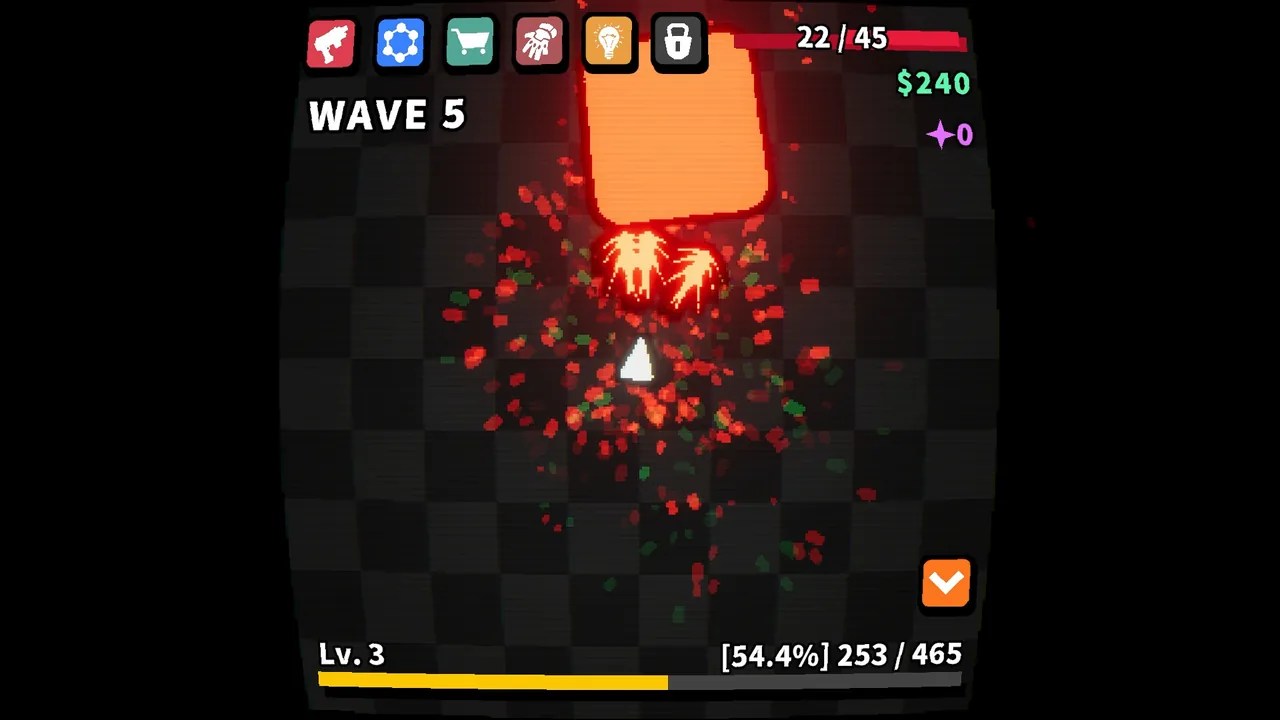
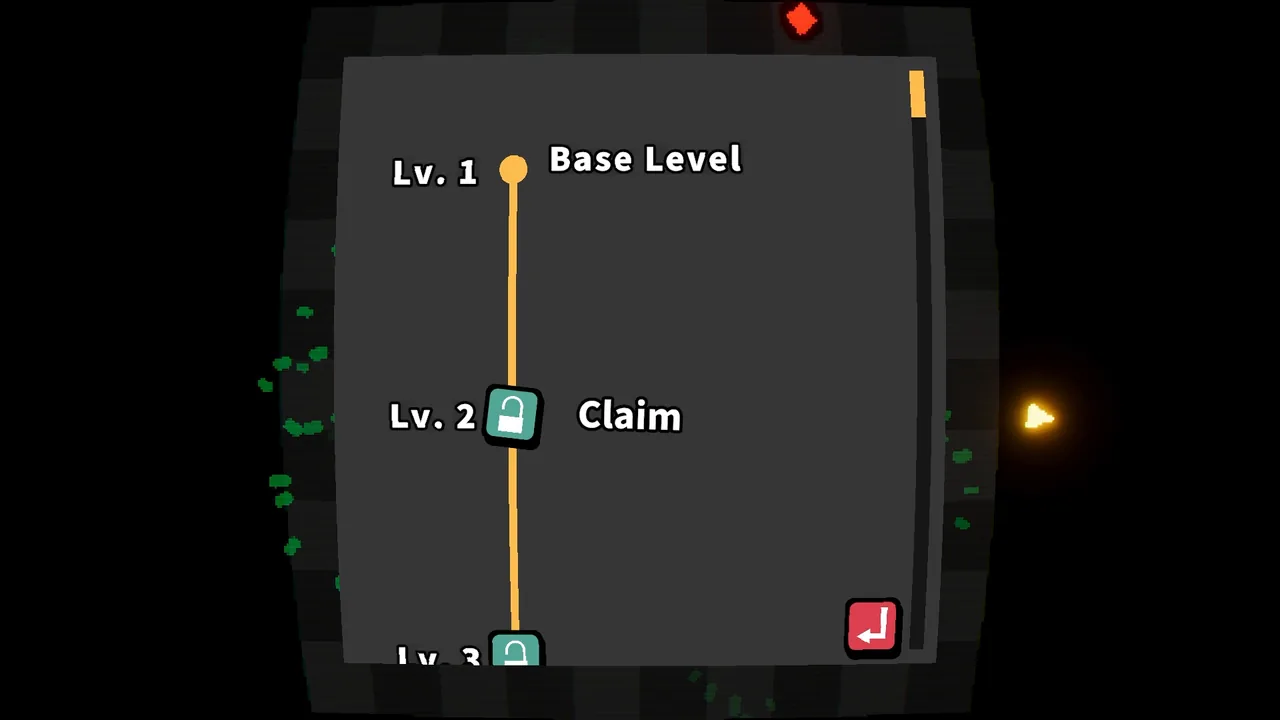
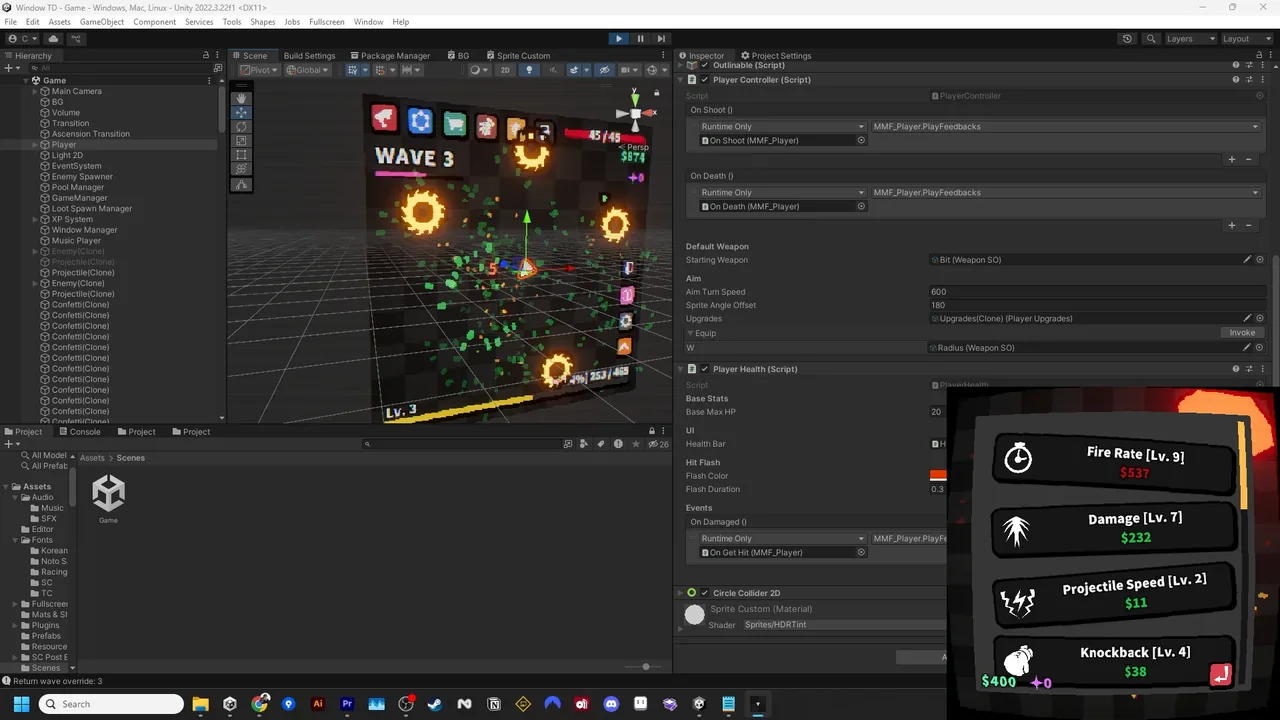
Your little defender keeps fighting in a corner of the screen while you do other things. Come back to buy upgrades, then see how it fares the next time you check in.
Weapons change how attacks reach enemies
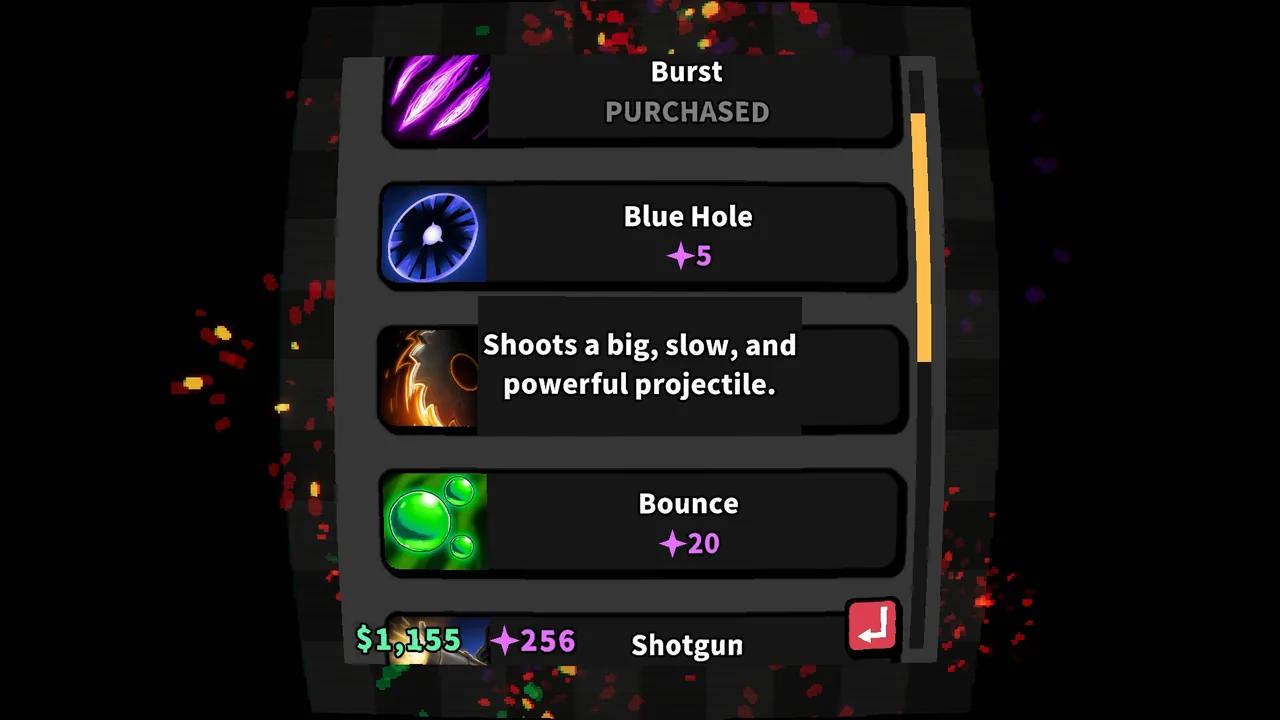
One weapon can attack all around the defender, while another pierces enemies in a line. Even with automatic combat, switching weapons changes how you hit a crowd.
Game details
As of Oct 29, 2026- Languages
- Japanese, English, Simplified Chinese, Korean / 19 languages total
A typical run
An idle game about upgrading a tower fighting in your screen’s corner.


What sets it apart
One player enjoys how changing weapons and equipment changes the way enemies fall.
Learning curve and difficulty
One post considers the drawbacks of loot alongside its benefits. The writer finds room for participation in weighing those drawbacks and combining items, rather than simply stacking powerful gear.

What players like
Reviewers enjoy playing alongside other activities.
Common complaints
Reviewers found buying upgrades or checking in frequently cumbersome.

Who it’s for
Players who want to check progress and intervene between other tasks.
Who might not enjoy it
Players wanting even upgrade purchases to happen automatically.

92% Very Positive ・ US$4.99
View on Steam ↗Image: Desktop Defender on Steam