Predy Media > Articles > Comparison
Comparisonshapez vs shapez 2 - Factory:
what to reuse and what to keep producing
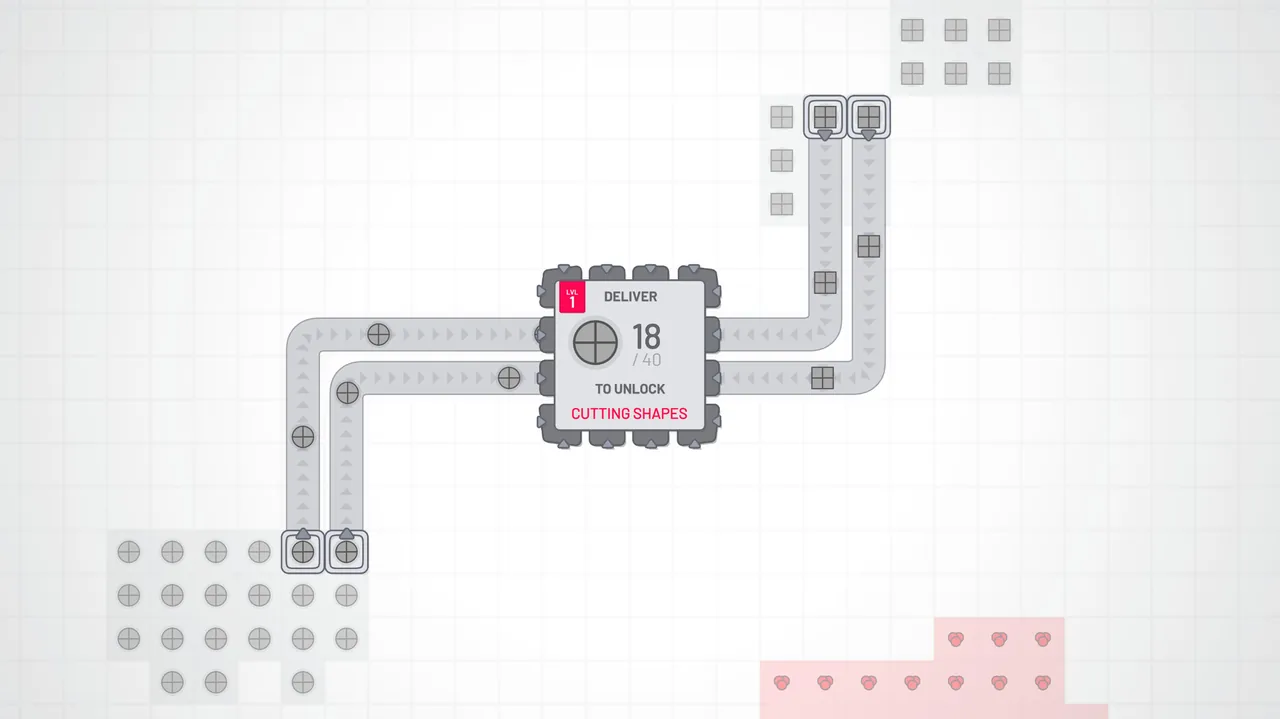 shapez
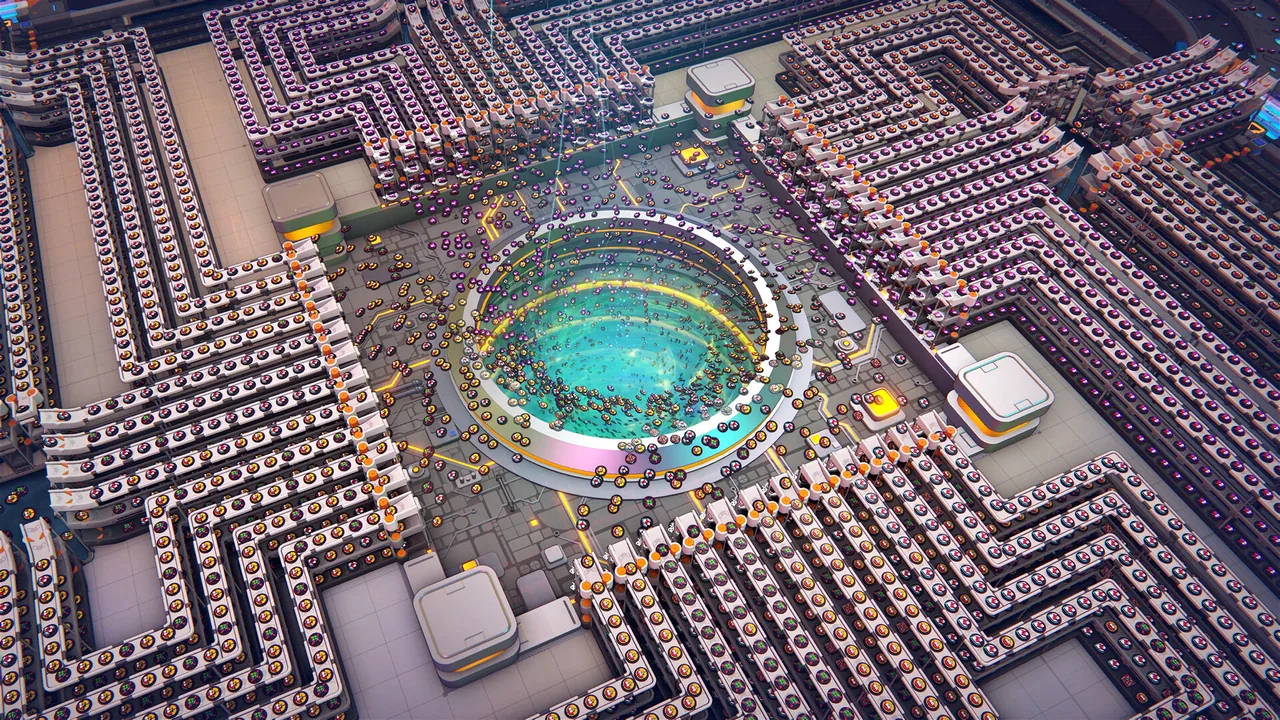 shapez 2 - Factory
Images: Steam store (shapez, shapez 2 - Factory)
Both shapez and shapez 2 - Factory let you expand a shape factory through copying and logic controls.
To choose between them, consider what you want to reuse for the next objective and which supply lines you want to keep running.
We compare area-based blueprints and upgrade stock in shapez with process-based platforms and the linked supply chains of Manufacture Mode in shapez 2 - Factory.
Which one is for you
 shapez is for you if…shapez suits players who want to reuse sections of a factory while also setting up production of the blueprint shapes needed to paste them.If you would rather build a system that reads the requested shape and switches production than rework the factory for each new target, look at the HUB signal in Freeplay.
 shapez 2 - Factory is for you if…shapez 2 - Factory suits players who want to save platforms for individual processing steps, then reconnect them like parts from a toolkit.If you want earlier factories to keep running and increase their output as you add later stages, look at Manufacture Mode’s Trade Stations.
Screenshots
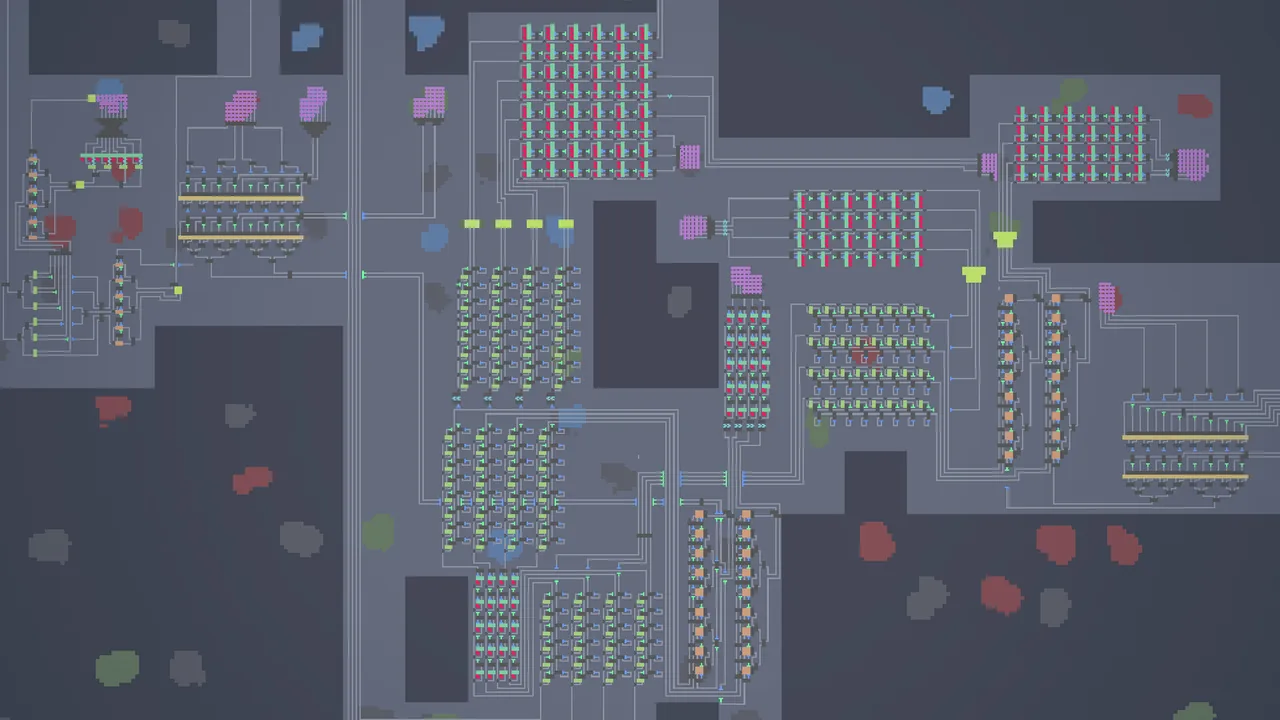
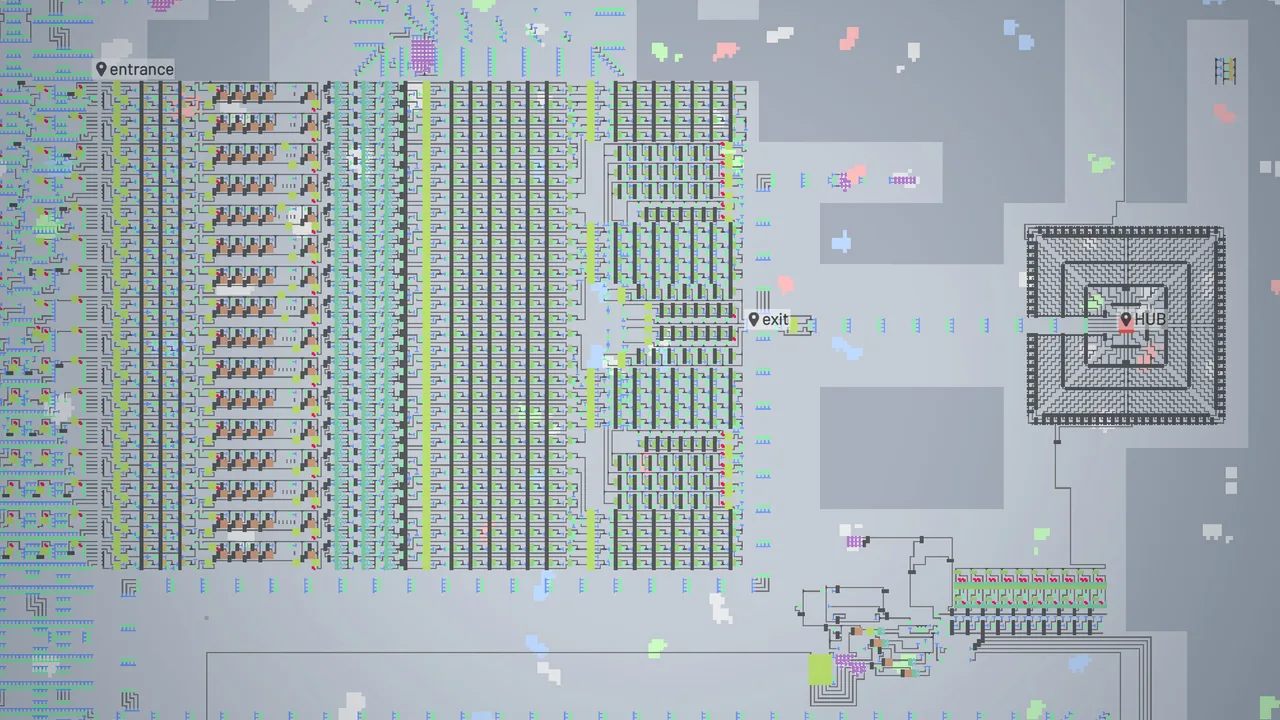
shapez
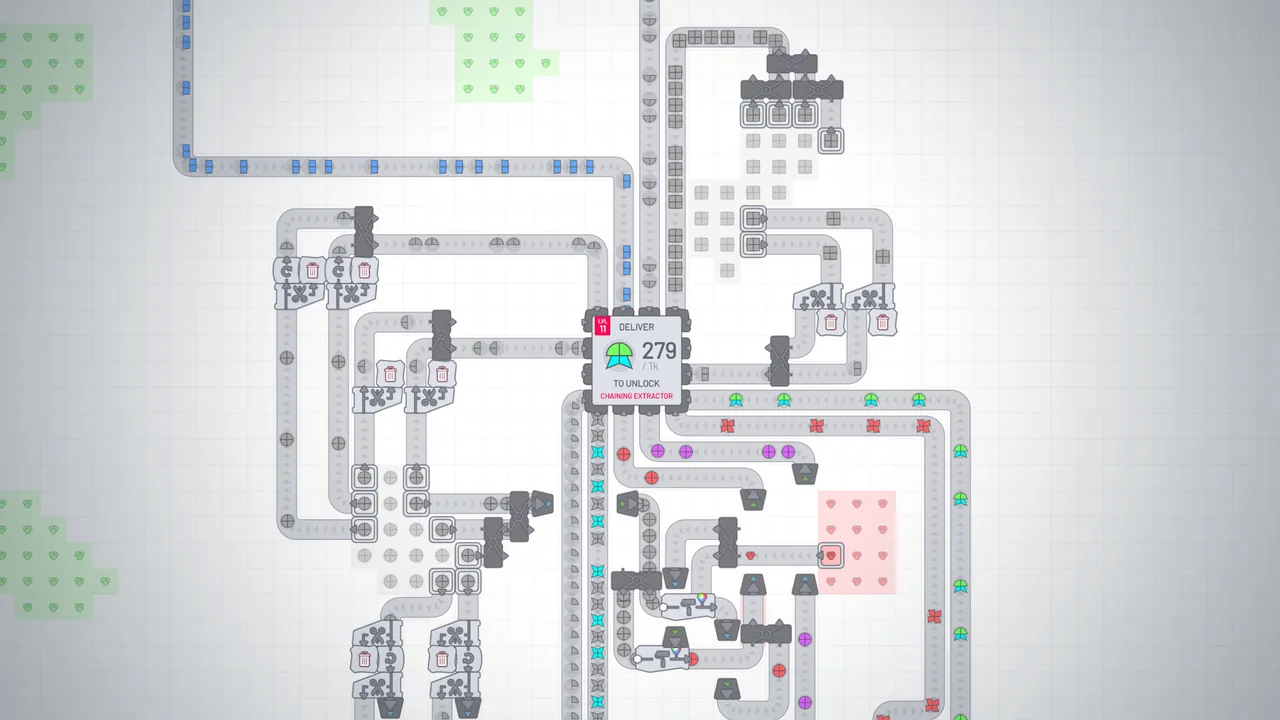
shapez 2 - Factory
Steam data side by side
| shapez | shapez 2 - Factory | |
|---|---|---|
| 96%Overwhelmingly Positive14,377 reviews · all languages | Positive reviews | 96%Overwhelmingly Positive14,070 reviews · all languages |
| US$0.99-90% | Price (United States) | US$17.99-40% |
| 25.2 hours | Playtime at review | 25.6 hours |
| Playable | Steam Deck | Playable |
| Jun 7, 2020 | Release date | Apr 23, 2026 |
| Tobias Springer | Developer | tobspr Games |
| Japanese, English, Simplified Chinese, Korean | Languages | Japanese, English, Simplified Chinese, Korean |
What each game is
shapez
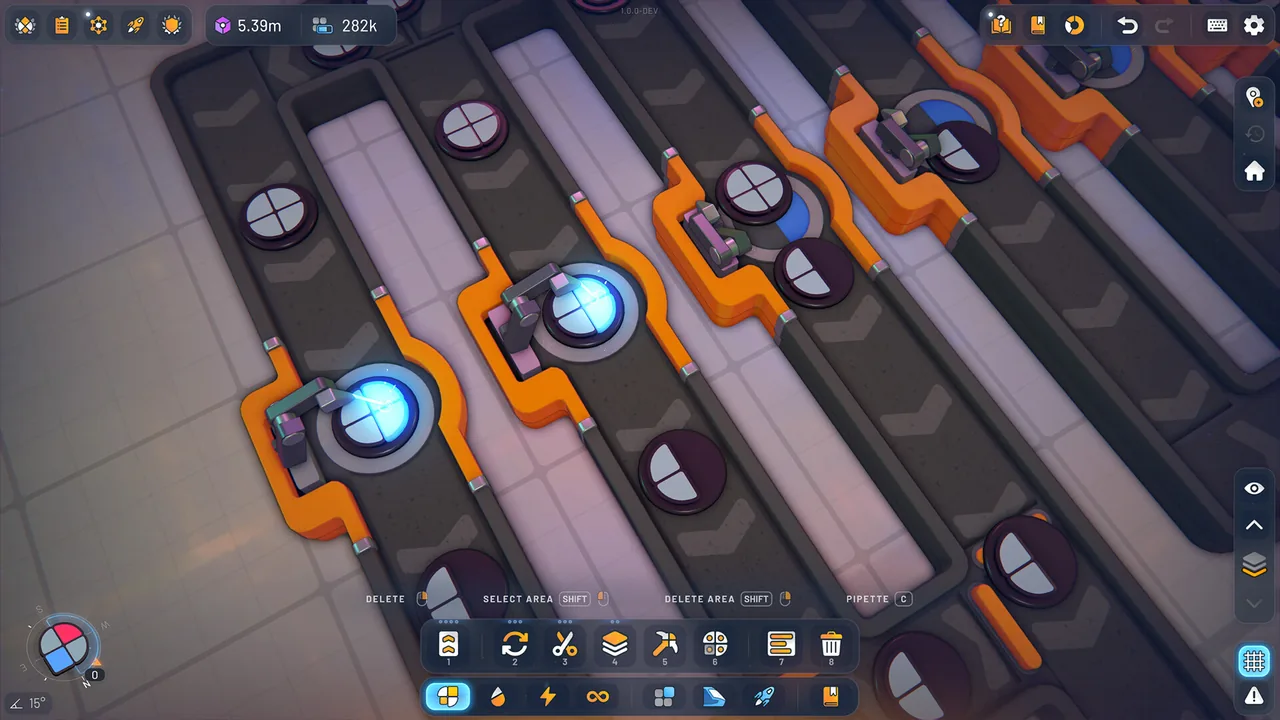
In shapez, increasingly complex HUB requests prompt you to rework factories that combine cutting, painting and stacking.
Blueprints copy a selected area, so you decide where to draw the boundaries around processing sections worth reusing for the next shape.
In standard progression, pasting requires blueprint shapes, so you choose whether to rebuild by hand or first establish the production that supports copying.
Previously delivered shapes also go towards upgrades. Even after the HUB target changes, lines that produce upgrade stock still have a purpose.
Freeplay asks for randomly generated shapes, shifting the challenge from accumulated deliveries to maintaining delivery throughput.
The game focuses on processing and transport rather than dealing with enemies or dwindling resources, with optional wiring and logic for factories that respond to requests.
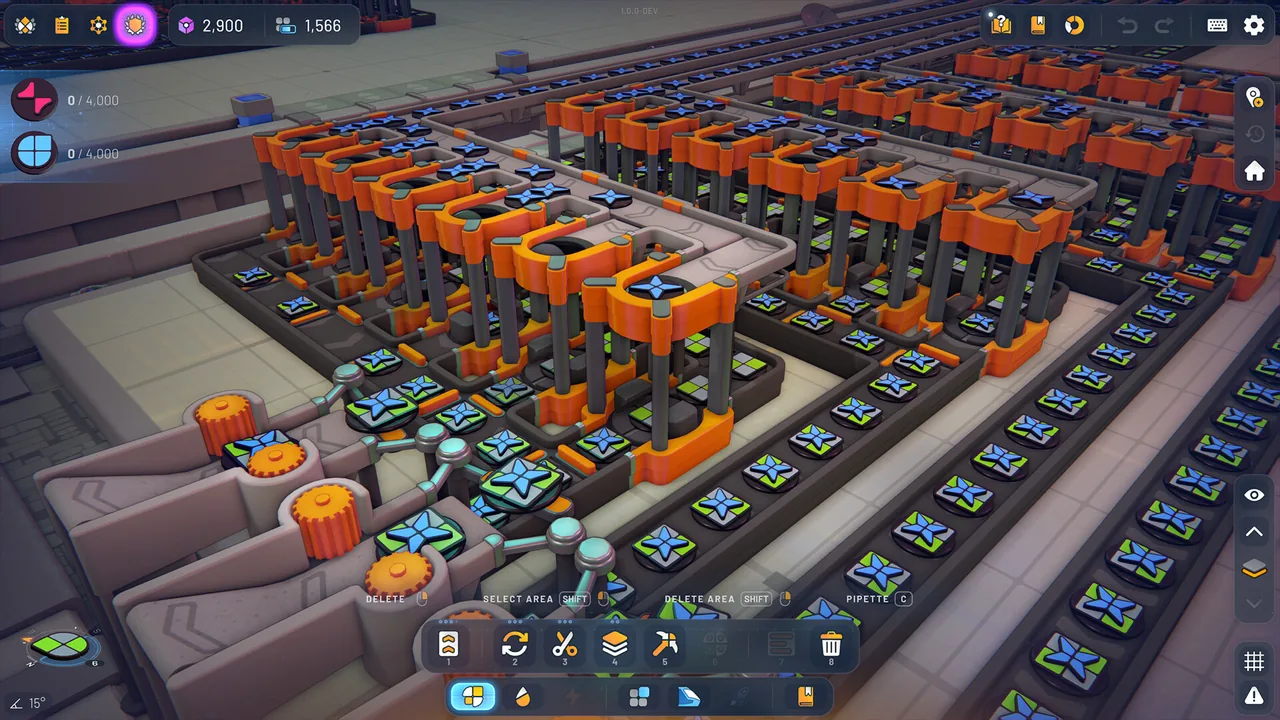
shapez 2 - Factory
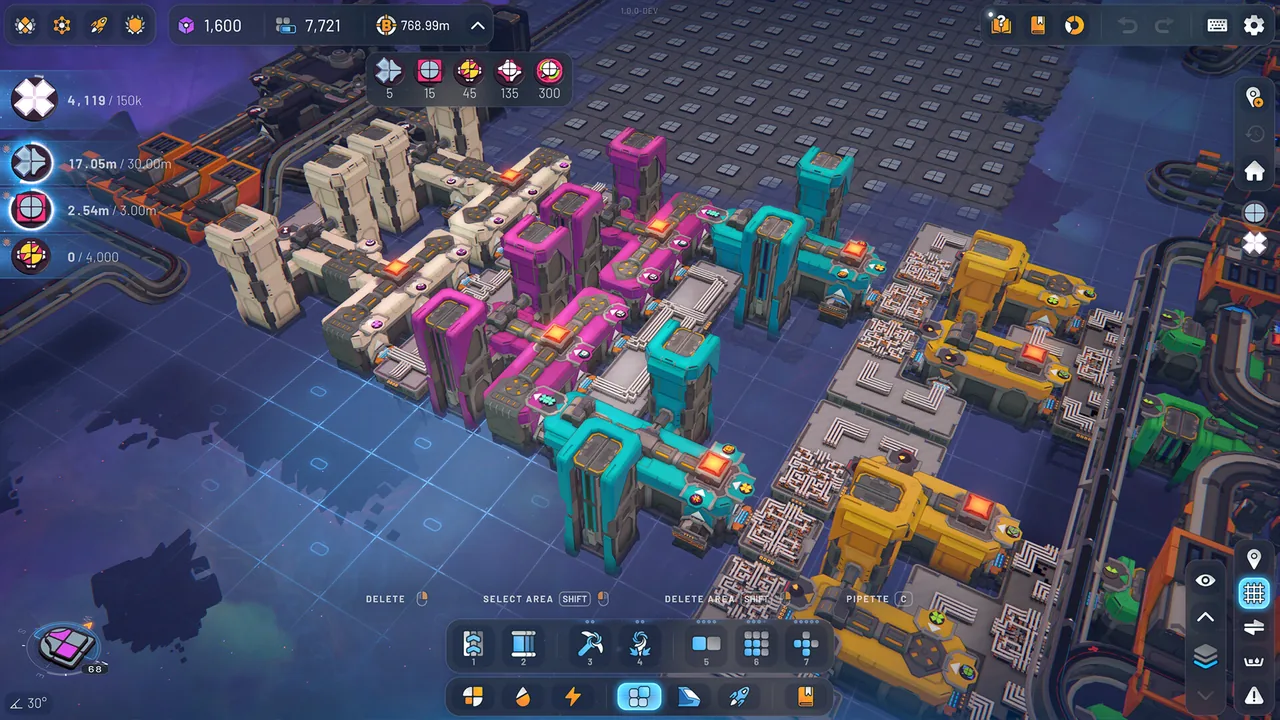
In shapez 2 - Factory, Space Belts connect processing on different platforms as you expand to meet shape requests.
An approach described by the developers is to save platforms for actions such as rotating, cutting and painting as Blueprints, then connect them in the required order.
You can spend your effort squeezing a bespoke process into a tight space for each target, or first prepare reusable steps and work out their connections.
Both machines and platforms have building layers, allowing upward expansion according to building height and the layers you have unlocked.
In Classic Mode, shape Jobs support research; in Manufacture Mode, research can be supported by a supply setup that keeps generating Research Credits.
In Manufacture Mode, you trade shapes through Trade Stations and work toward rebuilding the Vortex Platform with large factories that keep running. Keeping supply flowing into later stages becomes part of the goal.
For experienced players
shapez
In Freeplay, the HUB outputs the requested shape on the Wires Layer, letting you read that signal and build a system that switches the factory automatically.
Upgrades consume stock of the required shapes, so deciding whether to retain an old line involves checking upgrade supplies separately from the next target.
The Item Filter selects an output according to whether a shape matches its signal, letting you design not just the circuit that reads a request but also the flow that sends shapes to their destinations.
shapez 2 - Factory
When designing a process Blueprint, a developer example shows how to equip a platform with enough machines to handle its Space Belt inputs and connect them with regular belts.
In Manufacture Mode, Trade Stations need continued input to produce shapes for the next stage, so downstream expansion also calls for keeping earlier stages supplied.
Trade Stations also appear late in Classic Mode, bringing linked production into that mode.
There is also scope to build wiring systems and general-purpose factories, with Codex explanations of Wires and Make Anything Machines.
How they play differently
What you reuse for the next target
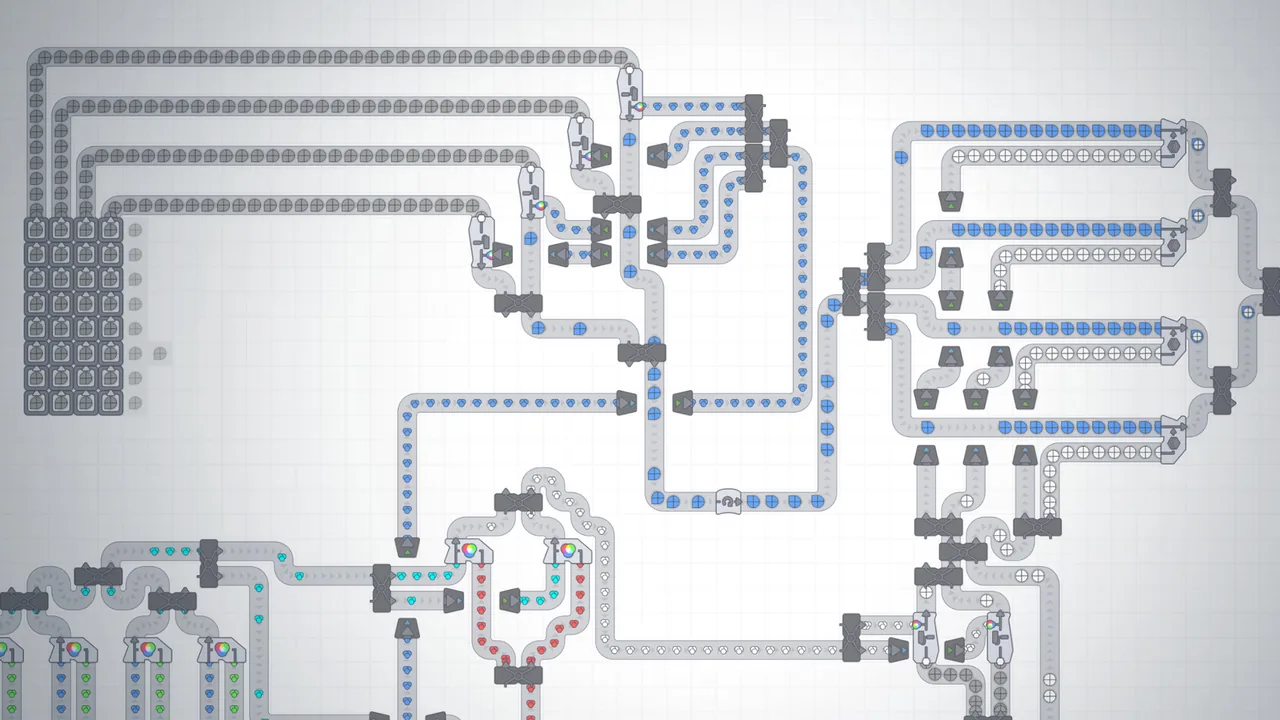
Blueprints copy a selected factory area, letting you reuse processing sections for the next shape. Pasting also needs blueprint shapes, so you decide how much of the factory to save as one unit.
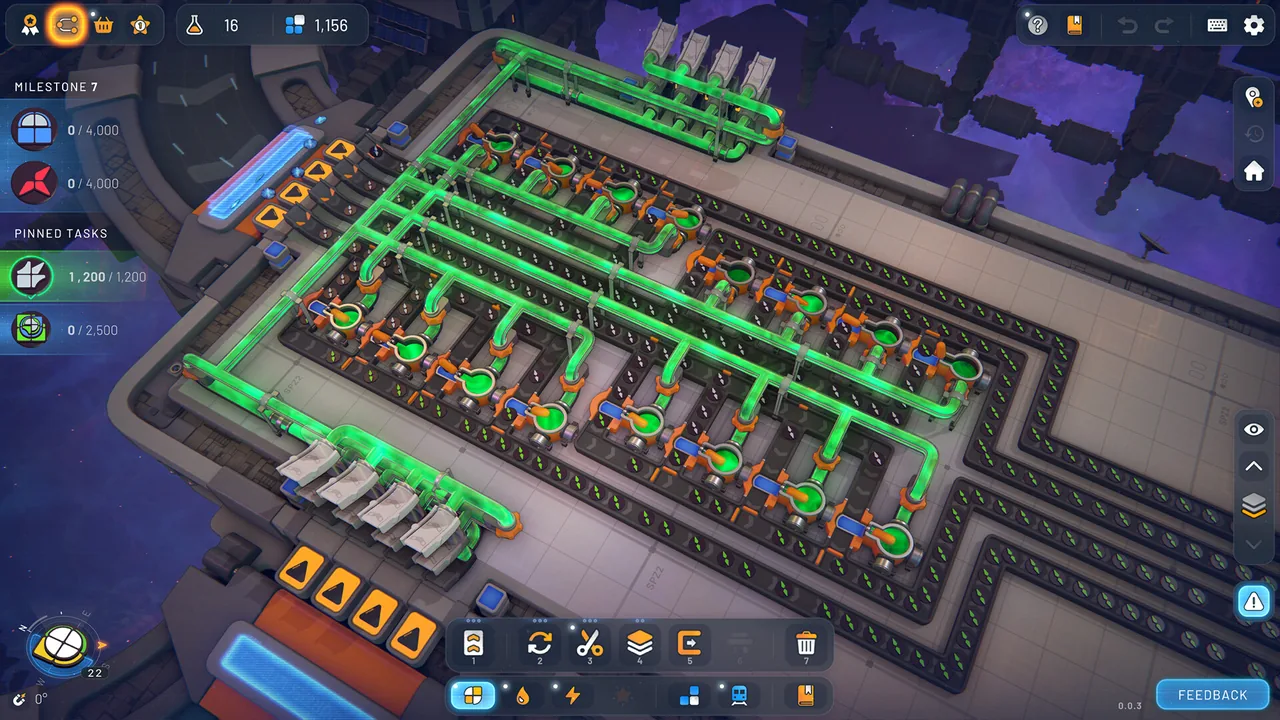
You can turn platforms for individual processing steps into Blueprints. Prepare operations such as rotation or cutting, then plan how Space Belts will connect them in the order needed for the next shape.
Why production continues after a target changes
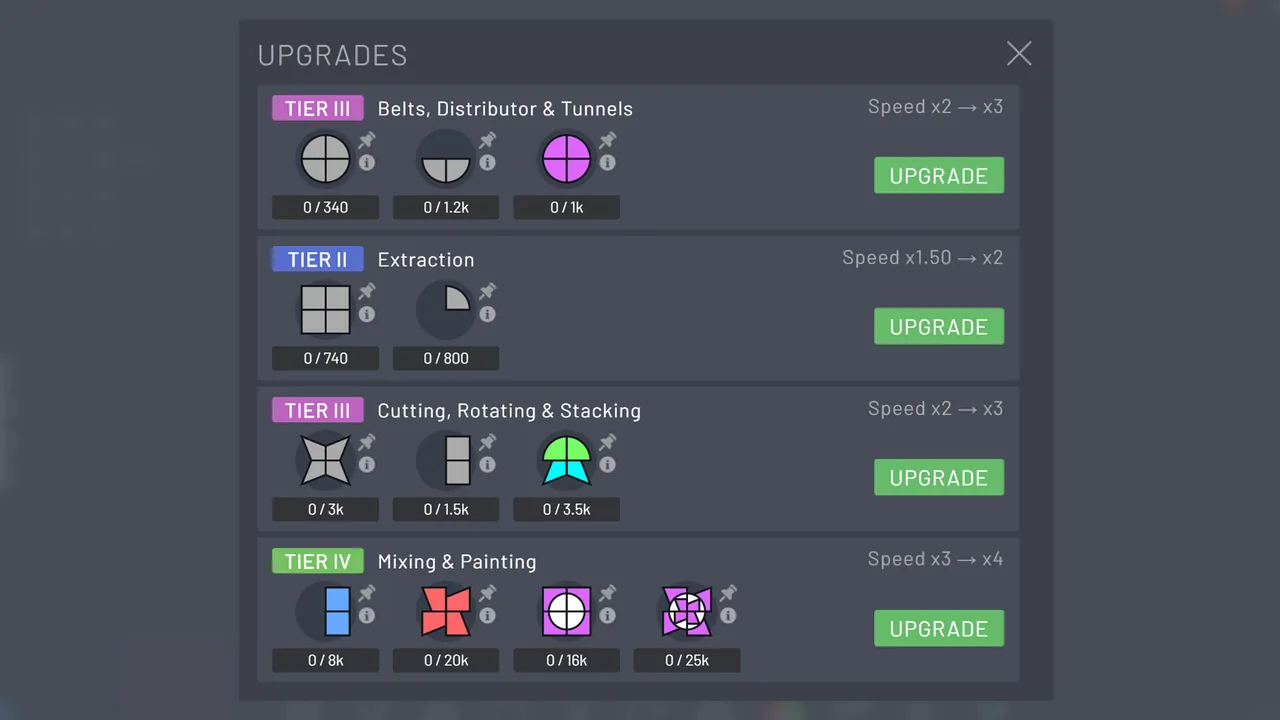
Previously delivered shapes also provide upgrade stock. Alongside processing for the next target, consider keeping production of the shapes needed for upgrades and copying.
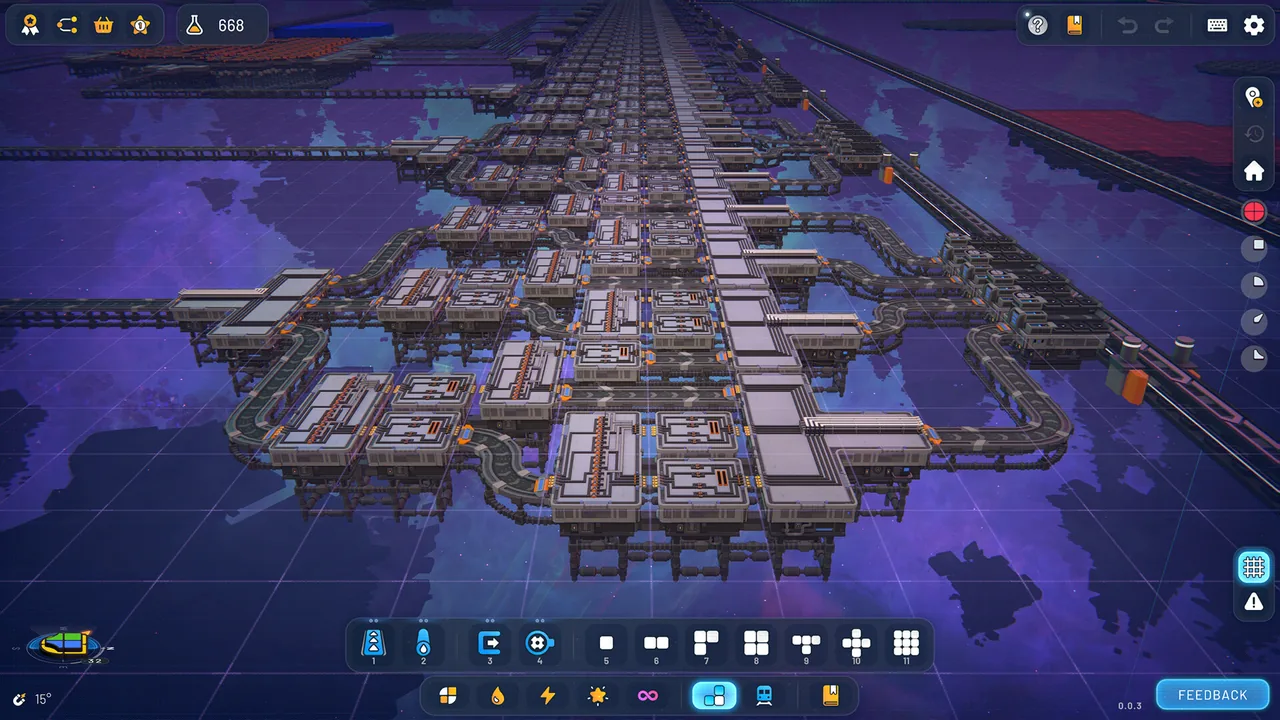
In Manufacture Mode, inputs to Trade Stations produce shapes for later stages. As you expand downstream, you also expand the earlier stages that keep supplying it.
What reviews praise
shapez
- Players enjoy working out production lines and refining their factory layouts.
- Reviews praise the stripped-back approach that keeps attention on production design rather than other management tasks.
- Players find that building with wires and logic adds a rewarding new dimension to factory design.
- Players also enjoy watching their factories in motion.
- Reviewers enjoy how factory design develops as more tools become available.
- Players describe factory building becoming less laborious once they can reuse layouts or parts.
- Players report smooth performance even with large factories.
shapez 2 - Factory
- Reviewers appreciate fewer demands around factory design, such as resource gathering or combat.
- Players enjoy refining production lines and layouts as they work out their factory designs.
- Players find that editing tools such as copying and moving make rebuilding layouts less laborious.
- Players also enjoy watching their factories in motion.
- Reviews welcome the scope to design circuits and factories that can produce different requested shapes.
- Reviews highlight the pleasure of designing functional modules for later reuse.
- Players praise the way new machines and controls open up as they expand their factories.
- Reviewers report smooth performance even after expanding their factories.
What reviews flag
shapez
- Waiting to unlock useful tools or automation features feels drawn out to these reviewers.
- The stages spent rebuilding or pasting similar layouts are described as repetitive.
- Reviews describe frustration with having to rework existing factory layouts.
- Players recount struggling to make shapes with floating sections and looking up solutions.
shapez 2 - Factory
- Reviewers report dissatisfaction with leaving completed factories behind and rebuilding for the next shape.
- Reviews report memory pressure or slowdowns when factories or circuits grow large.
- Reviewers say the lack of resource pressure or outside constraints left them with less motivation to keep building.
- Reviews describe the work needed to unlock desired tools or upgrades as tedious, including when starting another playthrough.
- Players say sending shapes into the vortex left them unsure what those shapes were for or what they had accomplished.
shapez 2 - Factory
If you're still deciding
Revisit the shapez section if you want to copy factory areas while supplying the shapes needed for pasting and stocking up for upgrades.
If you want to reconnect processing platforms and keep production feeding later stages, the process Blueprints and Manufacture Mode sections for shapez 2 - Factory offer a starting point.
About the data and reviews
Table values are public Steam data; prices are from the United States store. Review points come from the 100 most helpful reviews of the past year for each game, and only points raised in at least three reviews are included. They do not represent every buyer's opinion.
The review comments here summarize the Steam posts examined for this article by topic, separately from official specifications. They include experiences from before the full release and posts whose mode cannot be identified, so complaints about progression cannot be applied to every current mode.