Predy Media > Factory automation > Game page
Game pageshapez Features and Player Feedback
Who It Suits
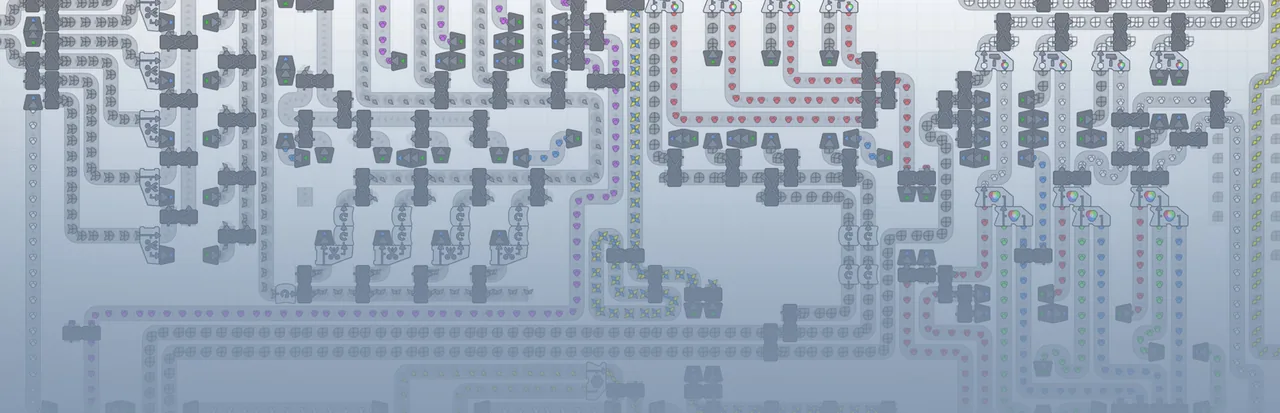
shapez is a factory game about cutting, rotating, painting, and stacking shapes, then routing them on belts.
You can stop at solving fixed production tasks or keep going until a Wires Layer factory responds to changing requests.
What makes it fun
Work backward from the shape
Look at the target and work out what to cut, rotate, paint, and stack. Watching the finished shape reach the HUB shows whether your plan worked.
Trace a stalled line
When production slows, follow the belts to find a blocked cutter or a painting route that lags behind. Reworking the layout until shapes flow steadily again is its own puzzle.
Build a factory that reads the HUB's goal
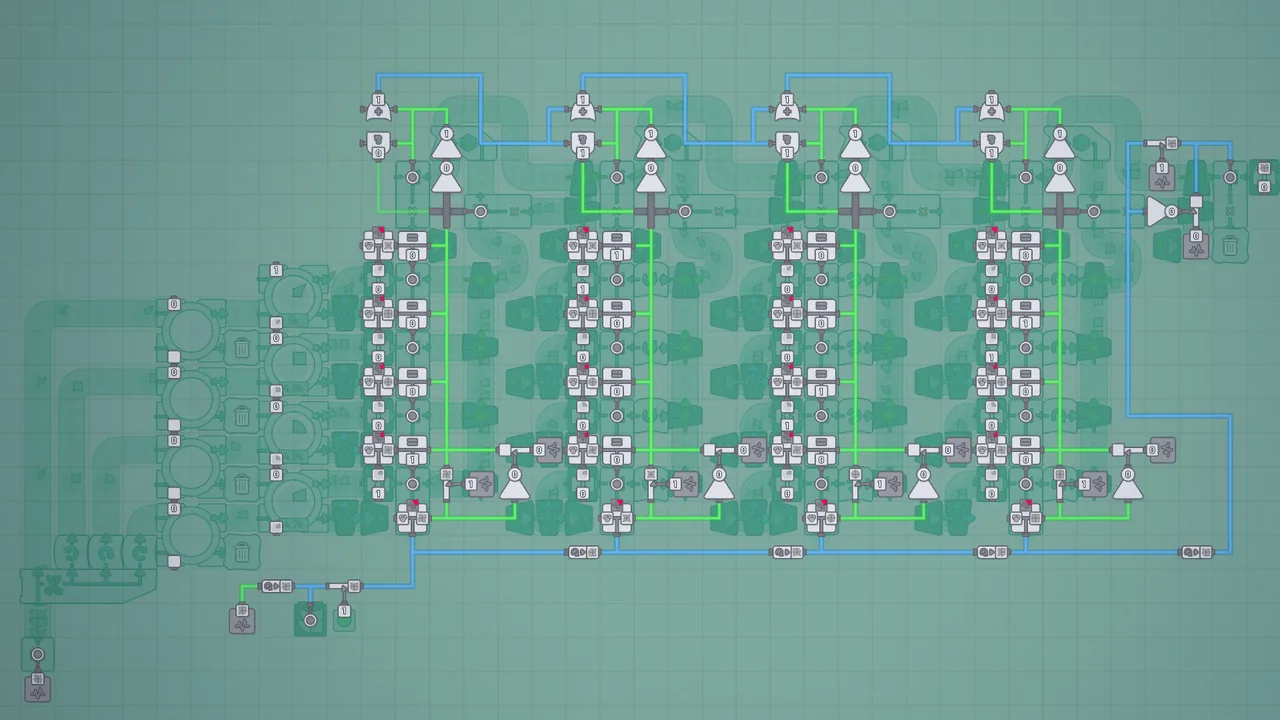
On the Wires Layer, the HUB outputs its requested shape as a signal. You can use that signal to control filters and switch production routes, reusing machines as the goal changes.
Game details
As of Oct 29, 2026- Steam Deck
- Playable
- Release date
- Jun 7, 2020
- Developer
- Tobias Springer
- Languages
- Japanese, English, Simplified Chinese, Korean / 24 languages total
A typical run
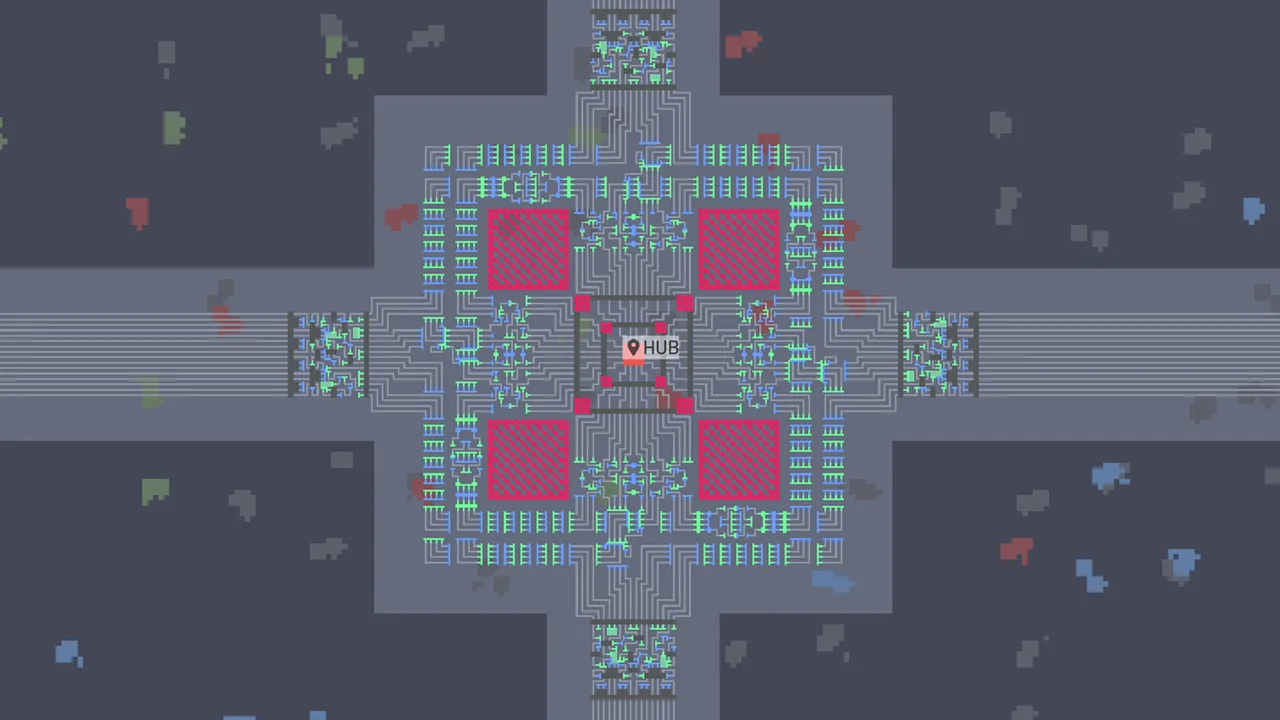
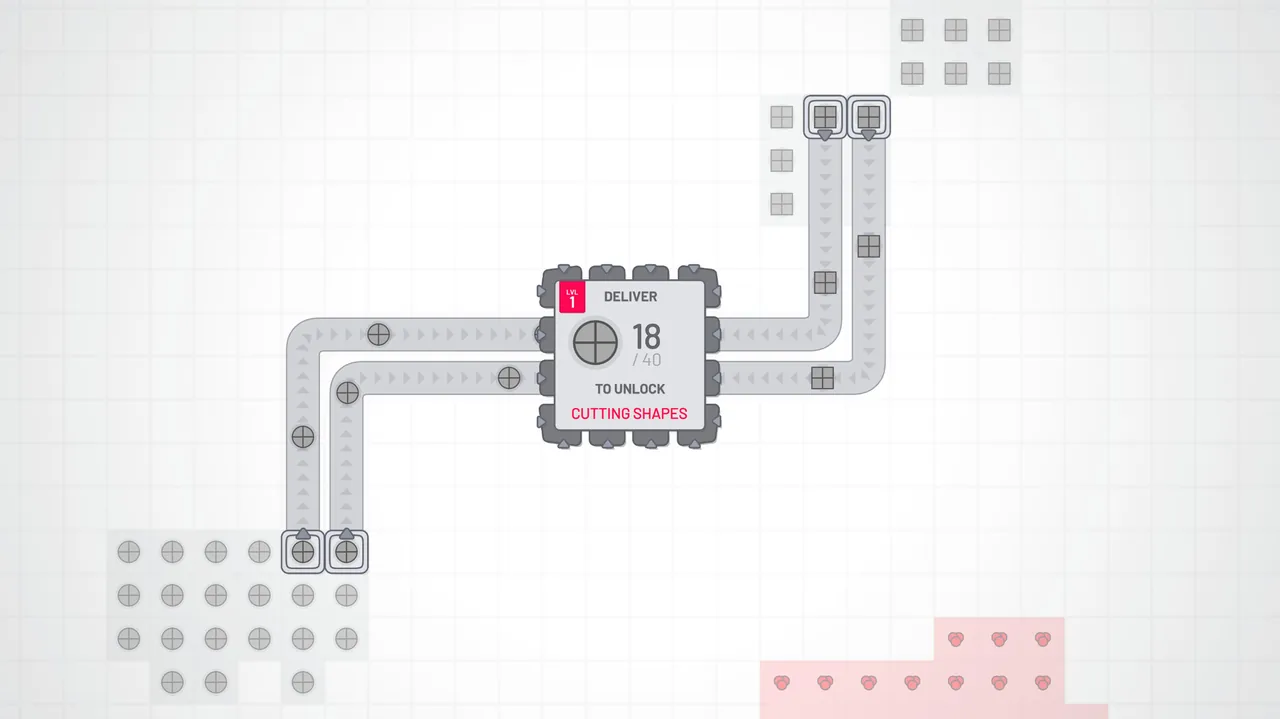
Place Extractors on shape and color patches, then carry their output to the HUB on Conveyor Belts.
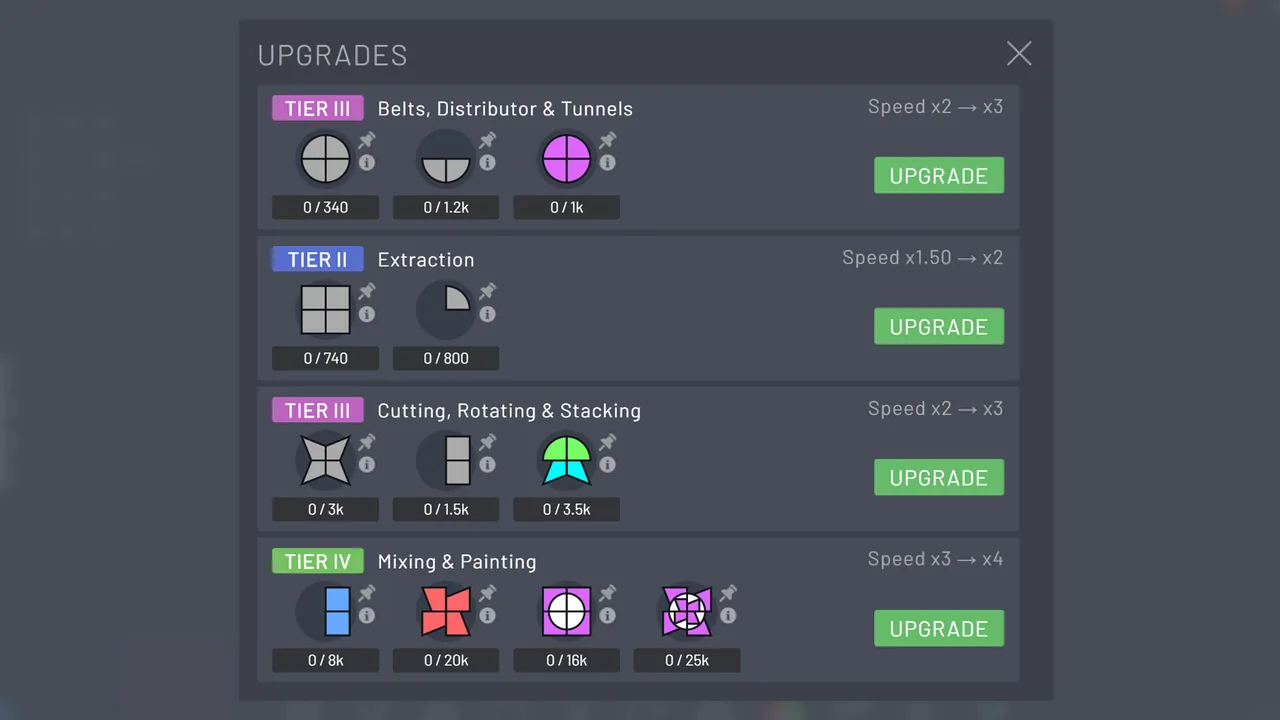
Deliveries gradually unlock the Cutter, Rotator, Painter, Stacker, and other machines.
Break each target shape down by layer, color, and orientation. Then work out the order needed to assemble it.
As finished shapes reach the HUB, check for blocked outputs and mismatched machine rates. Output from older factories also goes toward upgrades.
Freeplay changes the requested shape. With the Wires Layer, you can read the HUB signal and build a factory that switches its processing routes.
Core systems
Extractor and Conveyor Belt
Extractors pull shapes or colors from map patches. Conveyor Belts take them to machines and the HUB.
Process near the source or carry raw input across the map. Either way, leave room for belts to cross and for lines to grow.
Cutter and Rotator
These machines split shapes and turn pieces to the needed orientation. A Cutter stops if even its unused output becomes blocked.
Work backward from the piece you need to choose how the source enters the Cutter. Discarding the spare piece or sending it elsewhere changes the belt layout.
Stacker
The Stacker joins inputs on the same layer when it can. Otherwise, it places the right input above the left.
Choose where to split the target and the order in which to stack its parts. A shape with floating sections may not come together in the order its appearance suggests.
Color Mixer and Painter
The Color Mixer makes colors through additive mixing, and the Painter applies them to shapes. Painter variants handle inputs differently.
Painting parts before assembly calls for a different line from painting an assembled shape. If color arrives late, ready parts can end up waiting before the Stacker.
Blueprints
Blueprints let you copy and paste a selected factory area. Each paste consumes the Blueprint shape your factory produces.
Build small processes you can reuse for other targets, or pack machines tightly around the current one. Frequent pasting also means keeping the Blueprint shape in production.
Wires Layer
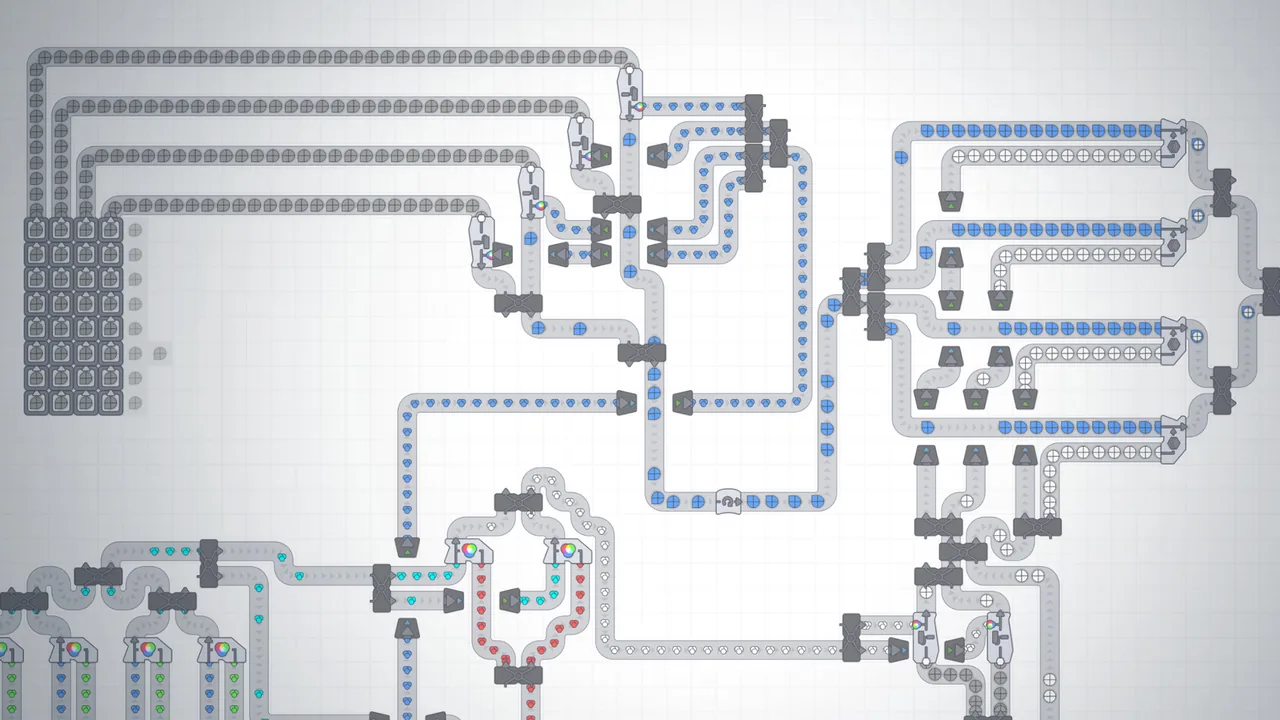
Wires carry shape, color, and boolean signals to control machines such as Filters and Quad Painters. The HUB can output its requested shape as a signal.
Rebuild a line for each request, or decode the signal and switch shared machines. In an automated factory, a blocked belt and a wiring error need separate checks.
What sets it apart
There are no enemies or deadlines, and source patches do not run out. Ordinary buildings need no construction materials, so you can pause and rethink a layout.
Shapes in progress can feed later machines. HUB deliveries advance progression and upgrades, while pasting a Blueprint costs a designated shape.
Late in the game, you can build a factory that reads the HUB request and changes its processing route.
Learning curve and difficulty
Early progress asks you to make the correct shape. As delivery demands rise, blocked Cutter outputs and timing differences on painted branches become harder to ignore.
Breaking production into small processes with consistent inputs and orientations lets you reuse them for the next target.
Floating sections make the stacking order hard to read from the finished shape. Reviews describe getting stuck there.
The Wires Layer lets Shape Analyzers and Logic Gates decode the HUB request. Those signals can drive a factory that builds the requested shape automatically.
Builds and playstyles
Separated process modules
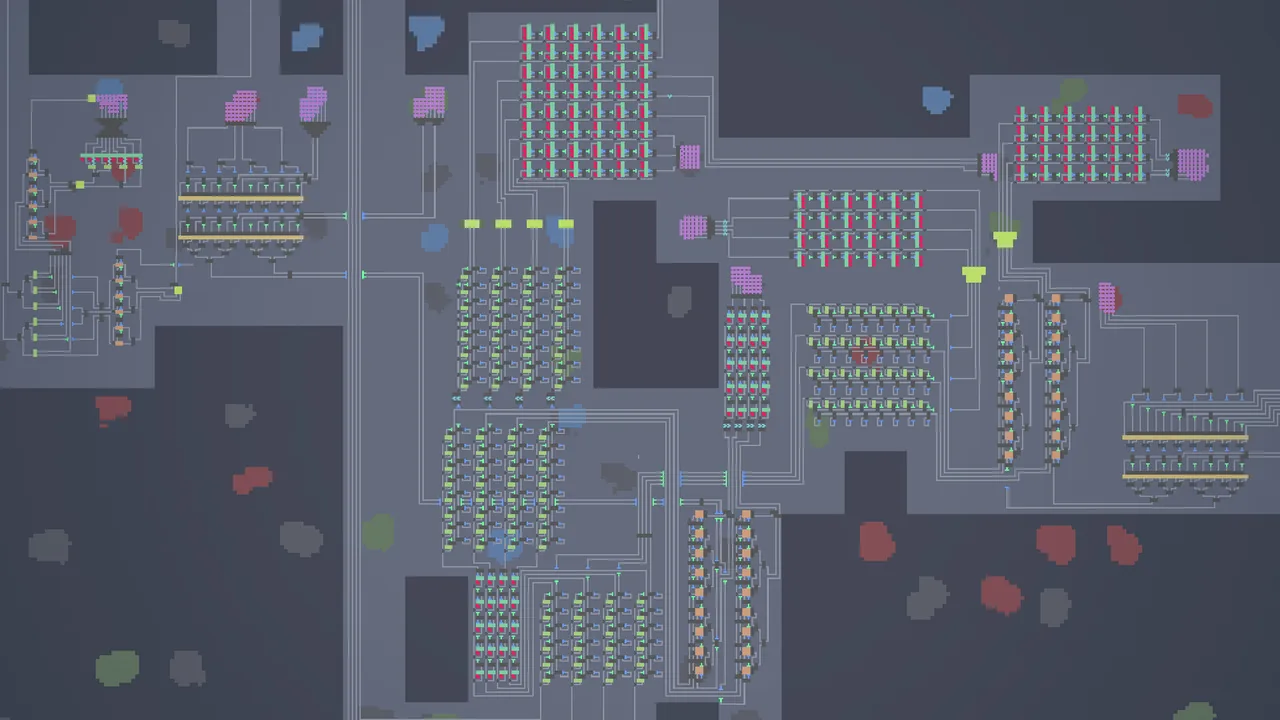
Keep extraction, cutting, painting, and stacking in separate blocks with consistent inputs and outputs. This takes space but makes it easier to swap processes with Blueprints for a new target.
Integrated production line
Put related machines close together to shorten the belts between them. Where a late color or component stalls the line, Storage can separate the flows.
HUB-responsive factory
Read the HUB request through the Wires Layer and switch the cutting, rotation, painting, and stacking routes. Instead of building a dedicated line for each shape, you decode signals and reuse machines.
What longtime players say
Long-play reviews describe a late-game project: use the Wires Layer to read the HUB request and automate shape production through delivery.
Once a growing factory crowds its own belts, there is pleasure in untangling the lines and rebuilding cutting or painting steps for reuse on later targets.
Other long-play reviews find the repeated delivery goals less compelling over time. One also describes waiting after the automated factory is built.
What players like
A working line still leaves blocked outputs to trace and layouts to revise. Reviews enjoy measuring a slow line and finding the machine that holds it back.
From the middle stretch onward, a process built for one target can serve another. Wires Layer control then gives the same Cutters and Painters new roles.
With no attacks or resource exhaustion, you can stop to rebuild a line. Reviews also describe watching the factory or planning a layout with music or a video on.
For puzzle-minded players, the problem is concrete: split the target by cut, orientation, color, and layer, then bring its parts back together on the belts.
Late-game reviews point to a factory that reads the HUB request through the Wires Layer and makes the shape automatically. It gives builders a project beyond individual production lines.
The spare visuals make it easy to follow shapes along the belts. Reviews also enjoy simply watching a finished factory run.
Common complaints
Early on, solving a line can be followed by a wait for enough deliveries. The middle stretch can mean building similar lines by hand before tools unlock; the Blueprint unlock and paste cost add to that frustration.
For players who want another use for their output or a story to drive expansion, repeated HUB deliveries may give them too little reason to keep building.
The stacking order for floating sections is hard to infer from the screen. Reviews describe trial and error and, eventually, looking up a solution.
Who it’s for
It suits players who like tracing a blocked Cutter output or a slow painting branch and rebuilding the line around the cause.
It also fits builders who will produce the Blueprint shape so they can reuse cutting and painting modules for later targets.
If you want to reach the Wires Layer and automate the path from reading a HUB request to delivery, there is a clear project to pursue.
Who might not enjoy it
It may not suit players who want factory output to serve another purpose, or who rely on story, combat, or exploration to motivate expansion.
Waiting for deliveries after a line is solved, and placing similar machines by hand before tools such as Blueprints unlock, can wear on players who dislike repetition.
FAQ
- Is the game available in English?
- Yes. The Steam version includes an English interface.
- Does it have cooperative play?
- Steam lists shapez as a single-player game and does not list cooperative play.
- Are there enemies or time pressure?
- Regular factory building has no enemies or deadlines, and source patches do not run out. You can rebuild at your own pace.
- Is there additional content?
- Puzzle DLC adds a separate mode in which you make target shapes with restricted space, buildings, shapes, and colors. The soundtrack is sold separately.
These impressions are based on 100 Steam reviews sorted by “Most Helpful.” They do not represent the views of all buyers.
Image: shapez on Steam