Predy Media > Factory automation > Game page
Game pageshapez 2 - Factory: features, feedback, and who it suits
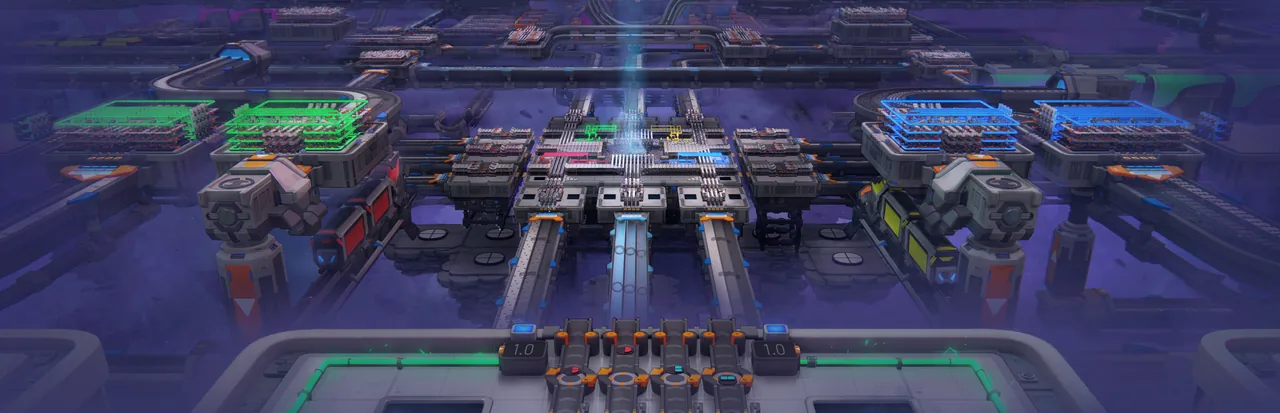
shapez 2 is an automation game about processing shapes and building the factory that moves them.
Classic lets you rebuild for each target. Manufacture Mode asks you to connect new work to production you keep running. Which approach appeals to you is a useful way to choose.
What makes it fun
Work backward from the shape
Study the target shape to work out what to cut, rotate and stack. Different production routes can lead to the same result, making the shape itself a design puzzle.
Grow a library of modules
Save a cutting or painting setup as a blueprint. Bring a reusable setup into the next build and reconnect it for a new target shape.
Rebuild on a whim
If a layout feels wrong, select an area, clear it and try another arrangement. Machines cost no building materials, so you can put a new production idea into practice right away.
Game details
As of Oct 29, 2026- Steam Deck
- Playable
- Release date
- Apr 23, 2026
- Developer
- tobspr Games
- Languages
- Japanese, English, Simplified Chinese, Korean / 13 languages total
A typical run
Choose a scenario and difficulty, then find patches with the shapes and fluids you need.
Set up machines to cut, rotate, stack, and paint shapes.
Link the steps with belts and platforms, using trains for distant routes. When output stops, trace a shortage or blockage.
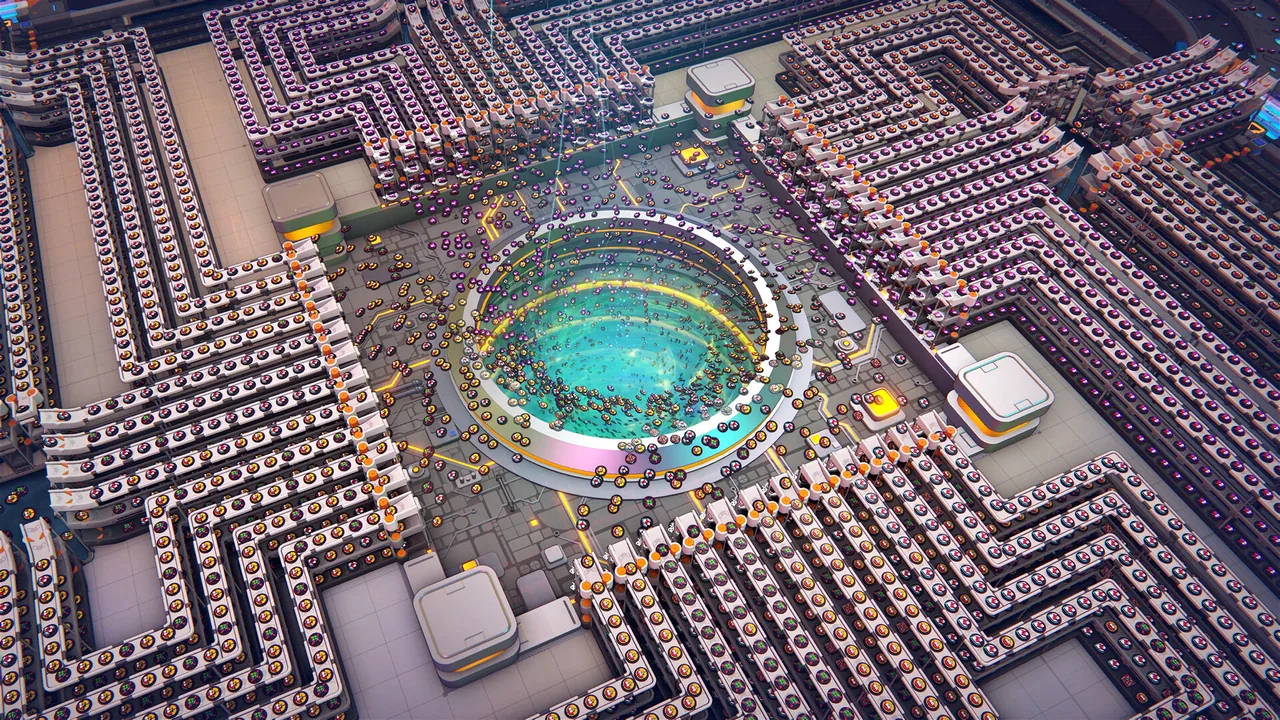
In Classic, deliver finished shapes mainly to the Vortex. In Manufacture Mode, send shapes to Trade Stations for use in further production.
Work through Milestones and Jobs. Save reusable steps as Blueprints and bring them into the next factory.
Core systems
Multi-Layer 3D Factories
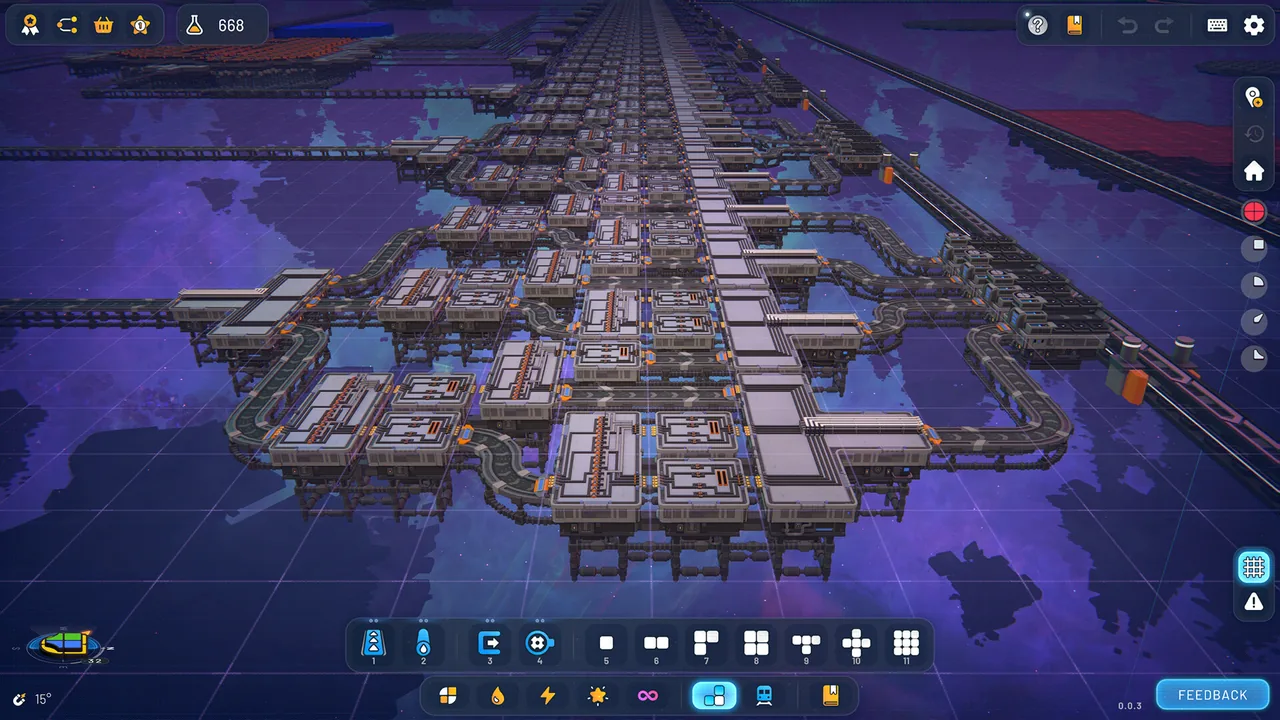
Machines and platforms can occupy different vertical layers, with belts and pipes routed through the available height.
You can route belts across one floor or move a section to another layer. Each vertical connection needs room and makes the flow harder to follow.
Challenging Shape Mechanics
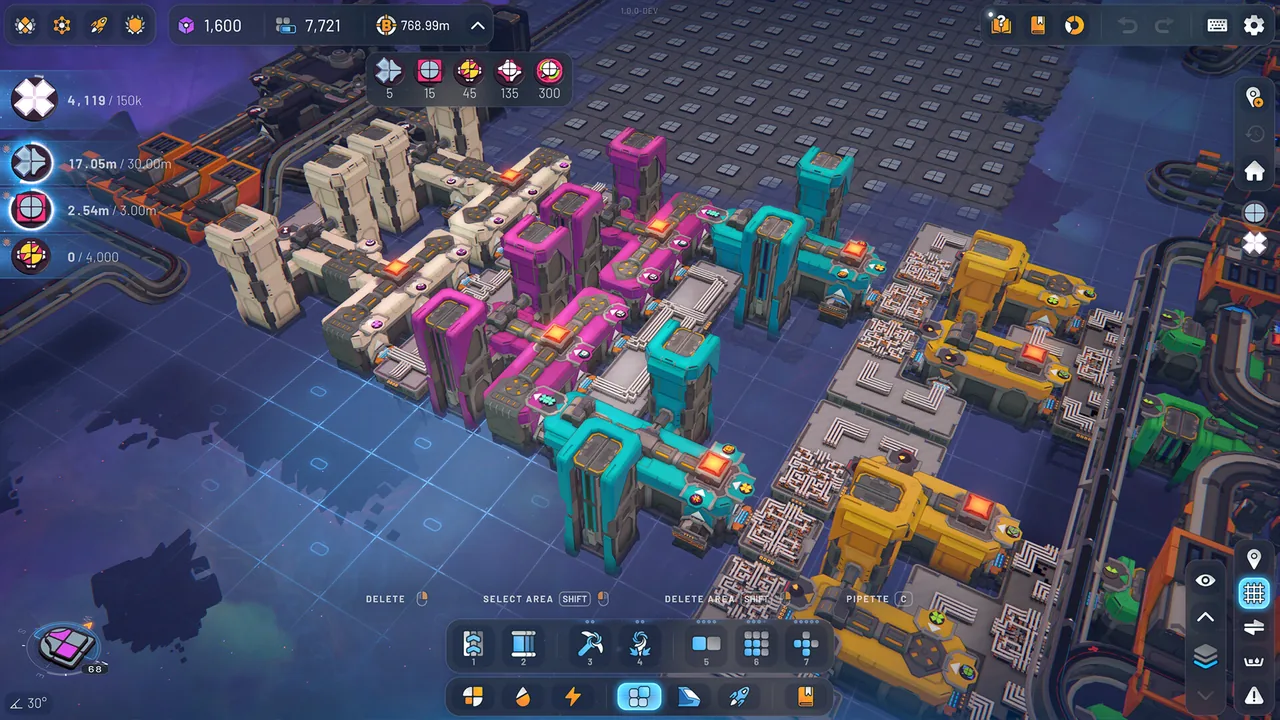
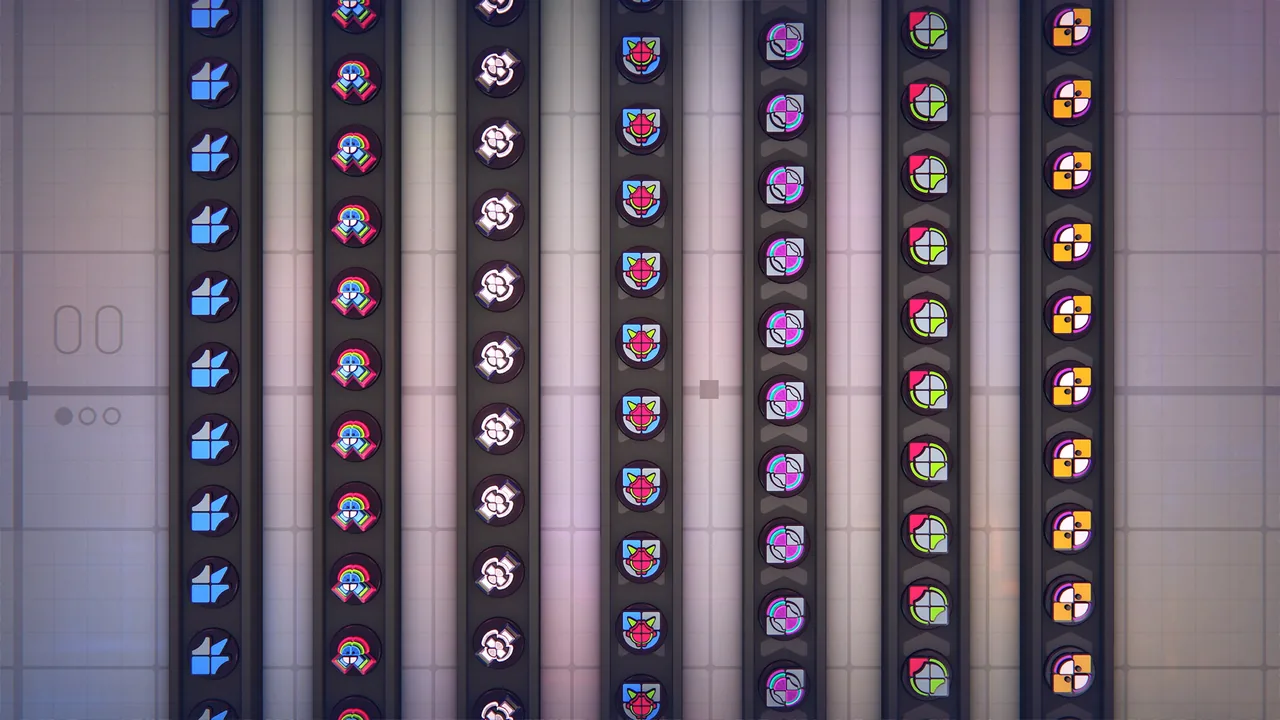
Cut, rotate, swap, stack, and paint shapes to make the requested result. Pins and crystals bring further processing rules.
Look at the target and decide which intermediate parts to make. A route built for that target can be short. Parts designed for reuse take more space and wiring.
Blueprint Library
Save groups of machines or platforms, load them again, and share them.
Keep an entire factory for one target, or save smaller cutting and painting steps. Smaller parts are easier to rearrange for a new shape, though you still have to reconnect them.
Trains
Trains carry batches of shapes or fluids between distant platforms. Loading, unloading, and rail colors control the route.
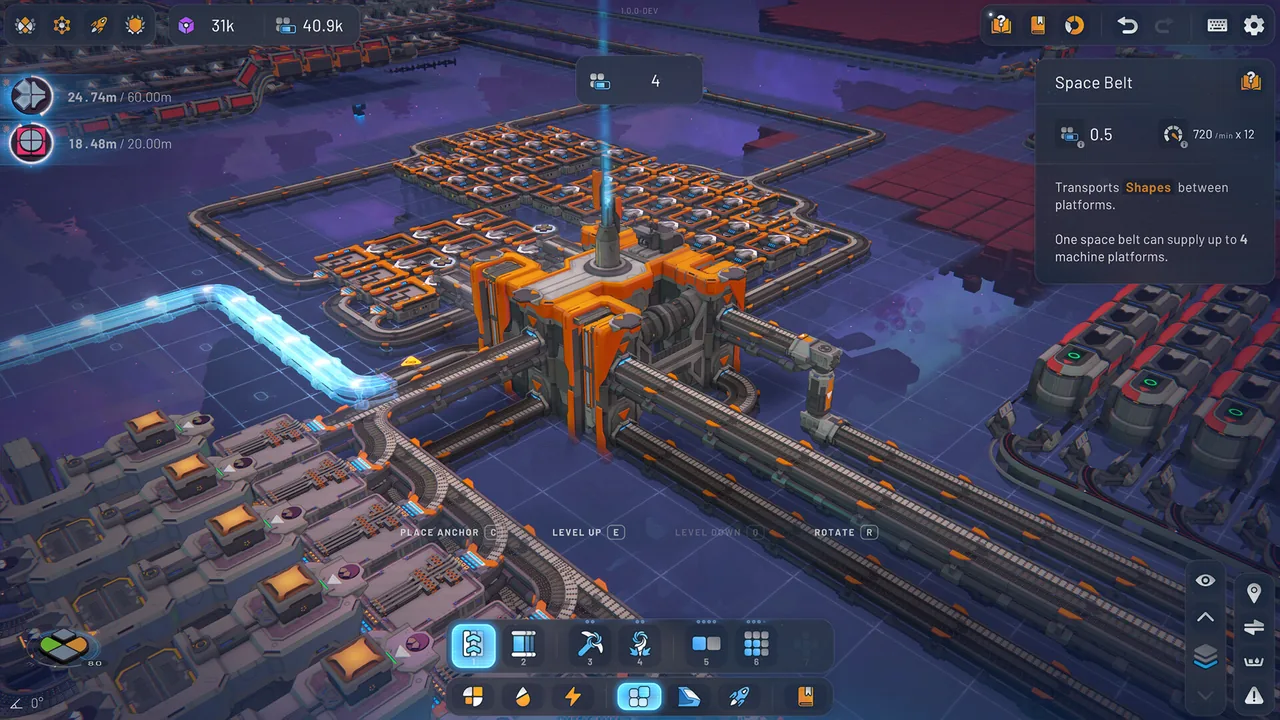
Run a long Space Belt or move the traffic through stations and rails. With trains, loading waits and route colors become part of the layout.
Research System
Research Points earned from shape deliveries and goals unlock machines, mechanics, and upgrades.
Spend points on a tool for the current process or put them toward later transport and throughput. A factory built while waiting for an unlock may need rebuilding.
Game Modes
Classic sends requested shapes mainly to the Vortex. Manufacture Mode feeds Trade Stations that support further production, while Hexagonal changes how shapes are divided.
Choose whether to solve each target with a dedicated factory or connect new processes to machines you keep. Scenarios also change shape complexity and when mechanics become available.
What sets it apart
Machines cost no building materials, resources do not run out, and there are no enemies or time limits.
In Classic, you can remove a factory built for a finished target and carry its useful steps into the next design.
A factory supplying a Trade Station keeps its role in Manufacture Mode. New processes have to connect to production already running.
Learning curve and difficulty
Classic offers Regular, Hard, and Insane. Hexagonal changes the shape rules, and Manufacture Hard is also available.
Match machine rates to belt flow. When gaps appear on a belt, trace them back to the step where supply first breaks.
Modules with matching platform ports and layer use are easier to reconnect for the next shape.
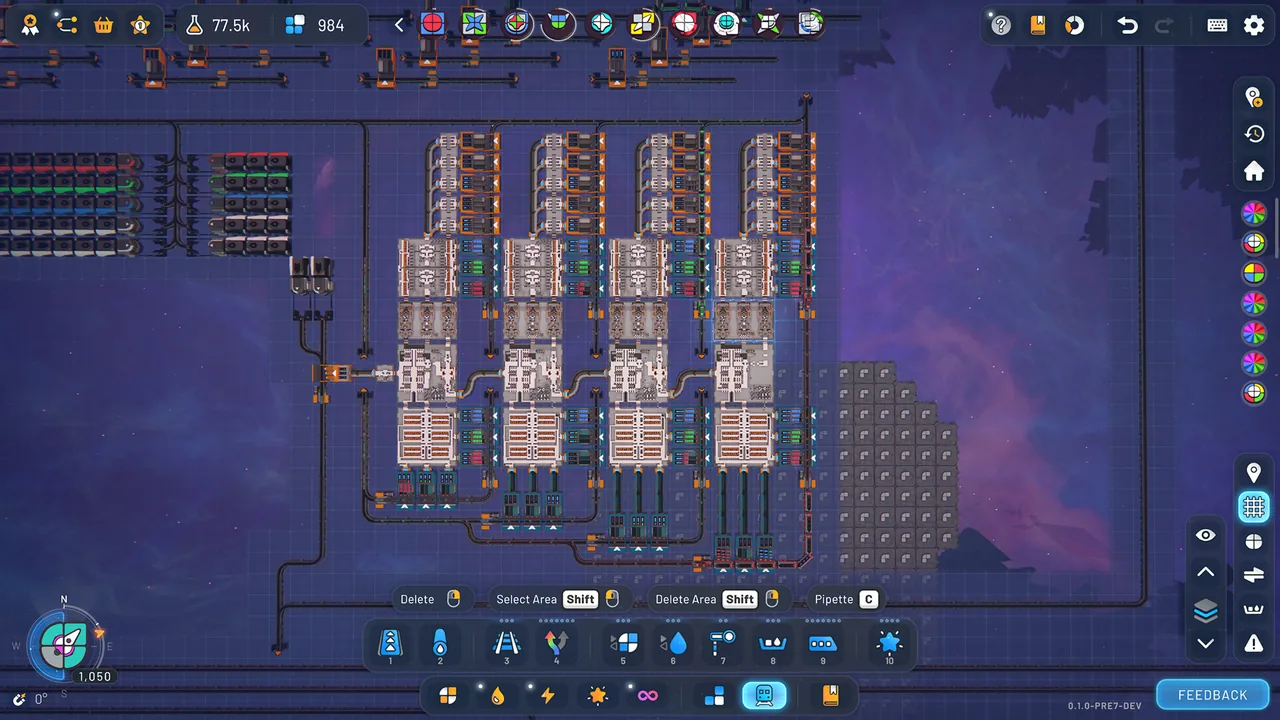
Later on, a Make Anything Machine can become a project you set for yourself. Wires and logic switch its processes for a specified shape; pins and crystals make those branches harder to arrange.
Builds and playstyles
Platform module layout
Put cutting or painting on separate platforms and keep input and output positions consistent. When the target changes, choose and rearrange saved modules.
Throughput-matched line
Use machine rates to choose how many to place, then feed the next step by belt. Fluids move differently from shapes, so check their supply separately when a machine appears to be running short.
Train-fed distributed factory
Place extraction, processing, and finishing at separate sites and link them by train. Divide routes by rail color and account for loading waits that can hold up later steps.
Make Anything Machine
Specify the shape to make, then use wires and logic to switch processes. The layout changes depending on whether you favor speed, an easy-to-read flow, or a smaller footprint.
What longtime players say
After working through supplied deliveries, players still build Make Anything Machines or redesign cutting and painting modules to take less room.
People building huge factories or circuits describe watching memory use and slowdown as they decide how far to expand.
Moving between modes changes the job: a dedicated Classic factory can be removed, Manufacture gives it a continuing role, and Hexagonal makes you rethink how to split the target shape.
Players who have progressed through scenarios mention other difficulties, achievements, and updates as reasons to return.
What players like
Without attacks, building costs, or a timer, players can keep reworking a production line until they like it.
Saved cutting and painting steps give players a kit to start from when a delivery calls for a complicated shape. Building up that Blueprint Library is part of the appeal.
After the later deliveries, players can set themselves the task of running a Make Anything Machine or fitting a familiar process into a smaller platform.
Selection, copy and paste, and undo make it easy to move a process or try a different layout. Reviewers appreciate how quickly they can correct a design.
Players enjoy deciding where to cut a target shape, which intermediate parts to make, and how to stack them.
Watching shapes change inside machines and move through the factory is enjoyable in its own right. That visible flow also helps players find where a line stops.
Players enjoy routing belts across layers and linking distant processes by train.
Common complaints
Resources do not run out, and shapes delivered in Classic do not become materials for the next machine. Players looking for an imposed reason to raise output can find the goals unsatisfying.
In Classic, a factory built for one target can lose its purpose once delivery is complete. For players who want to keep growing the same factory, removing it and starting again feels repetitive.
Once the line is designed, delivery or Research Points can still take time to accumulate. Reviewers mention the resulting wait.
Reports from large late-game factories and circuits describe rising memory use, slow loading, and less responsive controls.
It can be harder to tell whether enough fluid reaches a machine than to read a shape belt. Wiring between layers is also hard to trace when something stops.
Who it’s for
The Blueprint Library suits players who want to save cutting and painting as small parts and recombine them for the next target.
It suits players who would rather work out shape decomposition and belt flow than gather building materials or defend a base.
Players who want to design a Make Anything Machine or compact platforms after the supplied deliveries will have projects of their own.
Who might not enjoy it
If you want each product to feed the next machine in a factory you keep growing, Classic's cycle of removal and rebuilding may not appeal.
If you want to keep expanding without clearing old builds, consider the reported slowdown in large late-game factories and circuits.
FAQ
- Is the game available in Japanese, Simplified Chinese, and Korean?
- Yes. Steam lists interface support for those languages and English.
- Does it have cooperative play?
- No. Steam lists shapez 2 as a single-player game.
- Can the difficulty be adjusted?
- Yes. Choose a scenario, then select Relaxed, Normal, Challenge, or Custom settings.
- Does it support mods?
- Yes. The game has official mod support and Steam Workshop.
- What additional content is available?
- The Supporter Edition includes cosmetic rail pieces, extra music, and a Vortex skin. The Hyper Skin DLC changes the appearance of trains and the Classic Vortex.
These impressions are based on 100 Steam reviews sorted by “Most Helpful.” They do not represent the views of all buyers.
Image: shapez 2 - Factory on Steam