Predy Media > Articles > Comparison
ComparisonFactorio vs shapez 2 - Factory:
what to prepare before expanding
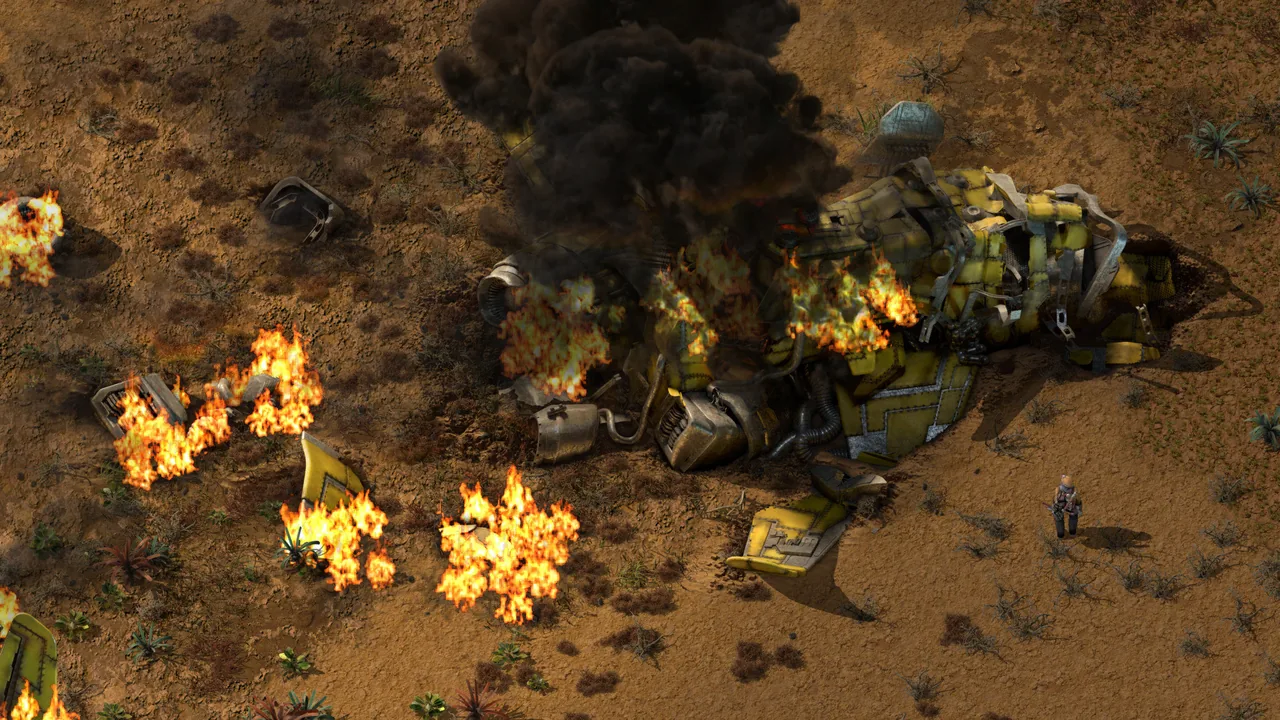 Factorio
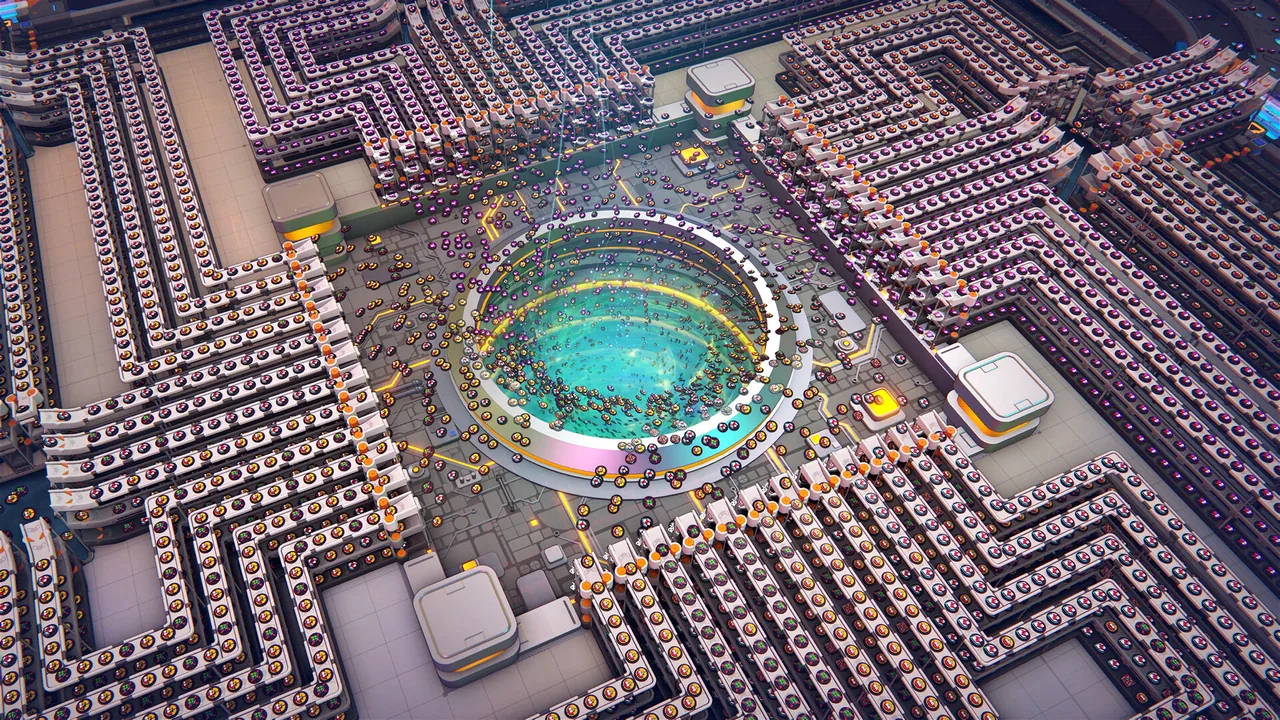 shapez 2 - Factory
Images: Steam store (Factorio, shapez 2 - Factory)
We compare what comes before the build: construction materials and power in Factorio, and Vortex inputs in shapez 2 - Factory's Classic Mode alongside Research Credits.
Which one is for you
 Factorio is for you if…Factorio suits you if copying a finished layout is only part of the appeal, and you also want to connect the production of building materials, power and transport.If you enjoy tracing what supports the next production line while developing the factory and its defenses, look at the work that keeps those machines running.
 shapez 2 - Factory is for you if…shapez 2 - Factory suits you if you would rather concentrate on rearranging shape processing and handoffs than on gathering construction materials or preparing for enemies.If you want to leave room for Vortex inputs in Classic Mode and use research to improve transport capacity and speed, focus on delivery routes and Research Credits.
Screenshots
Factorio
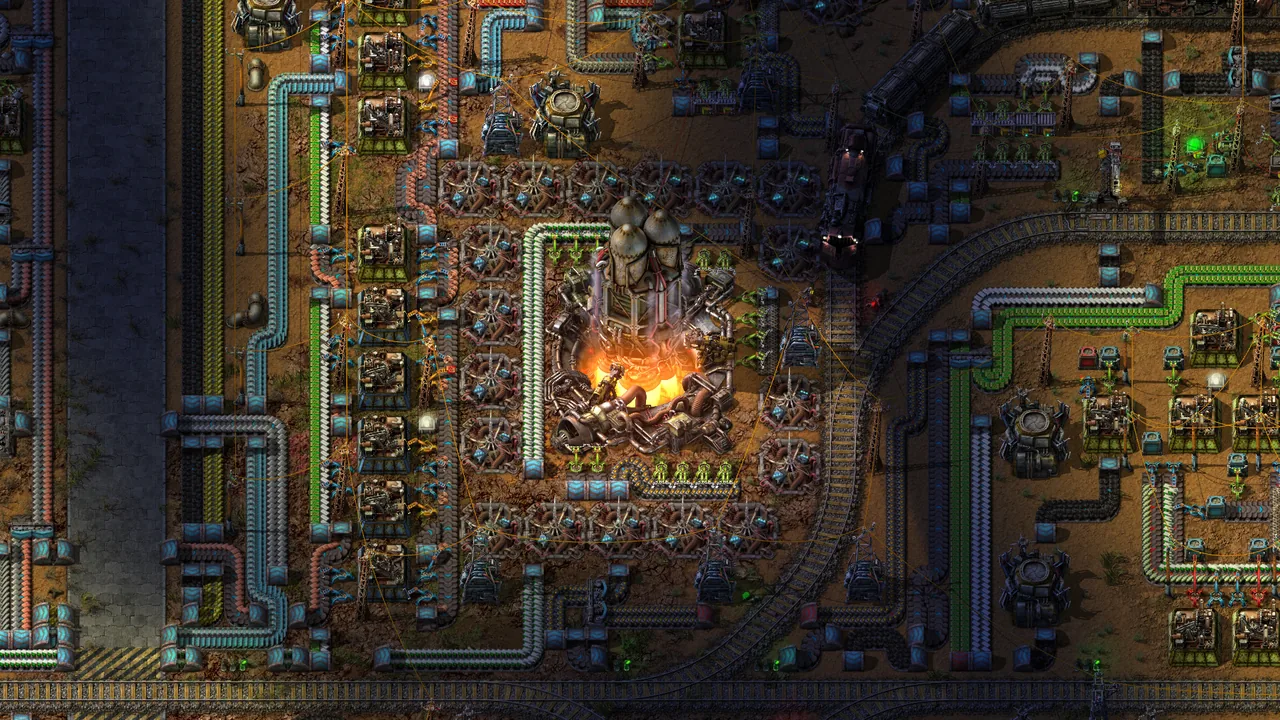
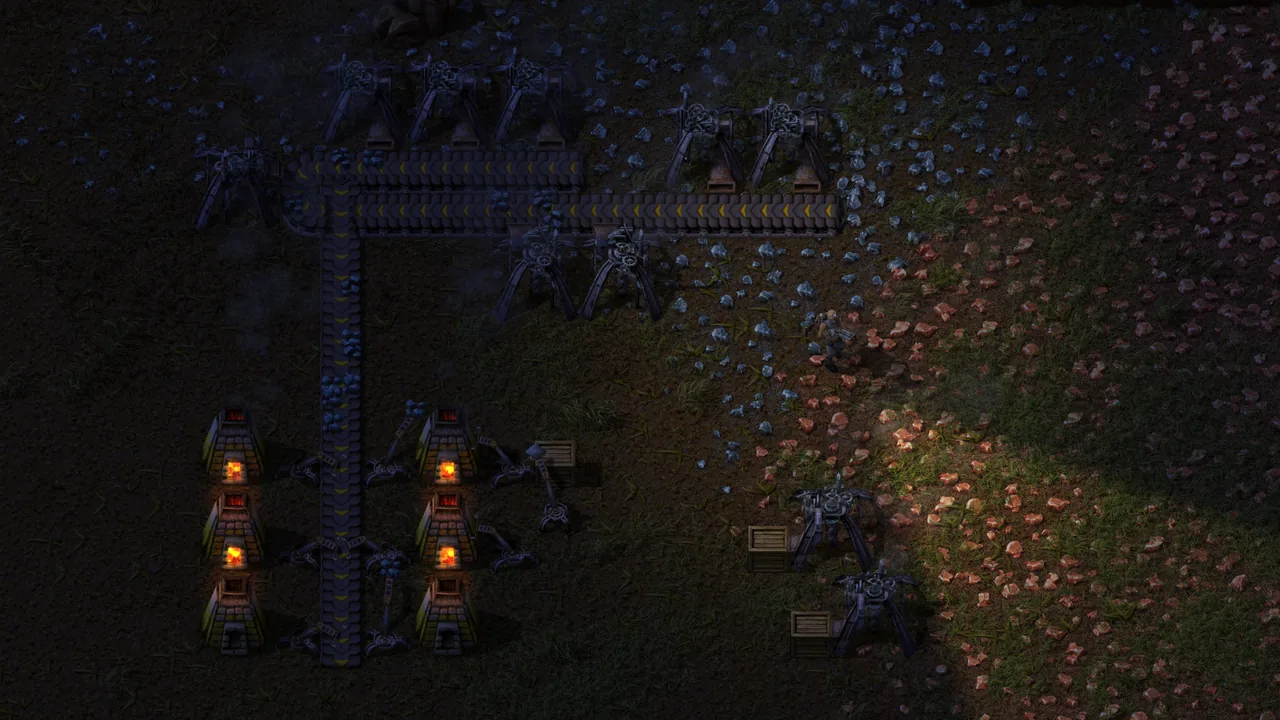
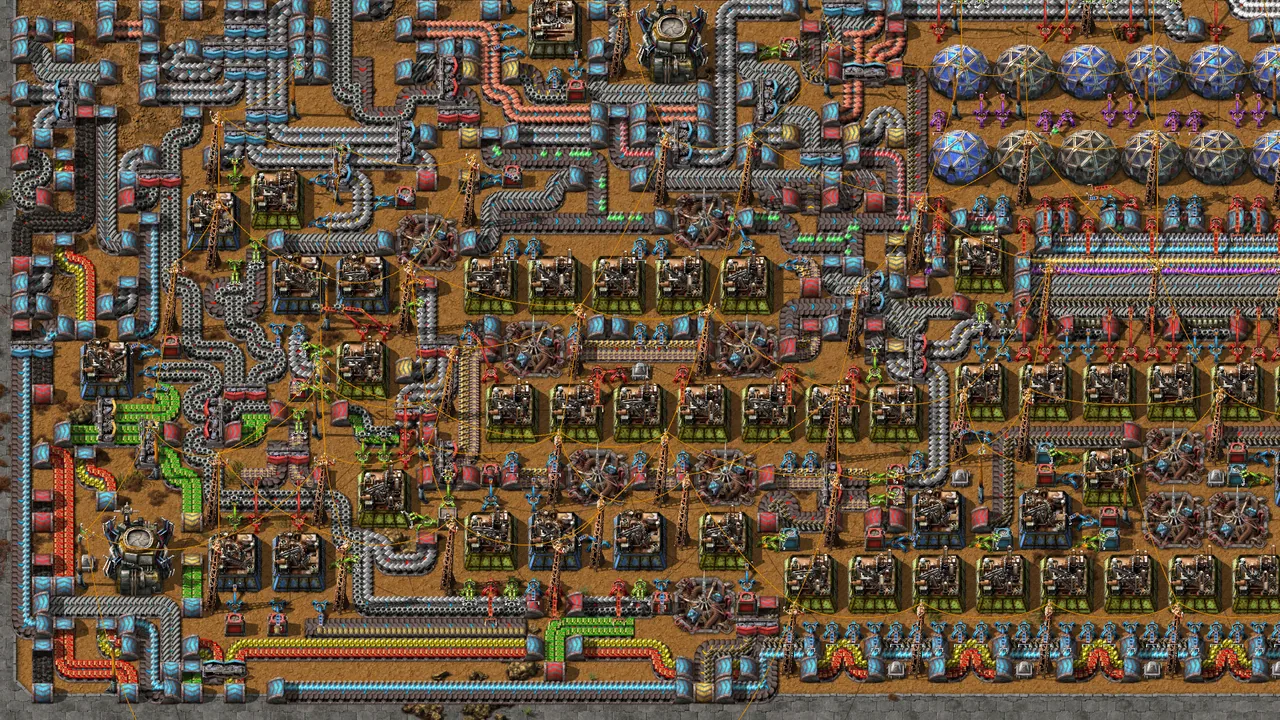
shapez 2 - Factory
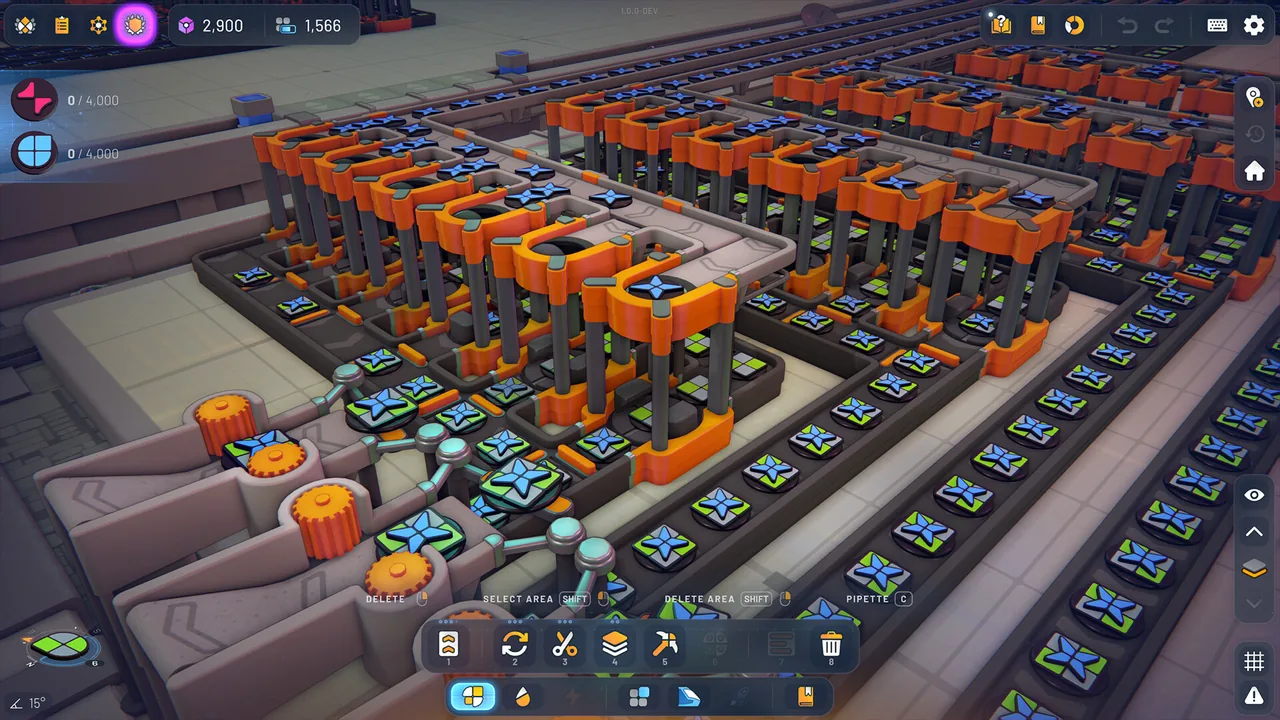
Steam data side by side
| Factorio | shapez 2 - Factory | |
|---|---|---|
| 97%Overwhelmingly Positive193,252 reviews · all languages | Positive reviews | 96%Overwhelmingly Positive14,070 reviews · all languages |
| US$35.00 | Price (United States) | US$17.99-40% |
| 245.1 hours | Playtime at review | 25.6 hours |
| Verified | Steam Deck | Playable |
| Aug 14, 2020 | Release date | Apr 23, 2026 |
| Wube Software LTD. | Developer | tobspr Games |
| Japanese, English, Simplified Chinese, Korean | Languages | Japanese, English, Simplified Chinese, Korean |
What each game is
Factorio
In Factorio's Freeplay, you connect mining to assembly and develop machines and transport networks as research progresses.
Adding assembling machines means preparing their raw-material supply and power, not just an outlet for the finished products.
Construction robots can build a blueprint once supplied with the necessary materials.
For power, choose cheaper steam or costlier, less-polluting solar panels.
As you expand production lines, you also plan how to protect the factory from attacking enemies.
Research opens options such as logistic robots, changing how you can deliver what different parts of the factory need.
shapez 2 - Factory
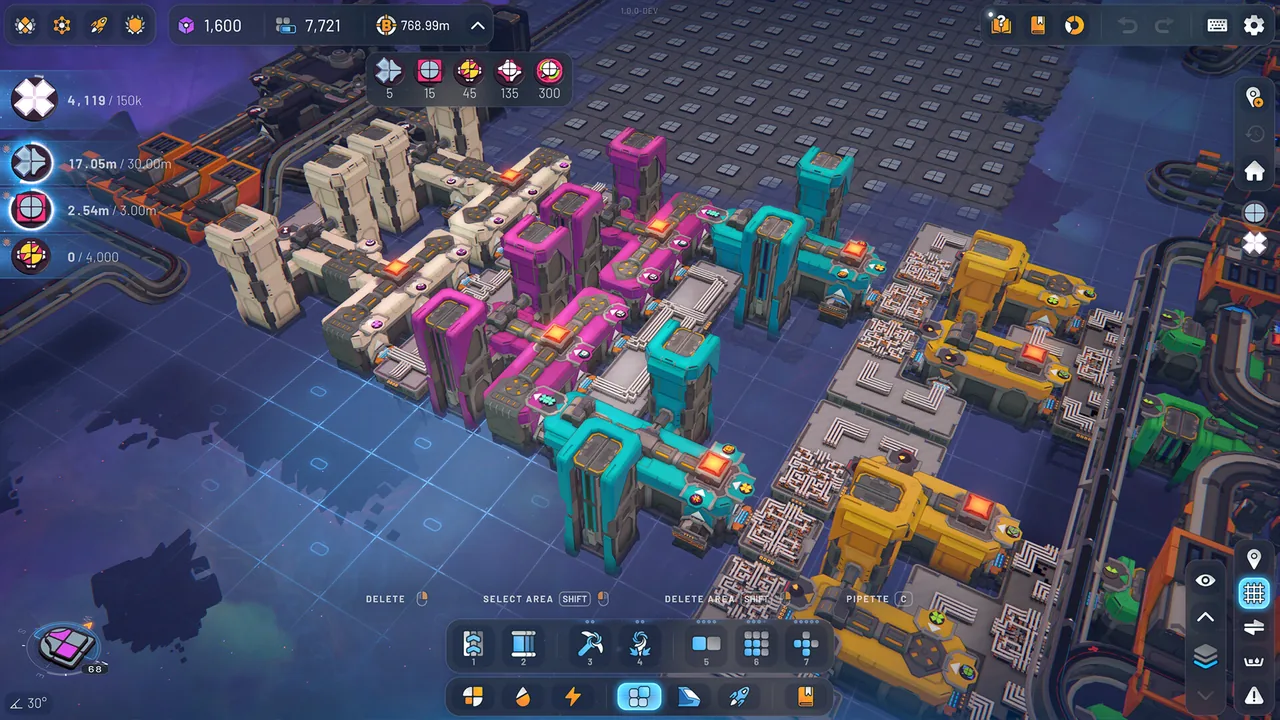
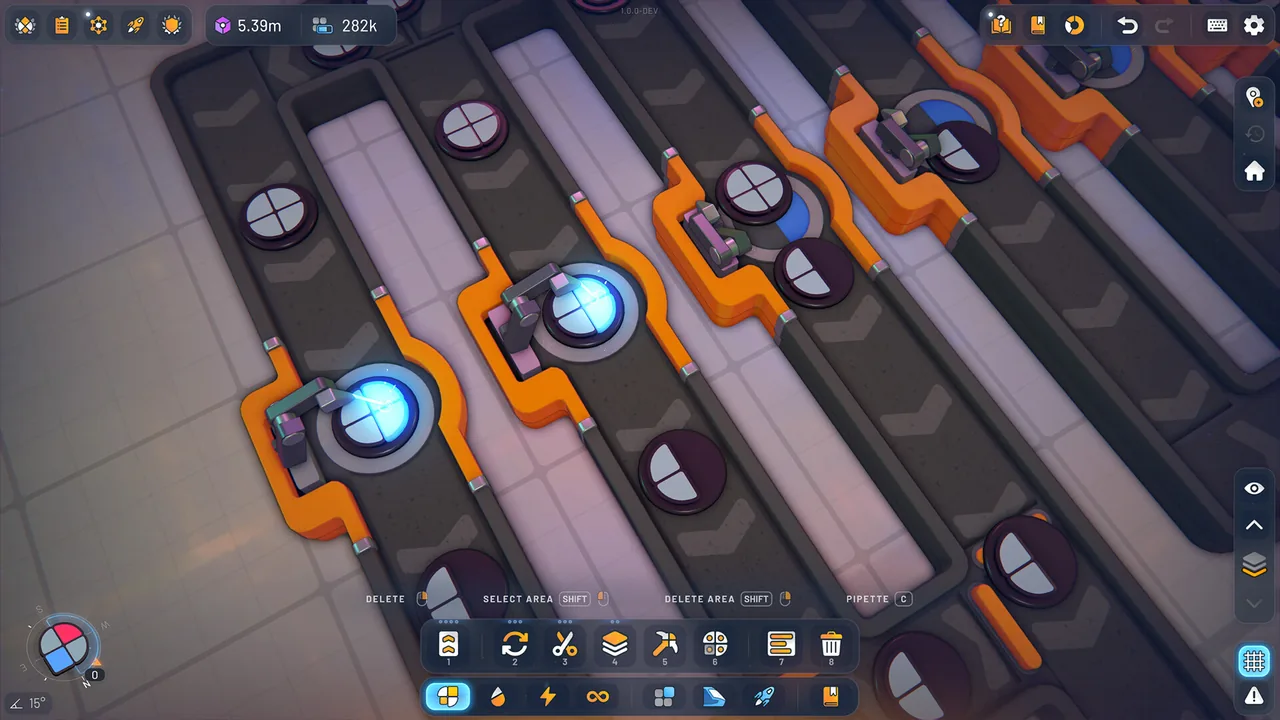
In shapez 2 - Factory, you connect cutting, painting and stacking operations into factories that deliver the requested shapes.
Machines and platforms can use vertical space, but layouts must account for unlocked layers and building heights.
In Classic Mode, the Vortex has limited belt inputs. The official guide suggests moving processing onto other platforms instead of filling the surrounding area with machines.
Choosing between the current delivery layout and research preparation changes what you advance first, whether that preparation involves Jobs in Classic Mode or a continuing supply of Research Credits in Manufacture Mode.
Research can improve overall speed, train speed and train capacity. In Classic Mode, it can also increase Vortex inputs, so expansion involves choices beyond the processing layout.
For experienced players
Factorio
Belts handle nearby resources, while rail links can connect more distant mining outposts.
For a distant expansion, designing the layout and arranging deliveries of construction materials and raw resources become separate parts of the plan.
Circuit networks let you control equipment according to inventory conditions.
That control is a reason to consider Factorio if you want to decide not only which machines to add, but also when their production should stop.
shapez 2 - Factory
The shape filter in Overview Mode lets you search nearby resources for a useful starting shape.
Trains can bring in shapes from farther away, giving you a choice between processing a nearby shape and arranging transport for one you have found elsewhere.
Selecting a belt or building shows its maximum transport or production rate, providing information for arranging machines that fill a belt.
In Classic Mode, this mix of space and flow may suit you if you want to consider room for Vortex inputs separately from the production feeding them.
How they play differently
What to prepare before adding a layout
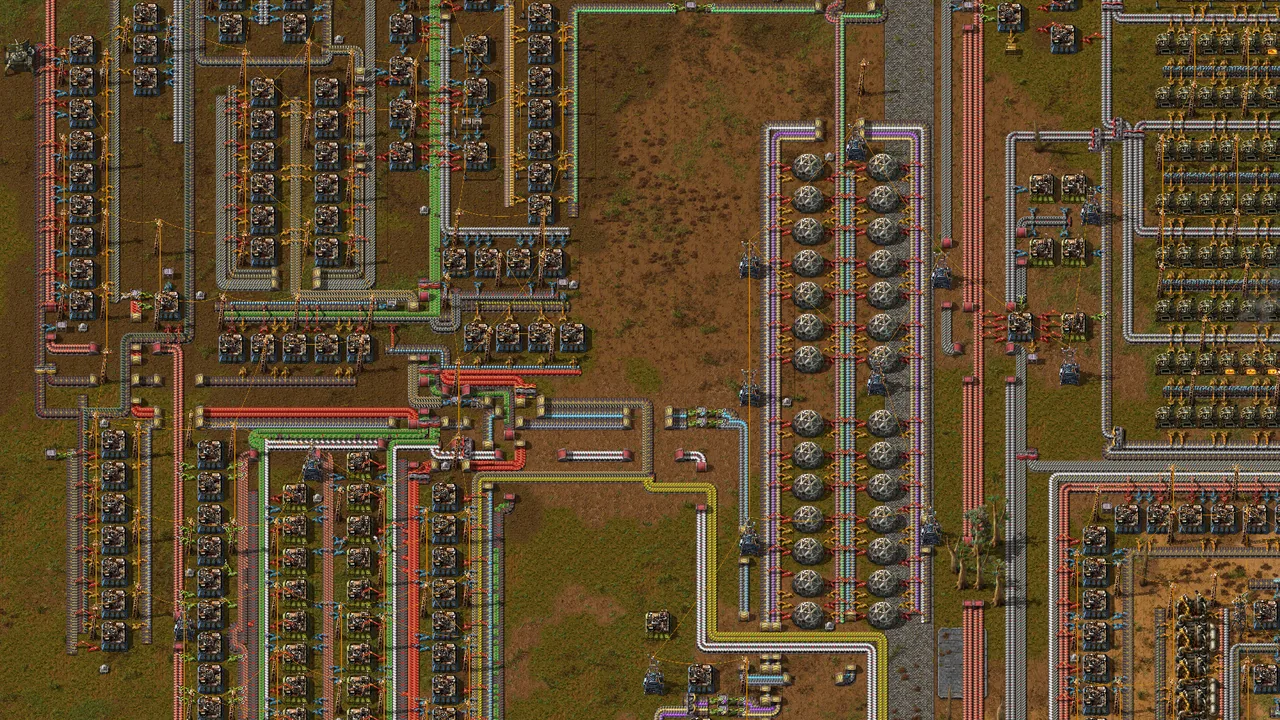
If you reuse a saved layout at the next site, plan how to bring in raw materials and power. The expansion plan covers the supply those machines need once placed.
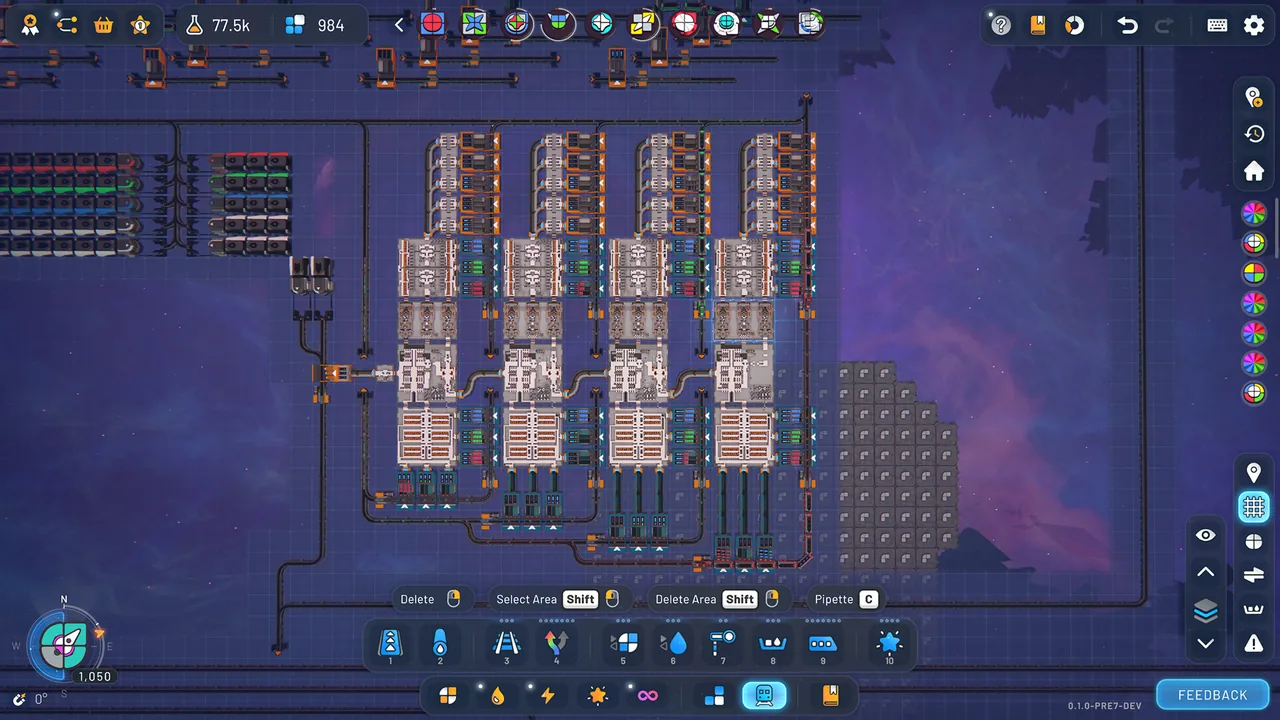
In Classic Mode, the Vortex has limited inputs. Moving processing to other platforms leaves room for delivery routes and prepares space for the next line.
What to check before extending transport
To bring raw materials from distant mining outposts, you can use rail as well as belts. First locate the materials, then plan their route to the factory.
Use Overview Mode to examine nearby shapes and choose where processing begins. If a shape closer to the requested one is farther away, trains can bring it in. Then decide whether to process a nearby shape or arrange transport for the distant one.
How research supports expansion
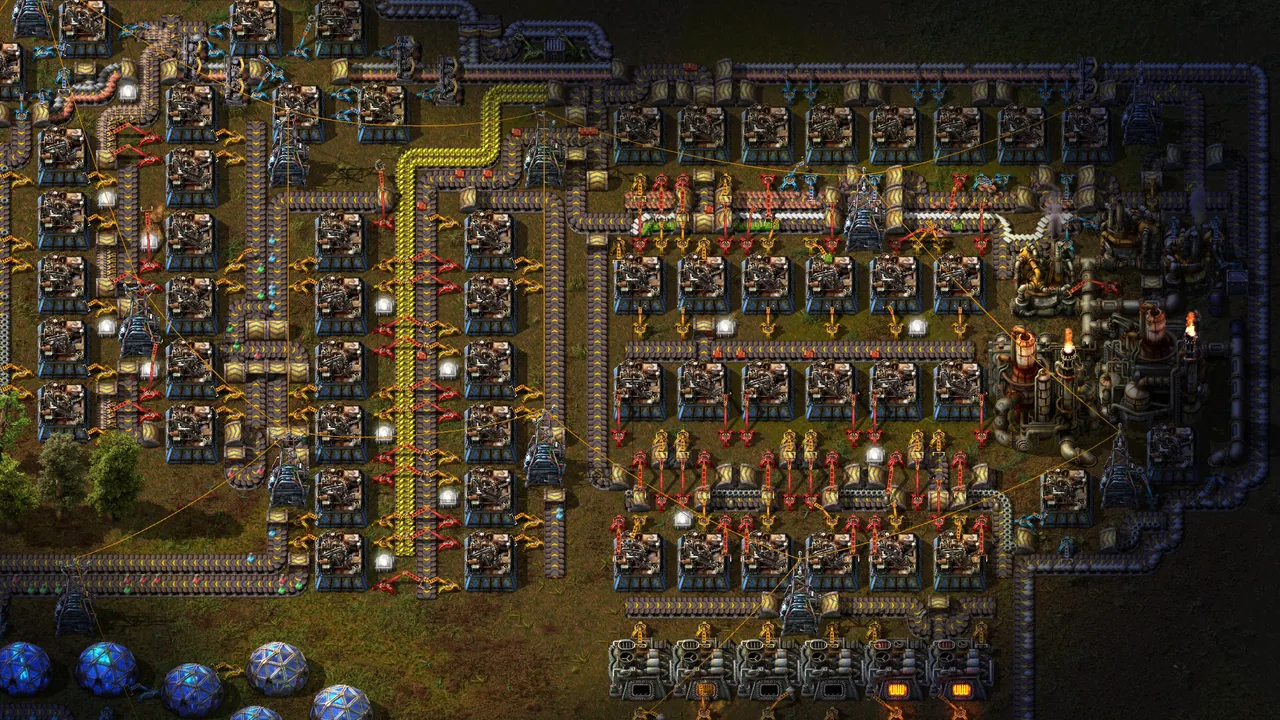
Research opens up more logistics and automation options. Circuit networks can also stop production according to inventory levels. Plan both the machines to add and how they will operate.
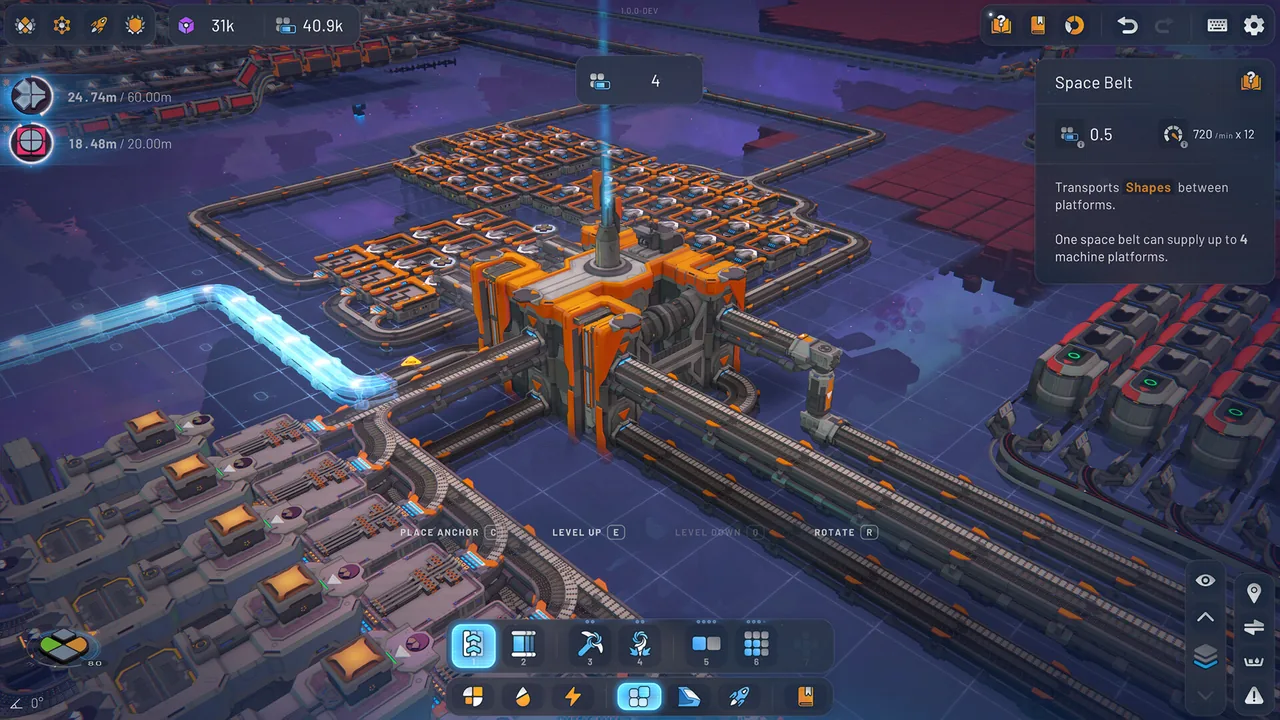
You can spend time on Jobs in Classic Mode or on supplying Research Credits in Manufacture Mode. Research can improve transport; in Classic Mode, it can also increase Vortex inputs.
What reviews praise
Factorio
- Redesigning production lines and improving resource flow is described as satisfying.
- Reviews describe a rewarding progression as expanding automation tools help the factory grow.
- Reviews describe enjoying the need to plan for enemies as the factory grows.
- Planning train-based transport networks for an expanding factory is a source of enjoyment in reviews.
- The ability to reuse factory layouts through blueprints or copying tools earns praise.
shapez 2 - Factory
- Reviewers appreciate being able to focus on factory design without resource gathering or combat demanding their attention.
- Players enjoy refining production lines and layouts as they work out their factory designs.
- Players find that editing tools such as copying and moving make rebuilding layouts less laborious.
- Players also enjoy watching their factories in motion.
- Reviews praise the soundtrack’s atmosphere and how it accompanies factory building.
- Reviews welcome the scope to design circuits and factories that can produce different requested shapes.
- Reviews highlight the pleasure of designing functional modules for later reuse.
- Players praise the way new machines and controls open up as they expand their factories.
What reviews flag
Factorio
shapez 2 - Factory
- Reviewers report dissatisfaction with leaving completed factories behind and rebuilding for the next shape.
- Reviews report memory pressure or slowdowns when factories or circuits grow large.
- Reviewers say the lack of resource pressure or outside constraints left them with less motivation to keep building.
- Reviews describe the work needed to unlock desired tools or upgrades as tedious, including when starting another playthrough.
- Players describe struggling to find a sense of purpose or accomplishment in sending their shapes into the Vortex.
shapez 2 - Factory
If you're still deciding
Return to Factorio's construction and supply sections if you want to produce the materials for new machines and connect their power and raw-material transport.
Revisit Vortex inputs in shapez 2 - Factory's Classic Mode and the section on Research Credits if you want to clear space for the next delivery and plan your starting shapes.
About the data and reviews
Table values are public Steam data; prices are from the United States store. Review points come from the 100 most helpful reviews of the past year for each game, and only points raised in at least three reviews are included. They do not represent every buyer's opinion.
These review themes summarize the Steam posts examined and should be read separately from documented mechanics. The shapez 2 - Factory sample includes Early Access experiences and posts that do not identify their mode, so complaints about rebuilding factories are not applied to every current mode.