Predy Media > Factory automation > Game page
Game pageDyson Sphere Program: Features, Player Views, and Who It Suits

This automation game starts with a factory on one planet and grows into a logistics network across star systems.
If you like tracing stalled lines and fixing their supply, that work sits at the heart of the game. You can also decide at the start whether Dark Fog combat belongs in your factory plans.
What makes it fun
Trace a shortage upstream
When a product runs short, trace its ingredients and belt branches upstream. Once factories span planets, checking distant supplies reveals how their production lines depend on one another.
Build across planets
When your home planet gets crowded, move mining or processing to another world and link it through interstellar logistics. Deciding what to make on site before shipping it gives each planet a role.
Watch your work orbit a star
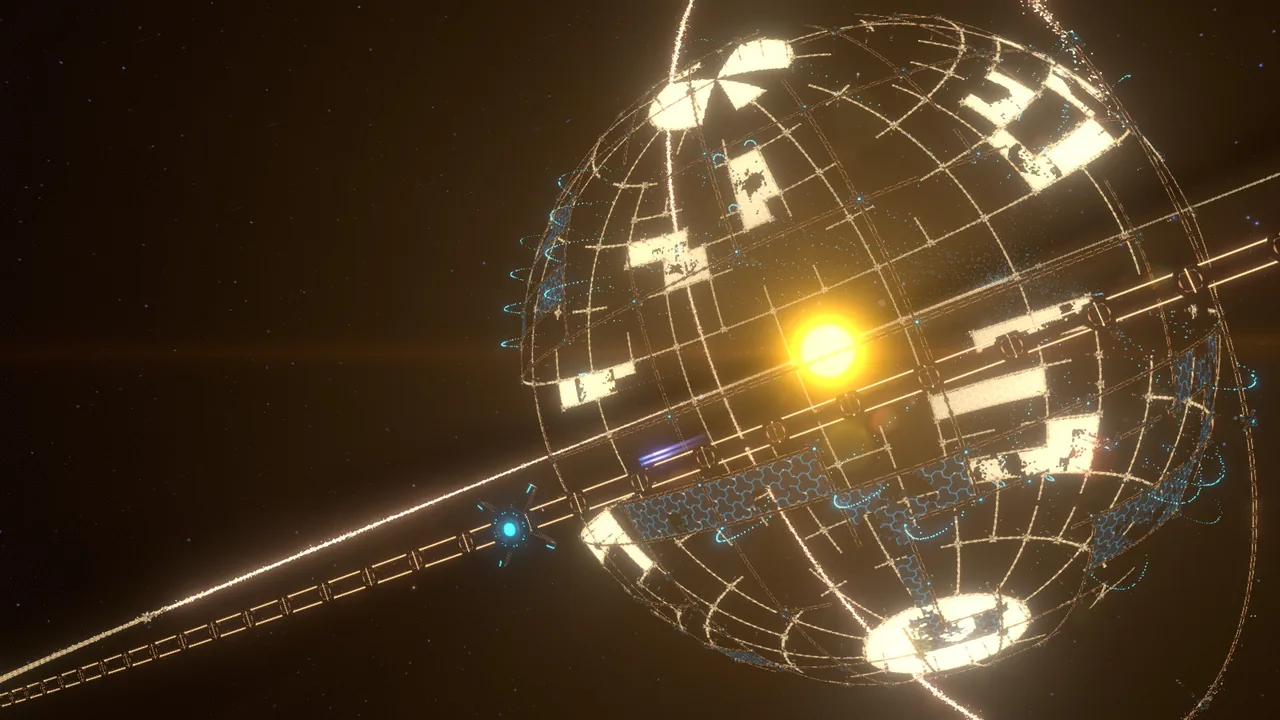
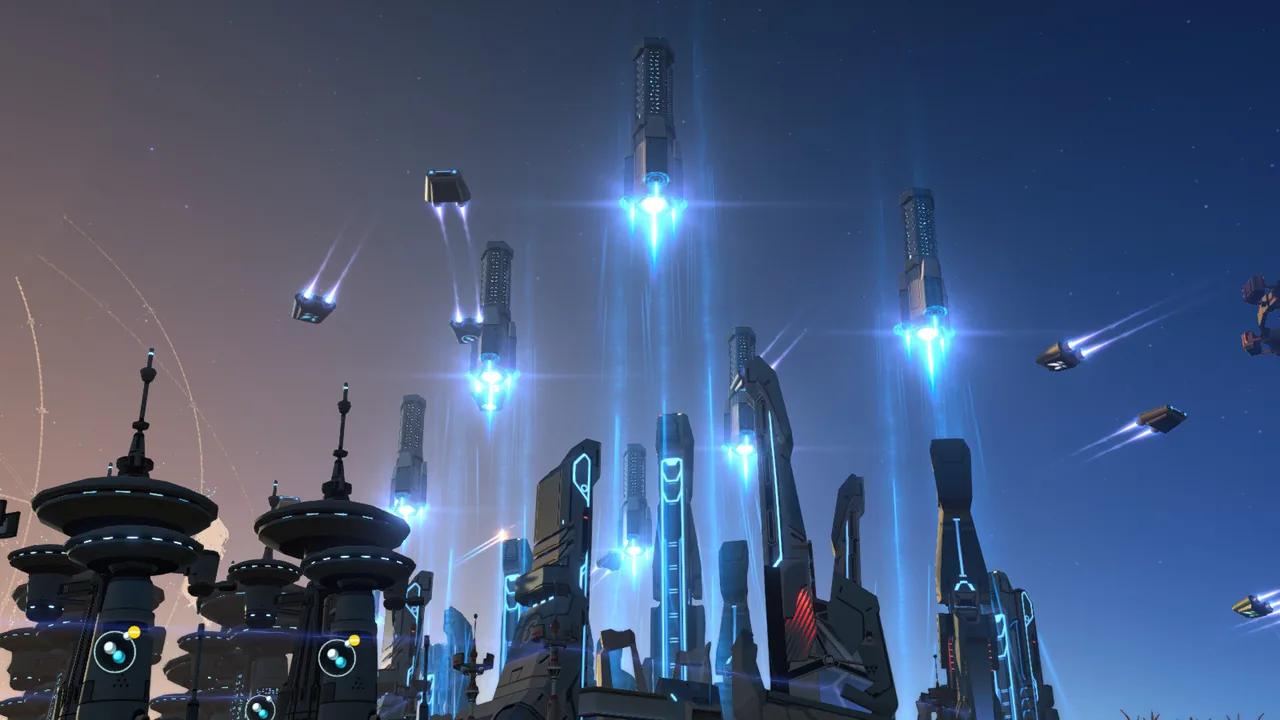
Launch solar sails and build a Dyson Shell you designed. As the sails spread and the shell takes shape around the star, the results of your planetary production appear in the sky.
Game details
As of Oct 29, 2026- Steam Deck
- Playable
- Release date
- Jan 21, 2021
- Developer
- Youthcat Studio
- Languages
- Japanese (Full audio), English (Full audio), Simplified Chinese (Full audio) / 5 languages total
A typical run
After landing, you find ore veins and link mining machines to smelters with Conveyor Belts.
Parts go to Matrix Labs, where research unlocks more ways to produce and transport goods.
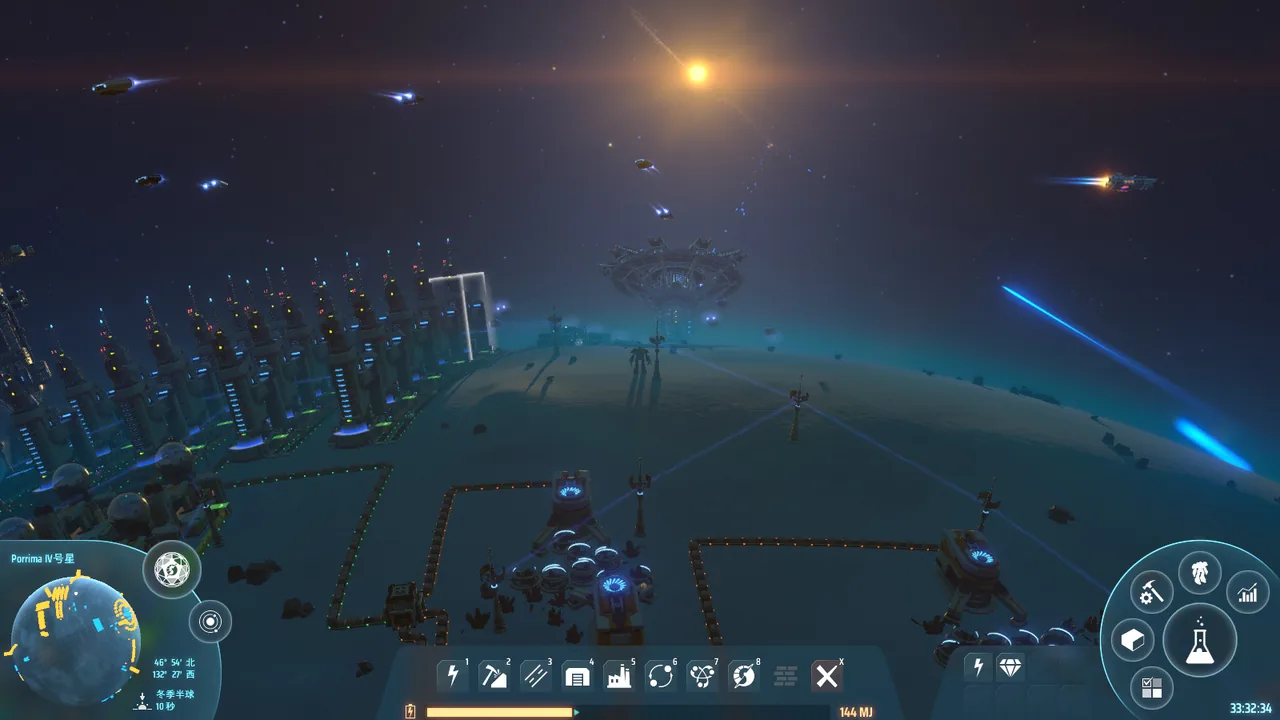
When the home planet lacks a resource, you fly to another world and build a mining site. You also establish a route to carry its output.
Once interstellar logistics is running, you decide whether to ship raw materials or process them near the source. That choice affects supply at factories far away.
Further research and power generation support Solar Sails and Dyson Shells. Energy gathered from the star can then support more production.
Core systems
Conveyor Belt and Sorter
Conveyor Belts carry materials between stages, while Sorters move them into and out of facilities.
You can give a product its own line or use spare room on an existing belt. Keep extending shared lines, and a stall upstream may reach products built far away.
Blueprint
Blueprints save factory layouts for use elsewhere. They can also carry descriptions and management attributes.
Saving a production block makes it easier to build again on another planet. A layout that crosses a break in the spherical grid, or does not fit the local latitude, has fewer places where it can be used.
Planetary Logistics Station and Interstellar Logistics Station
These stations use Logistics Drones and Logistics Vessels to move goods within a planet and between planets.
You can ship ore from a mining site or turn it into intermediate products there first. If supply and demand settings at each station are unclear, a shortage at a distant factory is harder to trace.
Dyson Shell
You place nodes and frames around a star and design the shape of each orbital layer.
You can draw the shape first or prepare component factories and power before expanding construction. A larger design can leave launch facilities and component supply short for longer.
Dark Fog
This enemy faction spreads planetary bases and space hives and attacks factories. You can lower its aggression or disable it when starting a game.
You can clear a base early or hold a defended front and collect enemy drops. Combat also needs a supply of ammunition, power, and defensive facilities.
Metadata
Matrix production in an earlier save provides Metadata for uses such as unlocking technology or obtaining Matrices in a new game. The data is stored locally.
You can spend it to get a new cluster running sooner or on Dark Fog-related uses. What you spend in one place is no longer available elsewhere.
What sets it apart
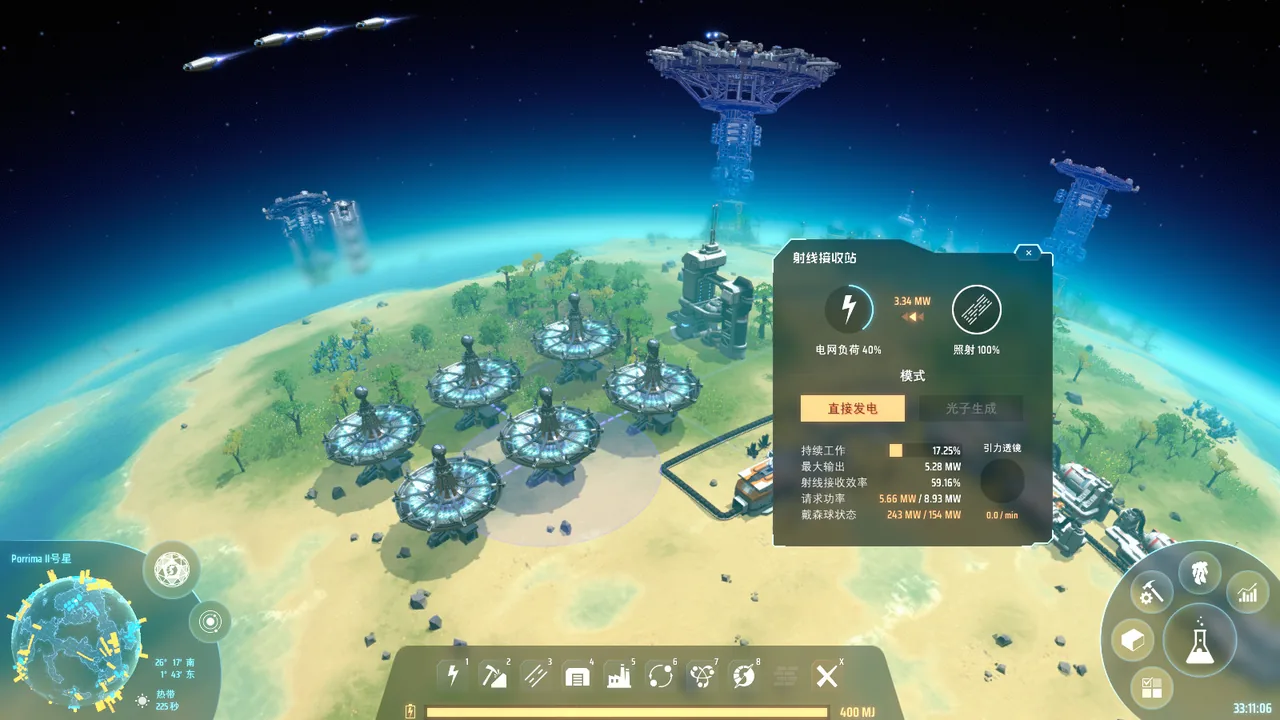
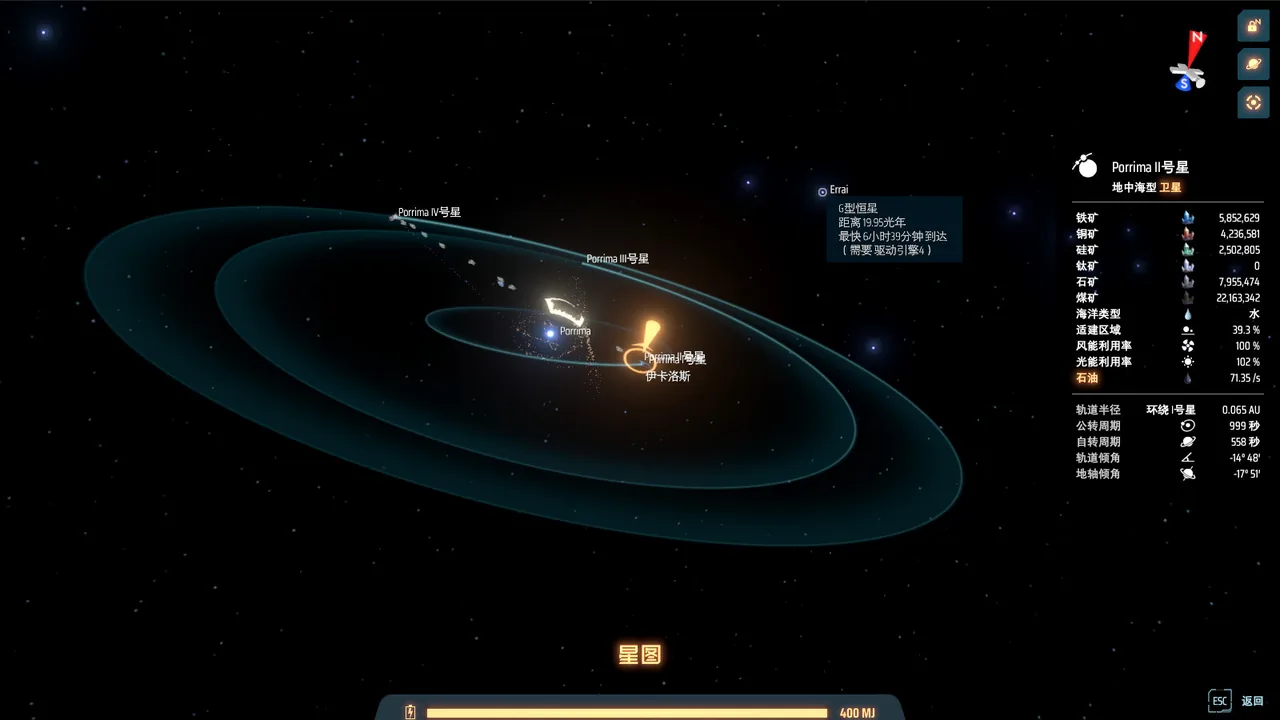
Your factory extends beyond a flat map. It grows from planets with spherical grids into other star systems.
A crowded starter factory need not be rebuilt from the ground up. You can move production to another planet and connect it through interstellar logistics.
Late in the game, you can shape a Dyson Shell around a star and watch its construction progress.
Learning curve and difficulty
Early on, you can progress by following materials along the belts. As the range of products grows in the middle phase, it helps to sort out where each new line will get its inputs before placing more machines.
Transporting finished goods is only part of the logistics network. Experienced builders also arrange deliveries of fuel and Space Warpers.
Small Blueprint production blocks are easier to adjust when you build at a different latitude.
Dark Fog aggression is set when a game begins. You can learn factory layouts without combat or include the task of keeping defenses supplied.
Builds and playstyles
Station-fed production blocks
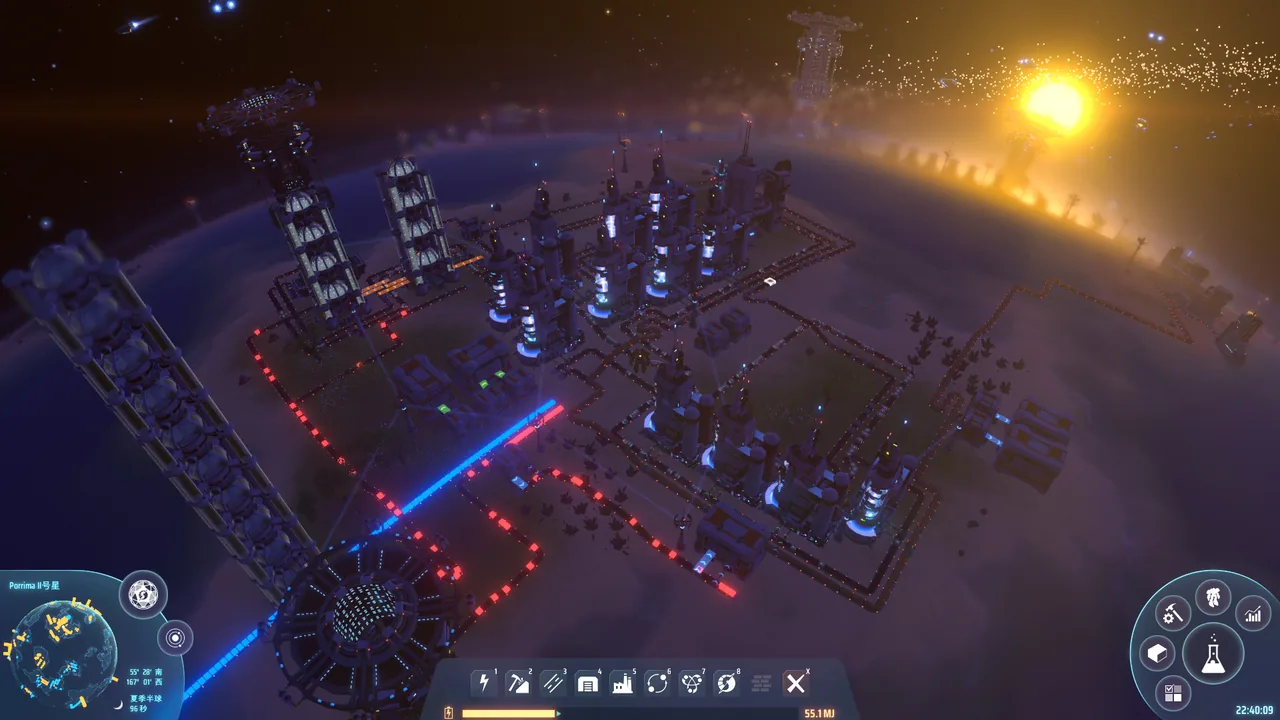
Machines for a particular product sit around a Logistics Station. The station requests inputs and supplies the output; save the block as a Blueprint to use it on another planet.
Planet specialization
Give mining to one planet and processing or research to another. For materials you want to ship in smaller volumes, make intermediate products near the veins before sending them out.
Dark Fog farm
Leave an enemy base standing, supply your defenses with ammunition, and collect drops. If the ammunition line stops, the defense stops too, so its supply has to be part of the factory plan.
What longtime players say
After the main objective, long-time players set their own goals: raising research-material output or building Dyson Shells around other stars.
Long-time players also discuss the combat and logistics changes added through updates. One may enjoy Dark Fog; another keeps building factories without engaging with combat.
As construction spreads across planets and star systems, manual flights between sites take time. Long-playtime reviews ask for automatic navigation.
What players like
Extending one line leads to adding another machine, then adjusting the next line. Reviewers describe sitting down for a small fix and losing track of when to stop.
These reviews enjoy tracing a missing input upstream and correcting production rates or a logistics jam. From the middle phase onward, a stoppage can affect products several stages away.
The move from Logistics Drones on one planet to Logistics Vessels between worlds gives players a factory network that reaches across star systems.
Watching Solar Sails spread and a Dyson Shell take shape around a star stays with these reviewers.
Reviewers new to automation describe getting a working line going by connecting miners and smelters. If the first factory becomes tangled, another planet offers room to rebuild.
Players focused on construction welcome the option to disable Dark Fog at the start, leaving them free to expand the factory without defending it.
Common complaints
With Dark Fog enabled, defending a factory and clearing enemy bases interrupt expansion. Repeating that cleanup can wear on players who came to build.
Reviews report slower performance and larger saves after late-game factories and Dyson Shells grow.
Players who want to split construction across planets with friends miss official cooperative play. Flying alone between building sites also takes time.
The middle phase calls for lines for an expanding range of products. Reviewers find the construction and rearrangement tools slow to keep up with that hands-on work.
Steam Cloud is not supported. When changing devices or reinstalling, players have to move saves and handmade Blueprint libraries themselves.
Who it’s for
It suits players who like following a stopped line upstream and fixing belt branches or a Logistics Station's supply settings.
It also suits those who want to divide mining and processing between planets, build interstellar routes, and keep a Dyson Shell project supplied.
Who might not enjoy it
It will not suit players who want official cooperative play so friends can build on different planets together.
Players who want to avoid mid-game rearrangement and manual trips to late-game construction sites may find the hands-on work tiring.
FAQ
- Is Japanese available?
- Yes. The official Japanese localization covers interface text, subtitles, advisor lines, and system voice prompts.
- Is there cooperative play?
- No. The developer describes Dyson Sphere Program as a single-player game and says it has no plans to develop official multiplayer.
- Can combat be disabled?
- Yes. You can adjust Dark Fog aggression or disable the enemy faction when starting a game.
- Is gameplay downloadable content required?
- No. Dark Fog was added to the base game. The separately sold content is the soundtrack and digital art book.
- Does it support Steam Cloud saves?
- No. The developer recommends regularly backing up local saves.
These impressions are based on 100 Steam reviews sorted by “Most Helpful.” They do not represent the views of all buyers.
Image: Dyson Sphere Program on Steam