Predy Media > Rhythm > Game page
Game pageTrombone Champ: Features, Player Feedback, and Who It Suits

In this rhythm game, you slide the pitch with your mouse. Miss the target and the note you actually played stays in the song.
You can work toward a clean melody, enjoy the sound of a performance falling apart, or look for custom charts after the included tracks.
What makes it fun
Wrong notes become part of the song
Miss the pitch line and you hear the note you actually played. The game does not replace it with a stock mistake sound, so the melody itself goes awry and the slip can be funny.
Shape the melody yourself
Move the mouse to change pitch, then time each note with a click or key press. When a familiar melody comes together cleanly, it feels like you played it yourself.
Baboon secrets beyond the songs
As you play songs and uncover secrets, a story involving baboons comes into view. There is a confrontation toward the end, giving you a reason to see what unfolds beyond the music.
Game details
As of Oct 29, 2026- Steam Deck
- Playable
- Release date
- Sep 16, 2022
- Developer
- Holy Wow Studios LLC
- Languages
- Japanese, English (Full audio), Simplified Chinese, Korean / 10 languages total
A typical run
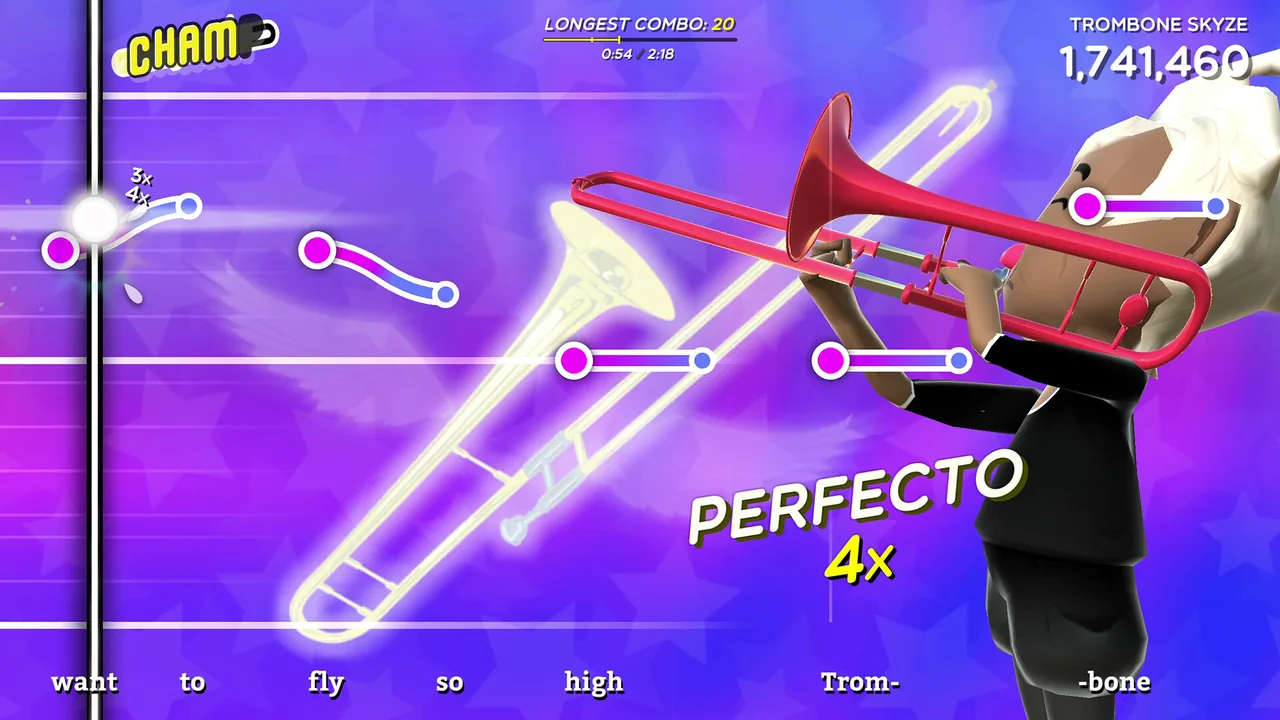
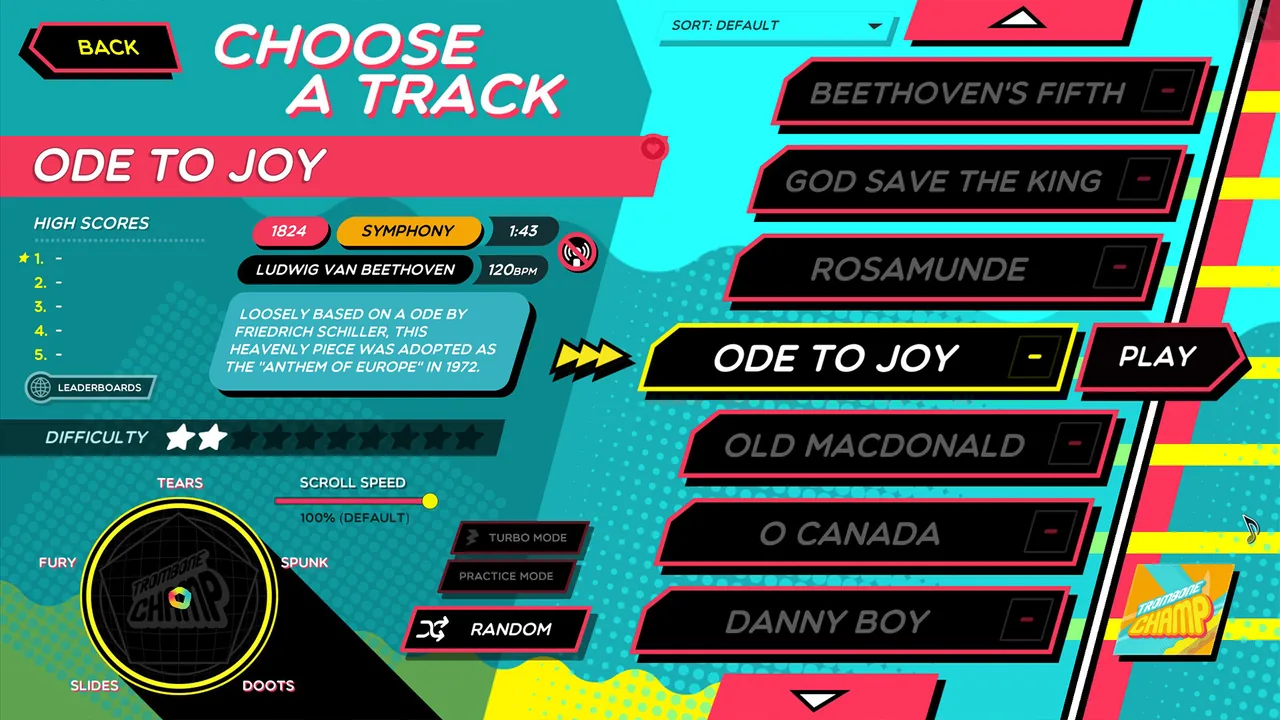
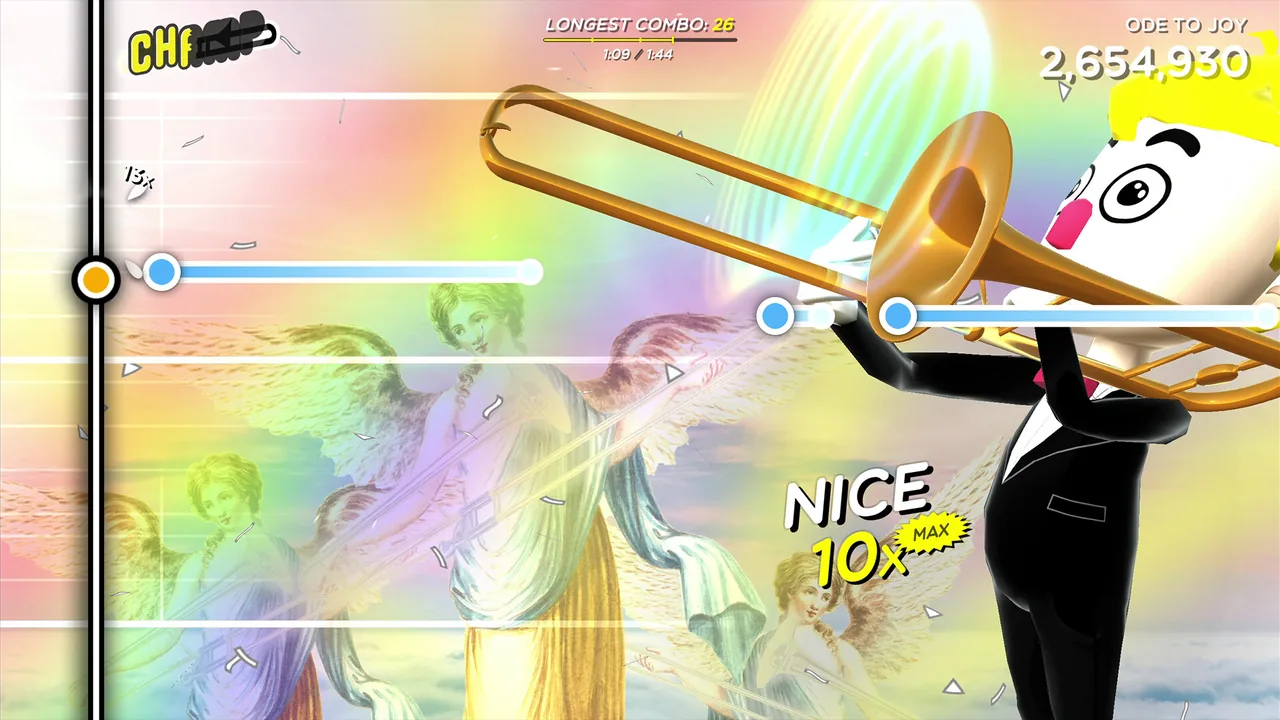
Choose a track, then move the mouse up and down to follow the pitch lines scrolling across the screen.
The trombone sounds only while you hold a mouse button or key. You have to place the pitch and time both the start and end of each note.
When the track ends, your performance determines your score and Toots.
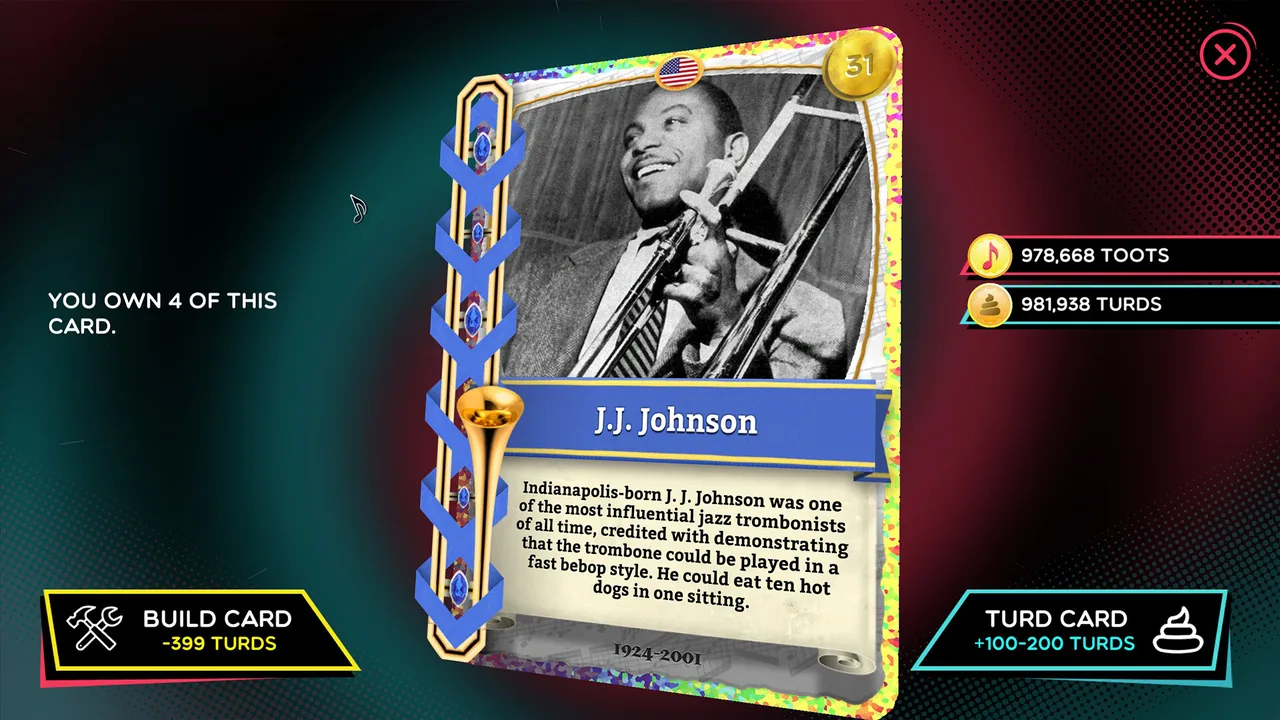
You can spend Toots on Tromboner Card packs. Cards unlock tromboners, trombone colors, and hidden elements.
As you play tracks and pursue the collection, you reach the secrets of the Trombiverse and its late confrontation.
Core systems
Controls
Moving the mouse vertically changes pitch continuously; a click or key sounds the note. If you miss the line, you hear the pitch you played.
Hold the center of a line or start sliding toward the next pitch early. Where short notes follow one another, releasing the button cleanly can matter more than making a smooth slide.
Toots
Toots are currency earned by playing tracks. A better performance yields more to spend on card packs.
You can play freely for the sound of it or follow the chart closely to fund the card collection. Chasing Toots changes how you approach the same track.
Tromboner Cards
You collect these from packs bought with Toots. They unlock tromboners, trombone colors, and hidden elements.
You can stop after working on track scores or keep collecting while dealing with duplicate cards. The collection takes time outside the performances.
Freeplay Mode
This mode leaves scored charts behind and lets you play whatever pitches you want.
With no prepared melody to follow, you decide how the pitch moves and where each note ends.
Tootmaker
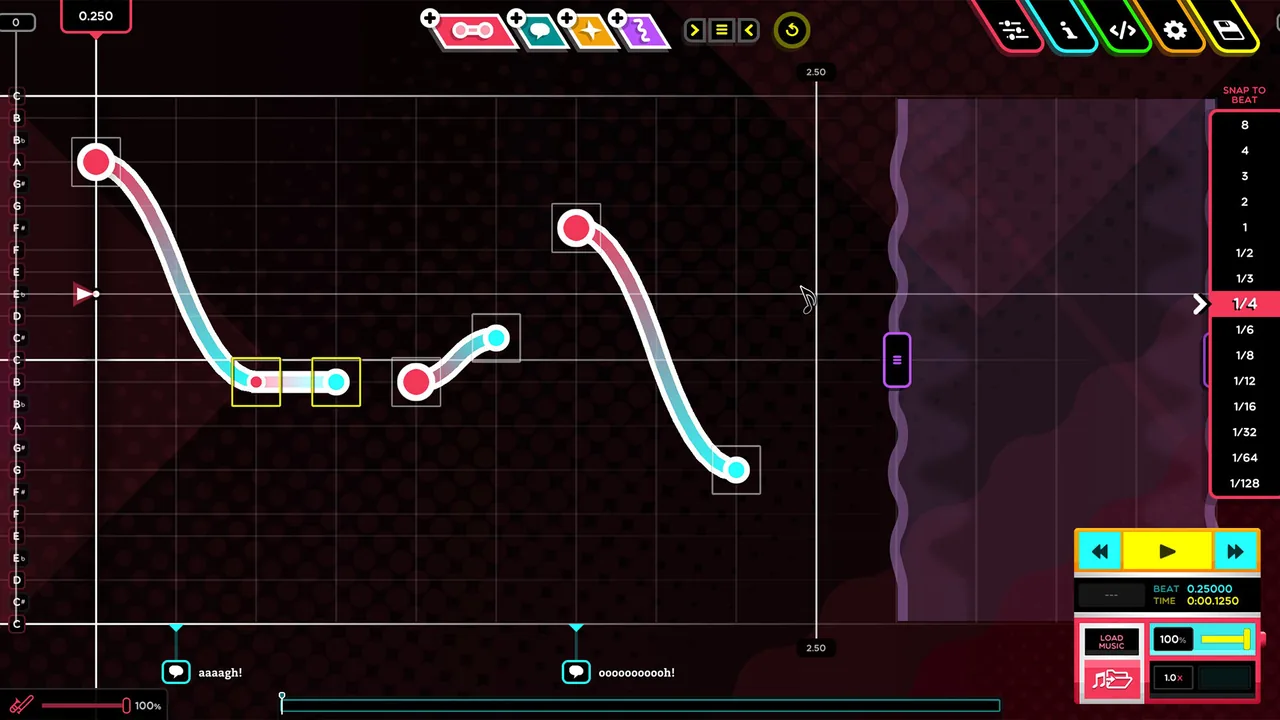
This official in-game chart editor lets you place notes against a song and test the result in the game.
Play existing charts or make one by adjusting note positions and lengths. Making a chart adds work beyond performing it.
Steam Workshop
You can add custom tracks published by the community and share charts made in Tootmaker.
Replay the included songs or search for charts of music you like. Searching takes time, and chart quality varies between uploads.
What sets it apart
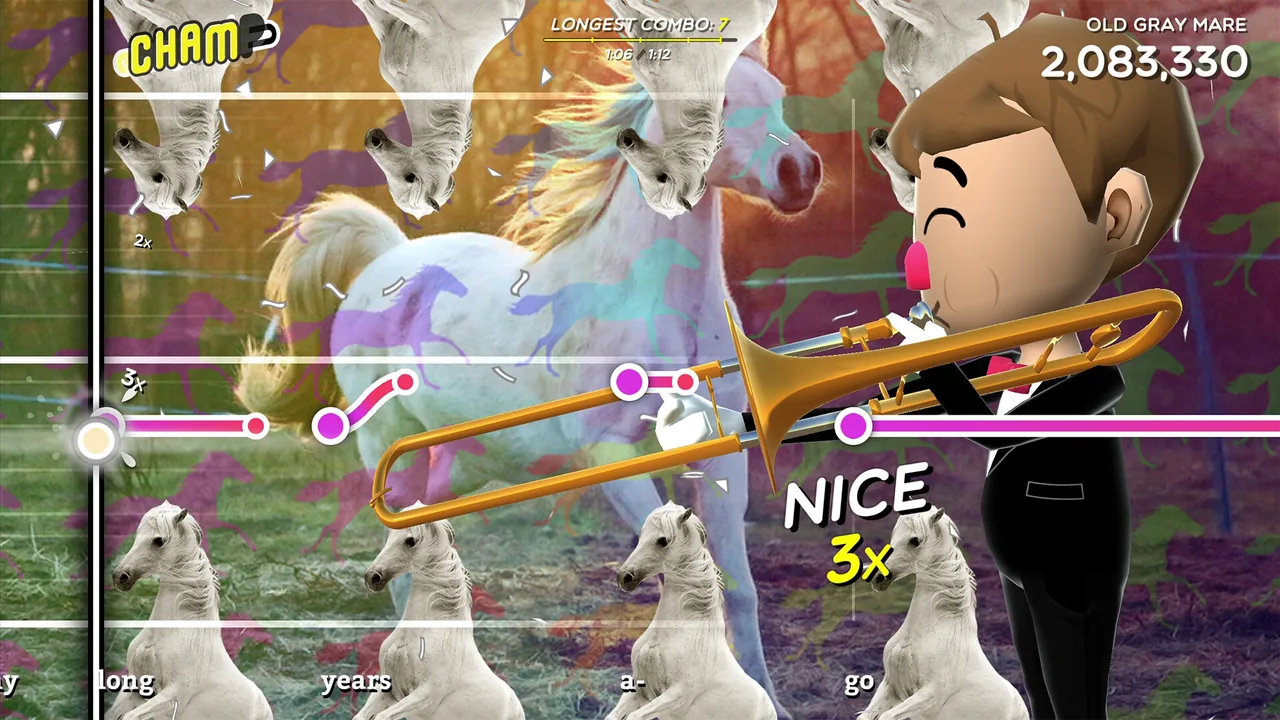
Rather than pressing buttons in fixed lanes, you move through a continuous range of pitches.
A miss does not trigger a stock error sound. The off-pitch note remains in the performance.
Beyond playing tracks, there are Tromboner Cards to collect and a Trombiverse story built around baboons.
Learning curve and difficulty
Start by placing the pitch near the center of each scrolling line and matching when each note begins and ends.
At a wide pitch jump, deciding when to leave the current note for the next position becomes difficult.
Mouse sensitivity, inverted controls, and latency settings can make your movement feel out of step with the scoring.
Set those up before tackling harder tracks. It then becomes easier to tell a control mismatch from trouble reading the chart.
Builds and playstyles
Chart-faithful play
Set sensitivity and latency, then practice holding the center of each line and releasing notes on time. The reward is hearing a familiar melody come together cleanly.
Comic failure play
When a note goes astray, keep playing and hear what it does to the song. That approach also works when friends are watching the performance.
Custom-track rotation
Look through Steam Workshop for charts of songs you like and add them to the game. Community uploads offer another track to play after the included selection.
What longtime players say
After the included tracks, players have kept going by hunting secrets or completing cards and achievements. Those goals give them something to pursue beyond track scores.
Others look for newly added custom tracks, then play charts of songs they like. That search keeps them returning after the included material.
One player describes enjoying the game for years, and another returned after a long break. A player who finished the achievements felt ready to stop.
What players like
After playing the included selection, players can search Steam Workshop or custom tracks for charts they want. For those seeking new songs, that becomes a reason to return.
A missed pitch stays audible, so a mangled melody can become the joke. Reviews describe showing performances to friends or laughing together while playing.
The baboon and card jokes lead players toward secrets and a late story sequence. Reviews describe enjoying the surprise of finding that plot.
For players who like collecting, cards and achievements provide goals apart from improving a track score. Reviews describe pursuing them after the performances.
At first, simply following the pitch line can feel hectic. Players also describe enjoying the process of getting used to the controls and connecting a melody.
Mouse movement sets the pitch, and you sound each note yourself. Players like hearing how they performed rather than receiving only a hit or miss cue.
Players report that sensitivity, pitch direction, and latency adjustments made the controls feel easier to use.
Common complaints
Following pitch lines with a mouse becomes demanding on difficult tracks. A player also felt the scoring did not match their input.
Players describe arm, wrist, or eye fatigue from sustained mouse movement. That matters if you plan to play tracks back to back.
Players have felt finished after the included goals or achievements. Others wanted a longer included experience.
A song seen in a video may not be included in the game. Finding custom tracks takes effort, and community charts vary in quality.
Who it’s for
It suits players who can laugh at an off-pitch note and still enjoy adjusting sensitivity and latency until a melody comes together.
It also suits players who want to search for favorite songs after the included tracks, browse Steam Workshop, or make charts in Tootmaker.
Who might not enjoy it
If broad mouse movements tire your arm or eyes, playing several tracks in a row may be uncomfortable.
If you want extended play from the included tracks and story alone, bear in mind that later goals shift toward cards, achievements, and custom songs.
FAQ
- Does it support Japanese, Simplified Chinese, and Korean?
- Yes. The Steam version supports interfaces and subtitles in those languages. Steam lists English as its full-audio language.
- Is there cooperative play?
- Steam lists the game as single-player. Reviews describe sharing performances with friends, but there is no cooperative mode.
- Can I adjust the controls?
- You can adjust sensitivity, pitch direction, latency, and related settings. Try matching mouse movement to the sound before tackling difficult charts.
- Can I add songs?
- You can add custom tracks from Steam Workshop and make or share charts with the in-game Tootmaker editor. Official song packs are also sold.
These impressions are based on 100 Steam reviews sorted by “Most Helpful.” They do not represent the views of all buyers.
Image: Trombone Champ on Steam