Predy Media > Turn-based tactics > Game page
Game pageFights in Tight Spaces: Features, Reception, and Who It Suits
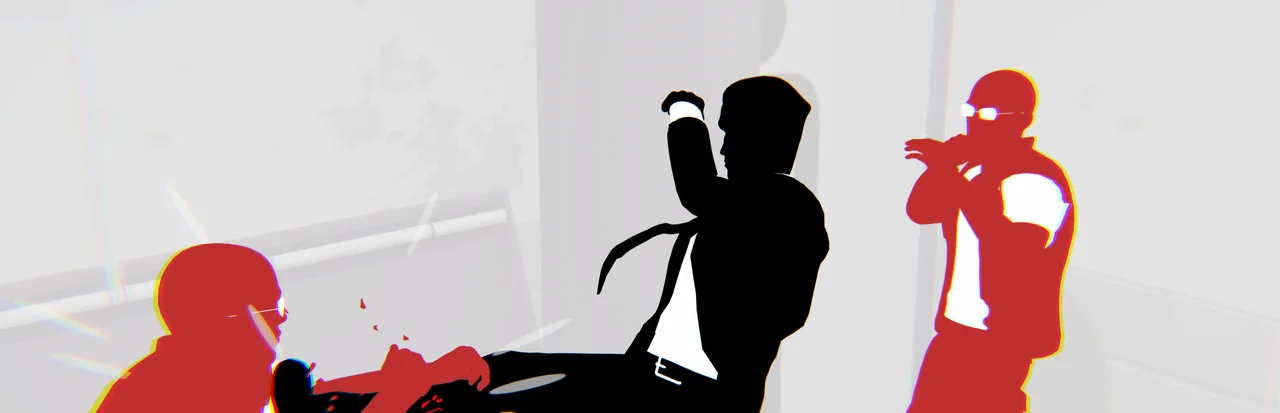
Each turn depends on the order you play your cards, where enemies face, and the shape of the room.
If you usually play deckbuilders for card combinations, consider how much time you want to spend moving enemies into attacks and hazards.
What makes it fun
Make enemies do the work
Push a foe into another enemy’s line of fire, or throw them through a window or off a ledge. When punches fall short, their positions and the shape of the room give you another way to win.
Plan around the square you stand on
Check enemy attack directions and the movement cards in your hand, then look for a square you can strike from and a place to escape afterward. Stepping into range may leave you trapped against an edge.
Watch your plan become a fight scene
You have time to work out the order of your cards during combat. After the fight, the replay turns those choices into a continuous action sequence.
Game details
As of Oct 29, 2026- Steam Deck
- Verified
- Release date
- Dec 3, 2021
- Developer
- Ground Shatter
- Languages
- Japanese, English, Simplified Chinese / 7 languages total
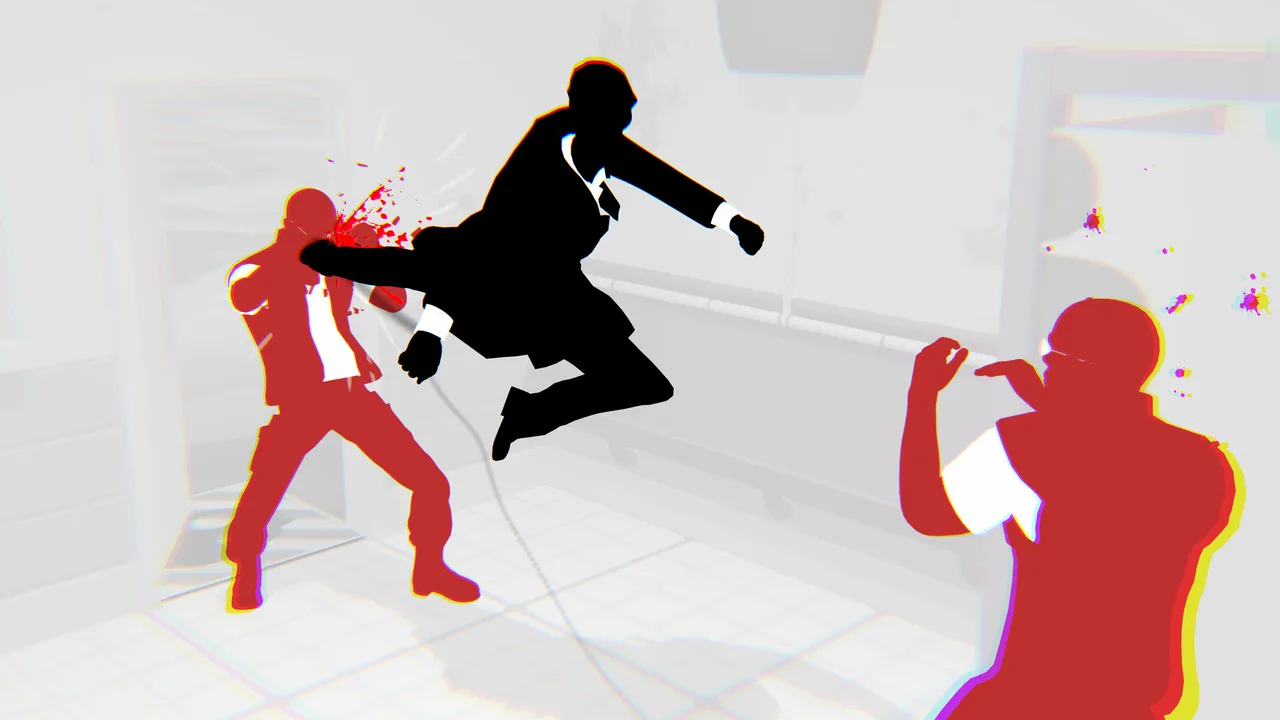
A typical run
Choose a prepared deck at the start, or assemble one in Deck Draft Mode.
Pick fights, Random Events, and other stops on the map. Their rewards help prepare you for later missions.
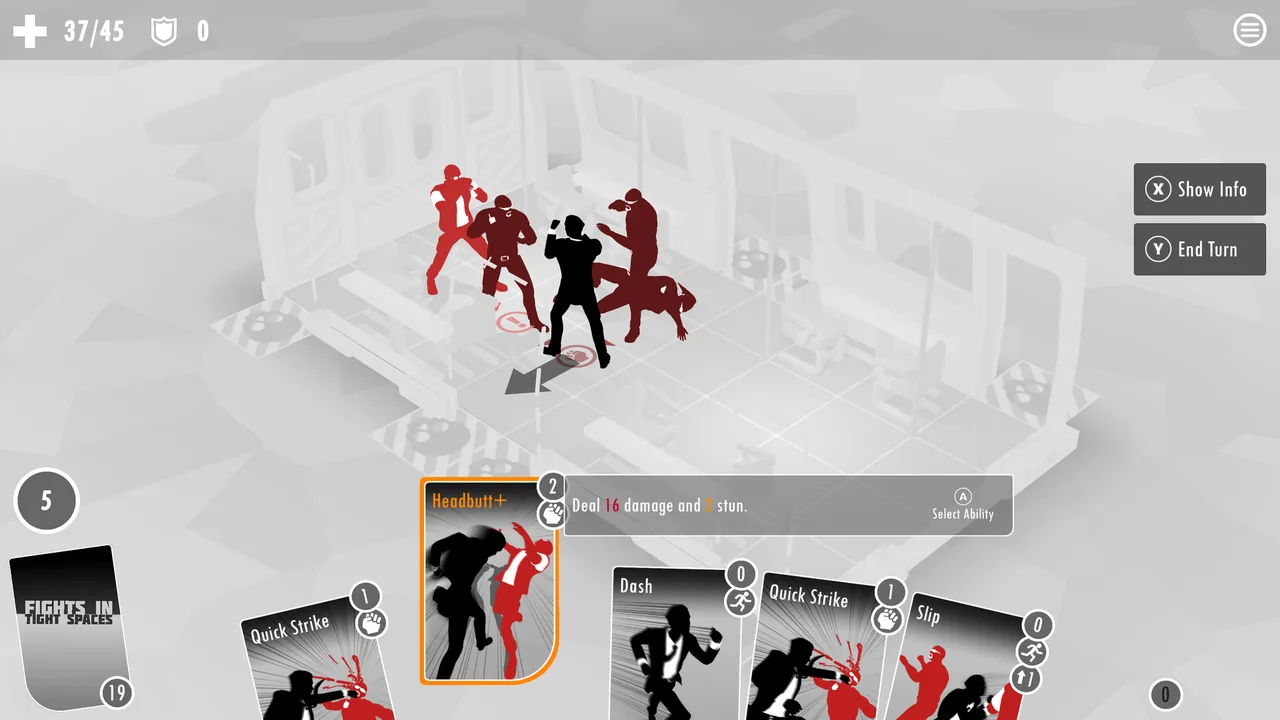
In combat, check enemy attack directions, then spend Momentum on movement, defense, and attack cards.
Choose whether to pursue the Objective or defeat the enemies safely. New cards and Enhancements let you adjust the deck.
Health and the deck carry into the next mission. When a run ends, your progress unlocks new cards and decks.
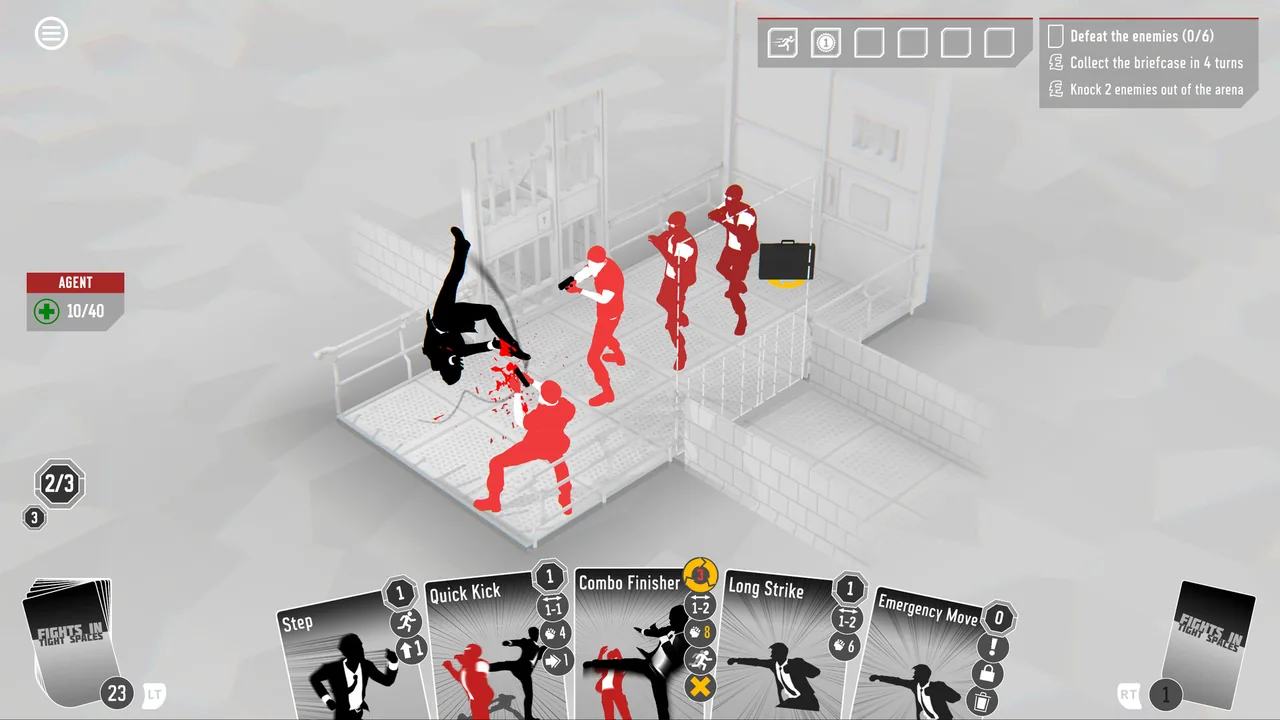
Core systems
Control the Space
Walls, windows, drop zones, and the positions of other enemies can all help you deal damage.
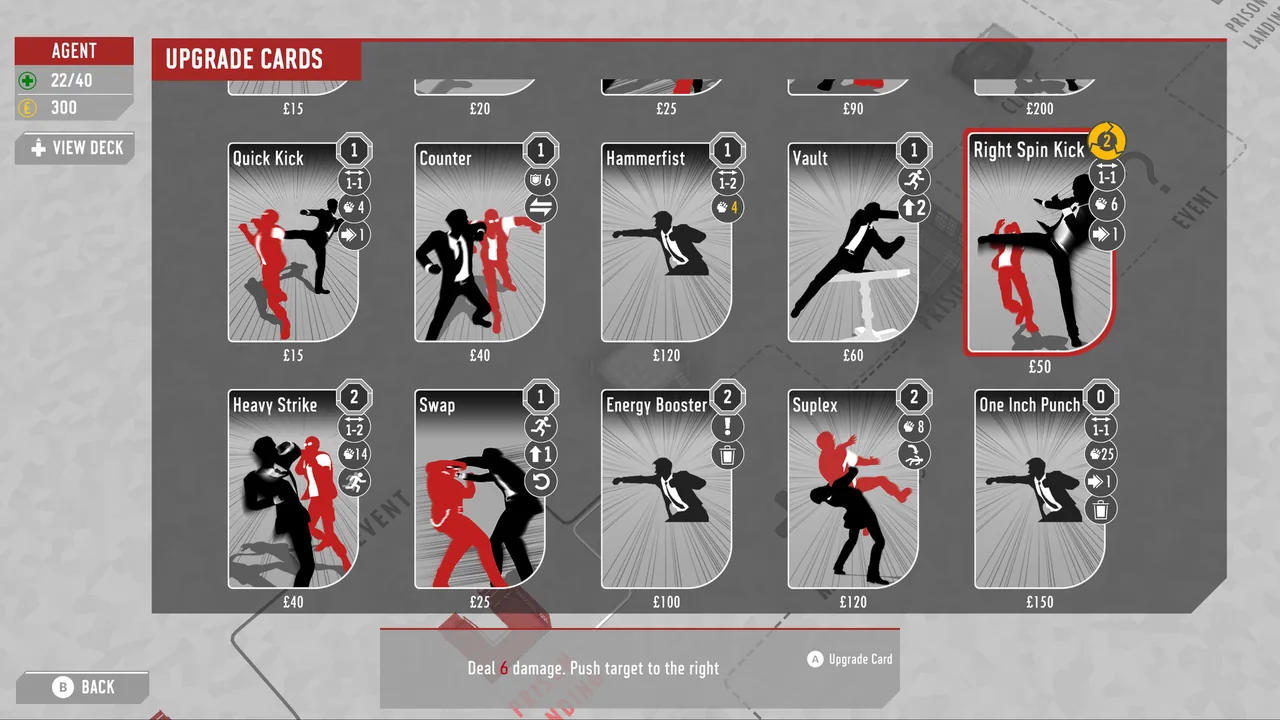
Before hitting the enemy in front of you, check whether you can move another into a firing line. You can also save a displacement card for a window or drop zone.
Momentum
Playing cards costs Momentum. Spend it all on attacks and you may have nothing left to move out of danger.
Before extending an attack sequence, decide how much to keep for an exit. A strong chain still leaves you exposed if you cannot move at the end.
Positioning
Enemy facing, attack lines, counter ranges, and obstacles all affect which tile is safe.
You can step into a tile that permits an immediate hit or move somewhere safe after the enemies act. Check their next actions before committing.
Combo
Chained actions build Combo for cards that use it. Certain cards preserve Combo; others spend it.
Spend it on the current enemy or keep it for a later attack. Repositioning can break the chain, so the order of your moves matters.
Enhancements
Enhancements found during a run change what your agent can do.
Strengthen the deck's existing plan or address a shortage of movement, defense, or Momentum. The turns that have caused trouble can guide the choice.
Daily Mission
Daily Missions give you a changing challenge and a score to compare with other players.
A move that keeps you alive may differ from one that completes the Objective efficiently and raises your score.
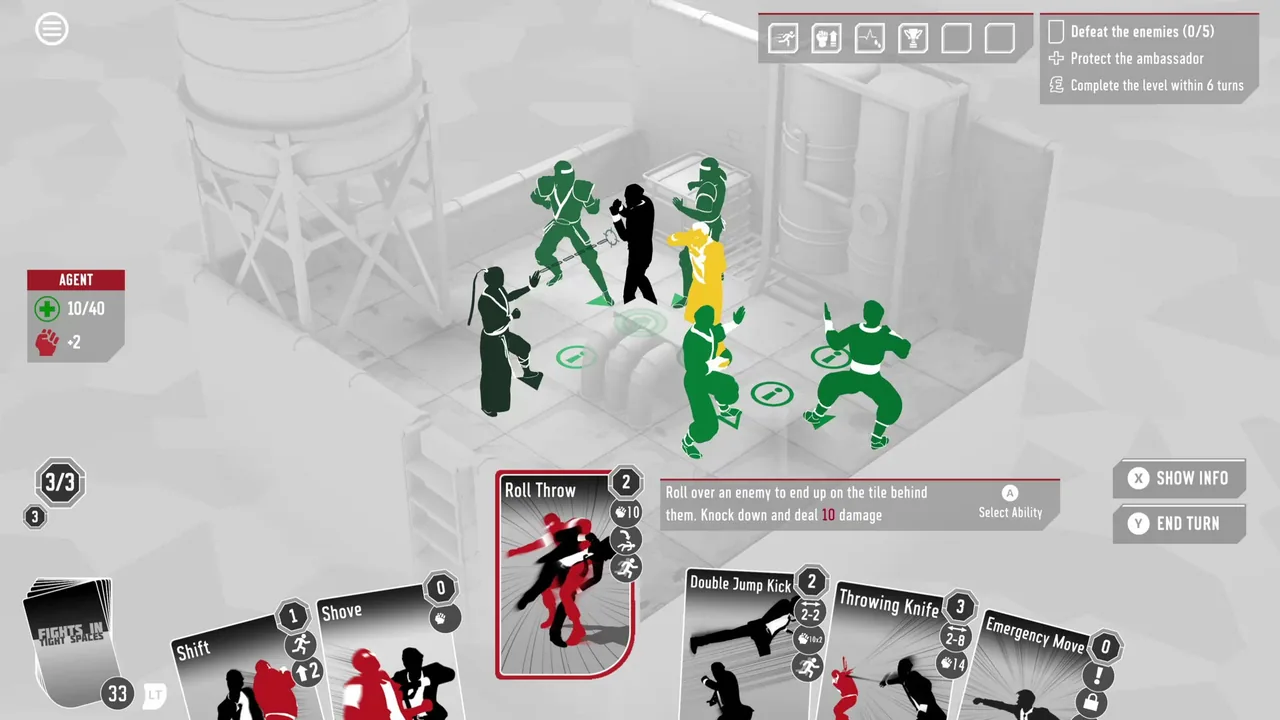
What sets it apart
A working card combination will not solve every turn. Enemy attack directions and room geometry still decide where you should stand.
Pushes and throws can put enemies in firing lines or drop zones. After the fight, you can watch your planned sequence play out as a brawl.
Learning curve and difficulty
Difficulty settings change hand assistance, Rollbacks, and the conditions for restarting a fight.
At certain settings, the game no longer helps put movement cards in your hand. You must find an exit with the cards you draw.
With practice, you can line up enemy attacks and choose where to push a target. You also learn to leave yourself a usable tile after attacking.
Daily Missions let you compare scores. Once you can survive, you can refine the route to the Objective and the order of your cards.
Builds and playstyles
Push and Throw Control
Push or throw enemies through windows, into drop zones, or across another enemy's attack line. Keep an attack plan for targets that cannot be moved, and leave yourself an exit.
Block and Counter
Use Block and Counter effects to turn incoming attacks into retaliation. Movement cards remain useful against ranged attacks and moves that bypass defense.
Bleeding
Stack Bleeding and plan around damage that arrives later. You still need defense or evasion to survive until it takes effect.
Combo Offense
Build Combo, then spend it with a matching attack card. If you need to move first, check whether that move breaks the chain.
What longtime players say
After the base campaign, expansion decks and mechanics such as traps give returning players new things to try. Other long term players object to tougher expansion enemies or altars that take away movement cards.
Repeated runs teach enemy behavior and how to use the room. Players describe finding ways to move enemies and escape attacks even when a fight starts with them surrounded.
Card draws and deck balance can remain frustrating, yet moving enemies around the board still brings players back.
What players like
Players enjoy checking their hand against enemy attack lines and available tiles, then working out the order in which to play their cards.
Pushing or throwing an enemy into another enemy's attack, a window, or a drop zone feels rewarding. You need not deal all the damage with attack cards.
The attack animations and sound have their appeal, and the post fight replay lets players watch their planned moves unfold as a fight scene.
After finishing a run, players return to try another starter deck, pursue Daily Missions, or improve their scores.
Starter decks and rewards let players try approaches built around displacement, counters, Bleeding, or Combo.
A failed attempt can teach an enemy pattern or a use for the room. Changing the movement and attack order on the next run gives players a way through difficult fights.
Common complaints
At higher difficulties or in later fights, a surrounded starting position can coincide with a hand lacking movement. Limited ways to redraw may leave no route to recovery.
A complete run can take a while, and individual fights may stall while you wait for movement cards. Familiar layouts and enemies can make that wait feel longer.
Unlocking more cards can make the ones needed for a chosen build harder to find among rewards. Preparing for late enemies may also steer decks toward similar choices.
Enemy abilities, obstacles, and card details can be hard to read. Players also describe enemy behavior after a move that differed from what the display led them to expect.
Who it’s for
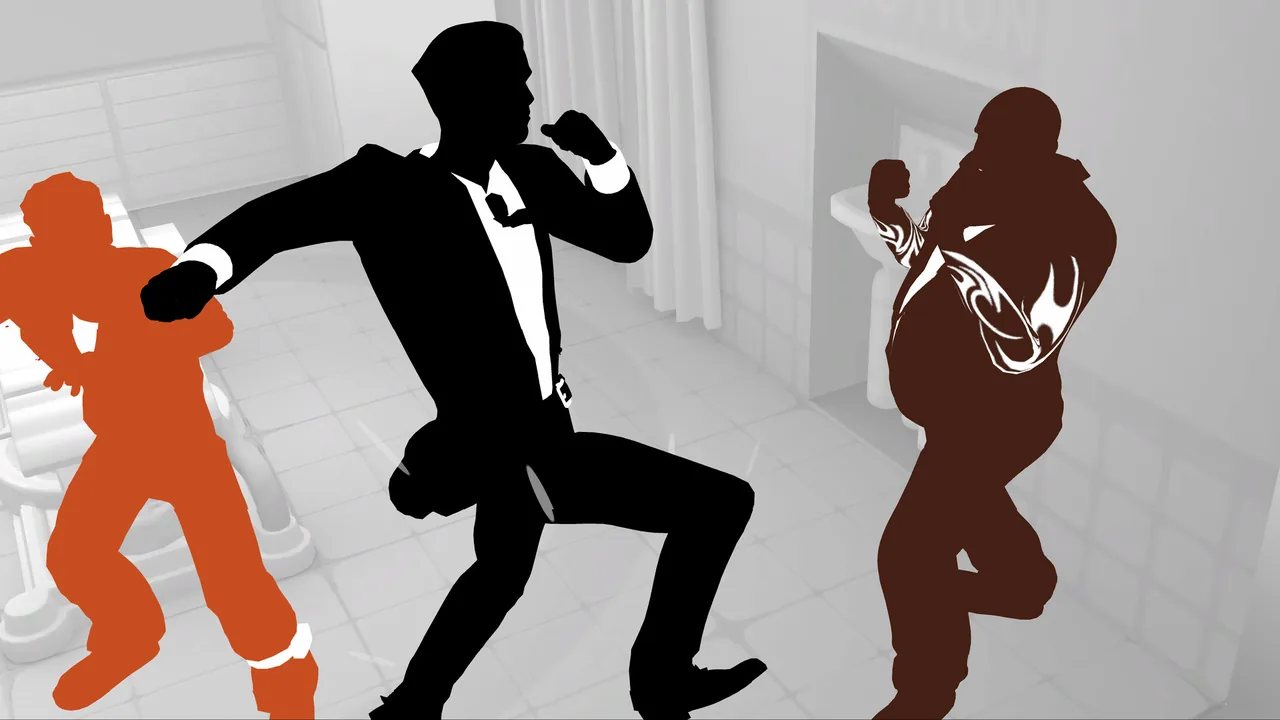
It suits players who like pushing an enemy into another's attack line or throwing a target toward a drop zone.
It also suits players who enjoy finding a safe tile and attack order with the hand they have drawn, rather than relying on a planned final deck.
Daily Missions give score focused players another reason to refine their route to the Objective.
Who might not enjoy it
If you want to assemble a chosen card build reliably, reward draws may frustrate you. A surrounded starting position and a shortage of movement cards can also end a run.
Players seeking short runs or expecting to identify enemy abilities by appearance alone may struggle with the length of fights and the way information is presented.
FAQ
- Does it support English?
- Yes. The interface and subtitles support English.
- Does it have cooperative play?
- No. The Steam release is a single-player game.
- Can the difficulty be adjusted?
- Yes. Settings change hand assistance, Rollbacks, and the conditions for restarting a fight.
- Is there additional content?
- Yes. Weapon of Choice, K-9 Division, and FRIGHTS in Tight Spaces are available. Each requires the base game.
These impressions are based on 100 Steam reviews sorted by “Most Helpful.” They do not represent the views of all buyers.

Image: Fights in Tight Spaces on Steam