Predy Media > Colony sim > Game page
Game pageFactory Town Features and Reception
Who It Suits
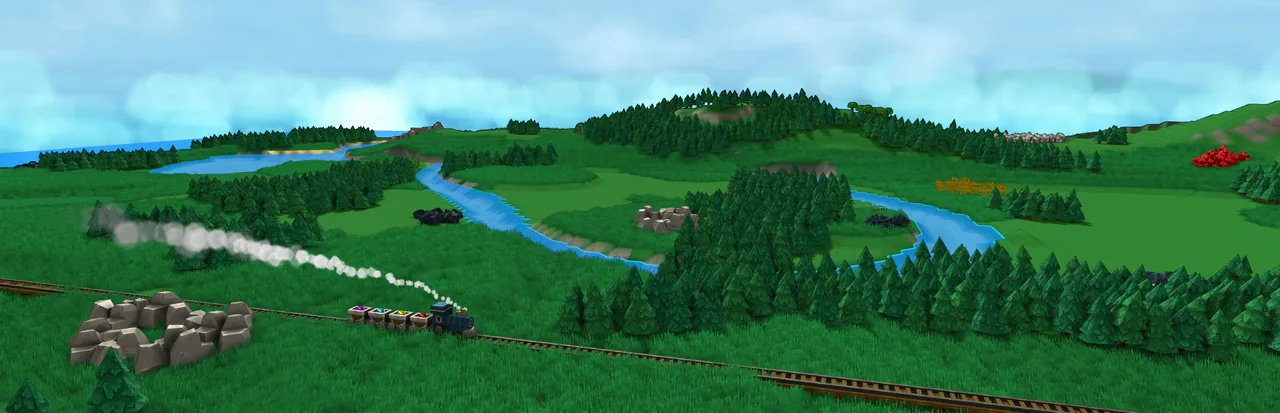
Factory Town has you make goods for Houses, then automate their delivery. Town growth and factory production depend on the same transport network.
It suits players who like choosing between local deliveries and bulk transport, and who enjoy planning a fresh layout for each campaign map.
What makes it fun
Town needs shape the factory
Deliver goods to homes to grow the town, then automate their production and delivery. What residents need helps shape the production routes you build next.
Match transport to the route
Workers and wagons can handle nearby deliveries, while boats and trains carry goods across the map. Choosing around the terrain and watching those routes come together is the payoff.
Route conveyors overhead
When routes collide, platforms let a conveyor belt pass overhead. Finding room for a new line in a cramped layout feels satisfying.
Game details
As of Oct 29, 2026- Steam Deck
- Verified
- Release date
- Nov 18, 2021
- Developer
- Erik Asmussen
- Languages
- Japanese, English, Simplified Chinese / 10 languages total
A typical run
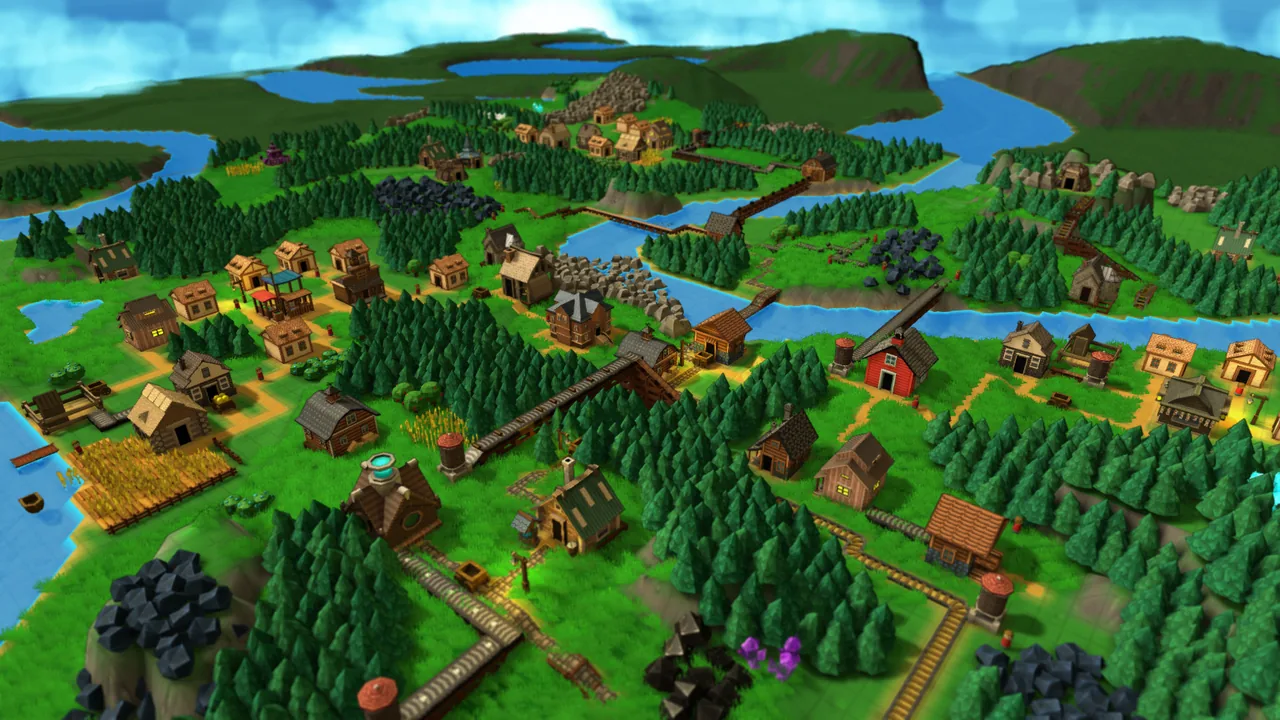
In the campaign, you study the terrain and resources before placing the town and its production buildings.
Workers handle gathering and hauling at first. As production expands, Roads, Chutes, and Conveyor Belts take on more of the work.
You carry finished goods to Markets and supply Houses. Sales earn Coins, while the goods supplied raise Happiness.
Research opens Railways, Pipes, logistics controls, and magical technology. You can then rebuild routes serving distant resources or clearing a jam.
Once you meet a map's objectives, you move to new terrain. Towns do not carry over, so placement begins again.
Core systems
Transportation
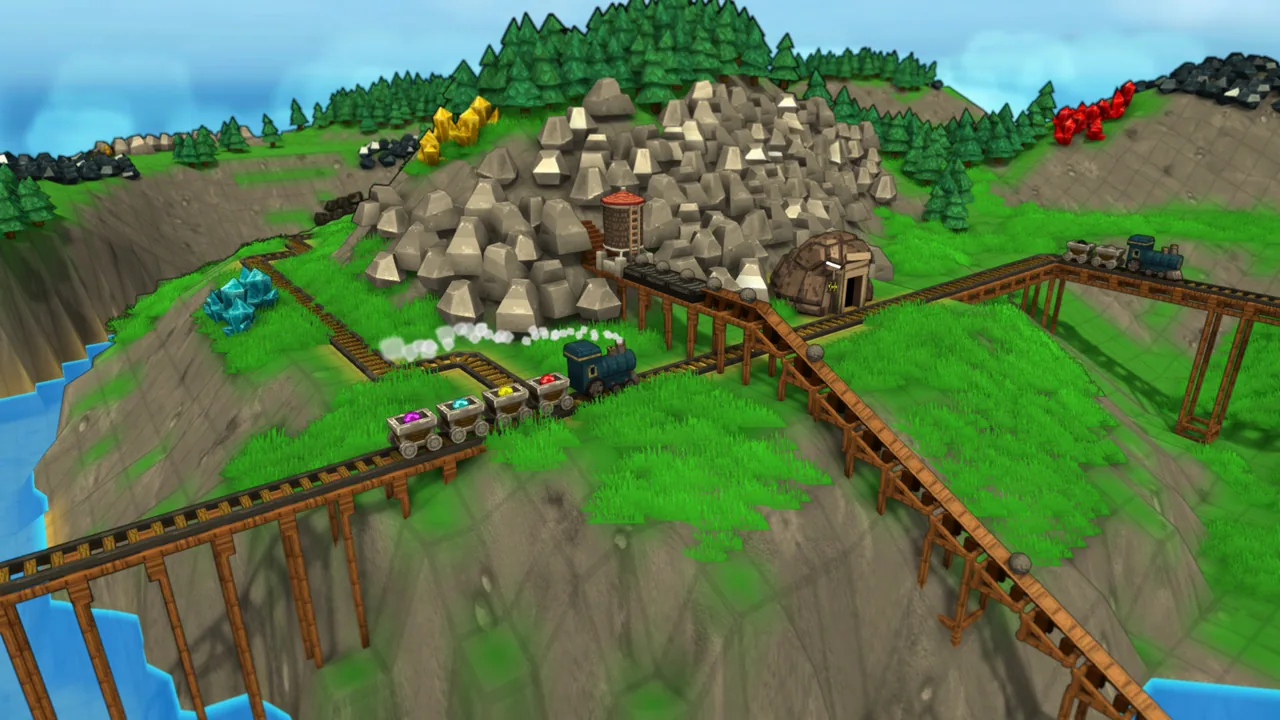
Workers, Wagons, Roads, Chutes, Conveyor Belts, Railways, Pipes, ships, and Airships move goods. Terrain, cargo type, and distance determine where each is useful.
Workers and Wagons can keep making short deliveries between buildings. Ships and Railways can move larger loads from farther away. Crossings, slopes, fuel, and routing limits affect where you put each route.
Town Center
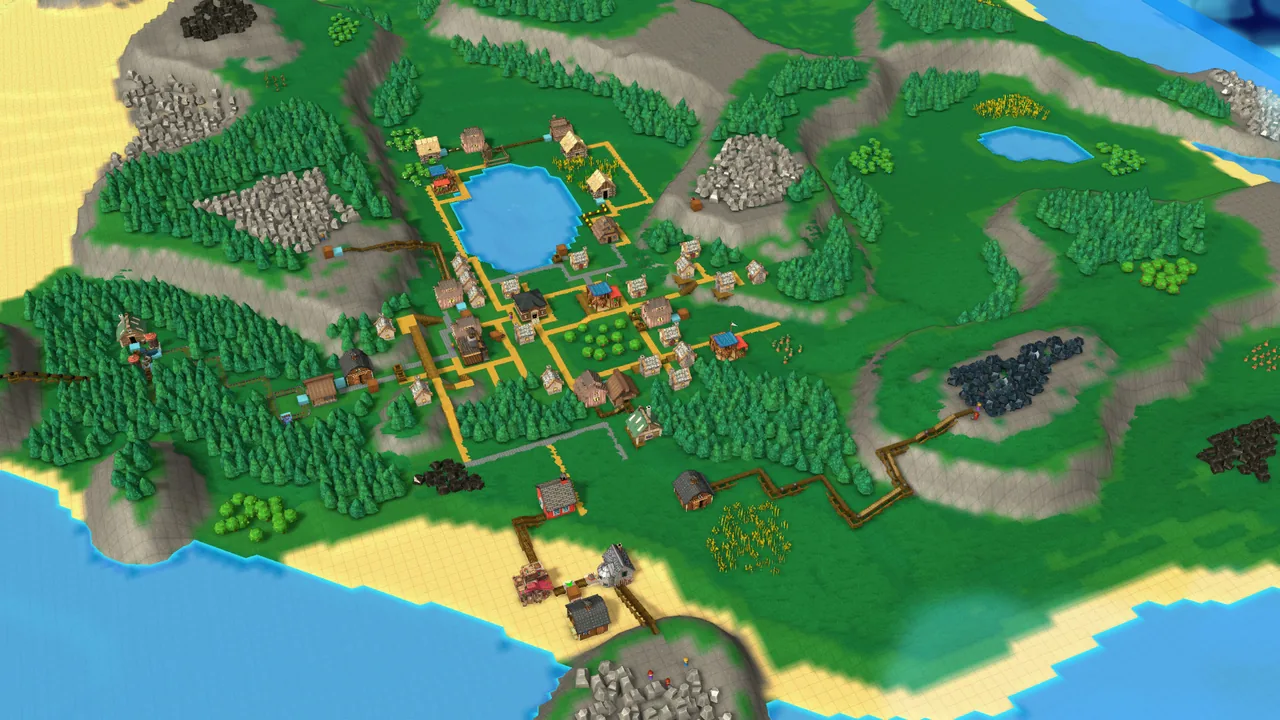
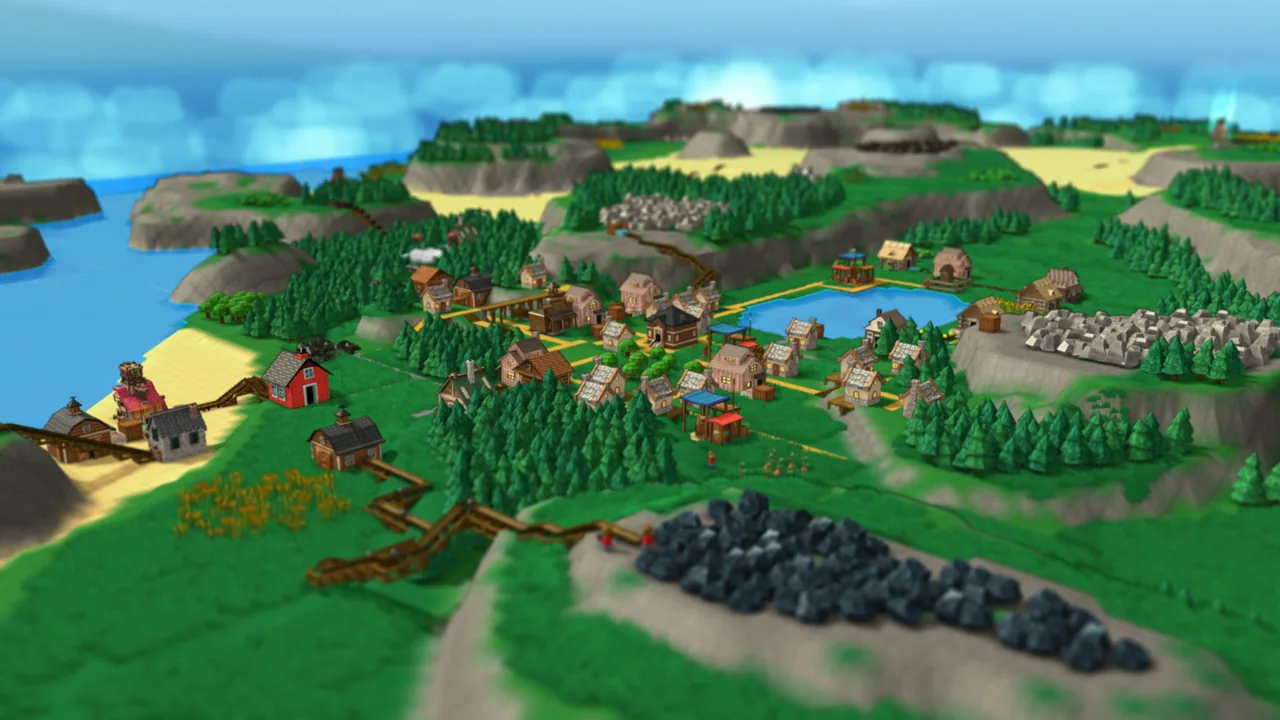
A Town Center connects to Houses and Markets through paths such as Roads, forming a town area. Production buildings in that area can receive Happiness and Town Specialty effects.
You can group Houses and production together or found another town near distant resources. To extend a town's reach, keep its Houses supplied so the town grows.
Happiness
Food, clothing, tools, medicine, and magical goods supplied to Houses raise Happiness. The effect also helps production buildings linked to the town. Repeating one item does not fill the other supply categories.
You can make a narrow range in bulk or add more goods to raise Happiness. Items sent to Markets also come out of the stock available for construction and Research.
Research
Research uses points gained from Books and other writing supplies, along with Coins from sales. It opens processing methods, transport equipment, logistics controls, and magical technology. It can also raise the building limits for Town Centers and Houses.
You can unlock a way around the current bottleneck or move to the next production tier. Rush a new product, and the existing routes may struggle to deliver its materials.
Logistic Blocks
Pushers, Grabbers, Sorters, Filters, Splitters, and Mergers put goods onto routes, take them off, and direct them toward different destinations.
You can give each item its own line or mix goods on a shared route and sort them later. Sharing saves space, but cargo can back up when a destination stops accepting it.
Computational Blocks
Sensors, conditional blocks, and triggers can control whether goods keep moving or stop according to inventory and vehicle movement.
You can keep production running through a surplus or pause the flow based on stock and passage conditions. Finer control adds connections, which take more work to trace when something jams.
Campaign Maps
Campaign Maps change the terrain, resources, building restrictions, and objectives. Custom Maps let you set conditions, while Creative Mode allows free building.
You can keep refining the current map or try newly unlocked technology and move on once the objective is done. Towns do not carry over; you apply what you learned to the next piece of land.
What sets it apart
More output alone will not grow the town. Delivering different goods to Houses earns Coins for Research and raises Happiness.
You do not have to replace every route with Conveyor Belts. Workers and Wagons can handle local deliveries while ships and Railways move goods farther away.
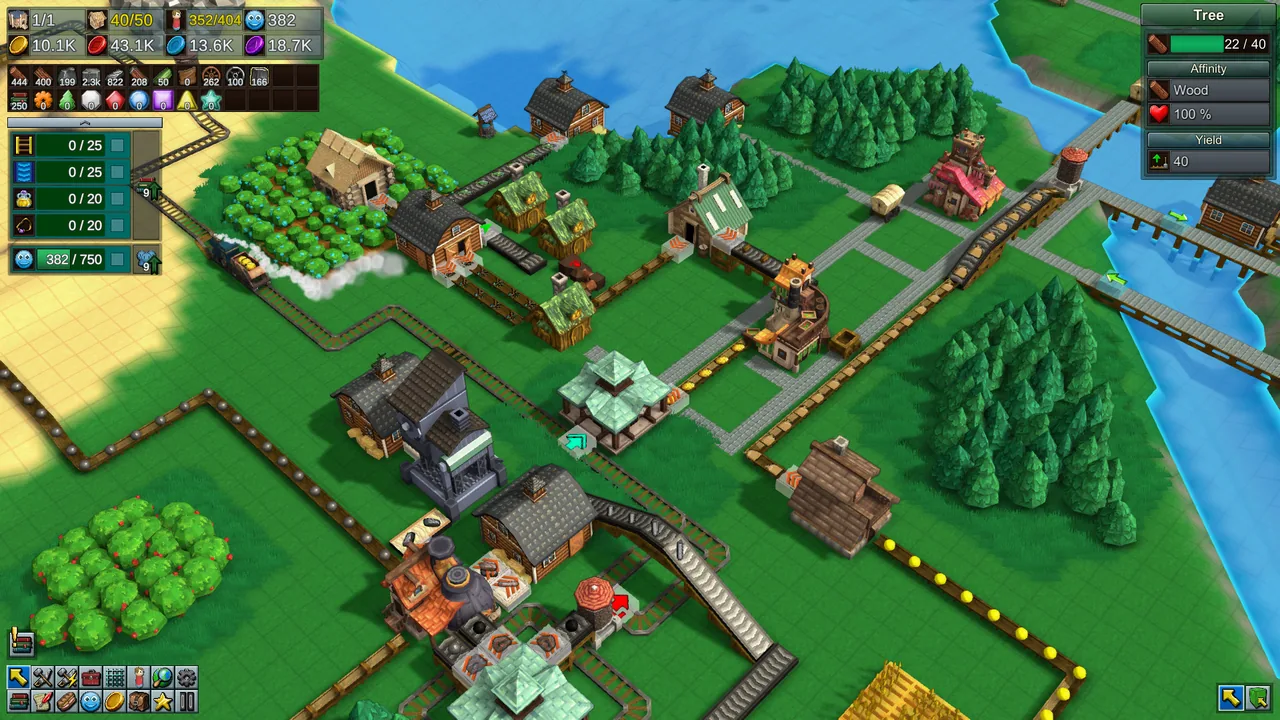
Buildings and routes can sit at different heights. A bridge can carry one route over another, while Pipes can run underground.
Learning curve and difficulty
The campaign unlocks technology in stages. New terrain and building limits mean a route learned on one map cannot simply be copied onto the next.
Enemies and starvation do not put you under pressure. When supply breaks down, you find the backed-up goods or slow production and revise the route.
As routes multiply, carrying capacity is only part of the picture. Cargo type, distance, slopes, crossings, and Town Center coverage affect where buildings and paths belong.
Magical goods and the Pipes that carry them arrive later. You must route goods into production buildings and collect what remains after use.
Builds and playstyles
Local production with trunk transport
Process resources near extraction and use Workers or Conveyor Belts within each area. Ships or Railways carry larger loads between areas, avoiding a long route for every item.
Gravity Chute network
Feed goods that can roll into Chutes from higher ground and move them to processing without powered transport. Goods may stall uphill and slow at turns, so choose the heights of extraction and receiving points first.
Layered crossings
Use Structural Blocks to place routes at different heights, letting people, Roads, and Conveyor Belts cross. Pipes underground leave room for surface routes.
Conditional shared routing
Mix goods on one route, then use Filters, Sorters, and sensors to send them to different destinations. It fits a tight space, but goods need somewhere to go when a destination backs up.
What longtime players say
Long-time players describe rebuilding a town and its basic production facilities on every campaign map as a chore.
What players like
Players who prefer a calm pace like being able to repair a stalled supply chain without a deadline or a loss hanging over them.
Starting with Worker transport, then gaining more technology as the campaign progresses, appeals to players who want time to learn before handling more complex systems.
Supplying Houses grows the town, and automating production and delivery serves that goal. Players enjoy how the town and factory depend on each other.
Keeping Workers and Wagons on local jobs while moving larger loads by ship or Rail appeals to players who prefer choosing transport by terrain and distance over using Conveyor Belts everywhere.
The campaign teaches its systems, then asks for a new layout on different terrain. Players who enjoy that shift treat each map as another logistics puzzle.
Watching visible goods move, finding a jam, and changing the route is a loop these players enjoy returning to.
Changing the height of Conveyor Belts and other routes gives players room to build at crossings and on cramped land.
Common complaints
Building Roads and routes, assigning individual Workers, and finding shortcuts can be confusing. Reviewers also point to poorly signposted height controls and actions that are hard to reach with a controller.
The explanations can leave players working out Pipes and Chute placement by trial and error, or looking up how a system works.
Long production waits and magical production later in the campaign can wear on players. Other complaints concern the work of laying Railways and Pipe connectors delivering less flow than expected.
A new campaign map does not preserve the old town. Rebuilding the basic facilities before tackling its objectives feels repetitive to these players.
Who it’s for
It suits players who want to expand what Houses receive, use Happiness to help production, and decide how much stock to sell rather than keep for construction and Research.
It also suits players who like assigning Workers and Wagons to nearby deliveries while using ships or Railways for distant loads.
If you enjoy watching a route run, locating a jam, and revising it with layered crossings or Logistic Blocks, there is plenty to work on at your own pace.
Who might not enjoy it
If you want to draw Roads and Conveyor Belts quickly with few inputs, the construction controls and shortcuts may get in your way.
If you want to keep expanding the same town throughout a campaign, rebuilding its basic facilities on each map may wear thin.
FAQ
- Is Japanese available?
- Yes. The interface supports Japanese.
- Is there cooperative play?
- No. Steam lists Factory Town as a single-player game.
- Can the challenge be adjusted?
- Campaign Maps have their own goals and restrictions. Custom and random maps offer configurable conditions, while Creative Mode allows free building.
- Is there additional content?
- The additional content listed on Steam is the soundtrack. Steam Workshop support also allows players to share rules and custom items.
- Are there enemies or starvation?
- The store says there are no enemies or starvation to worry about. Supply problems show up as congestion and slower production.
These impressions are based on 100 Steam reviews sorted by “Most Helpful.” They do not represent the views of all buyers.
Image: Factory Town on Steam